5-4
5-7. Override
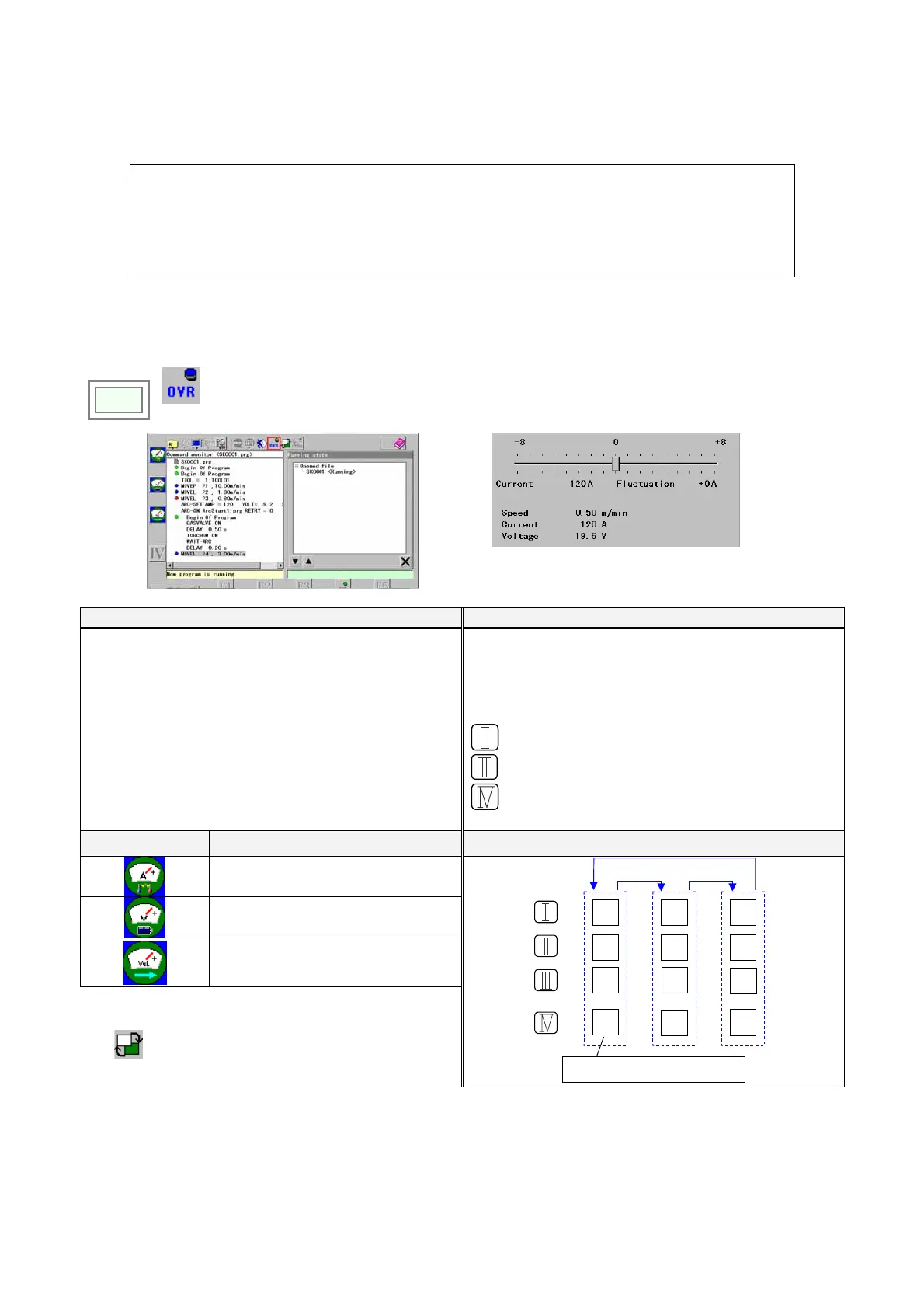
A function to adjust welding conditions (welding voltage, current or speed) while running a program or while welding.
Functions
• Data changed using the override function is saved automatically.
• Override for travel speed is adjustable from –25% to +25% against the original programmed speed.
• It is not possible to override the travel speed in weaving section.
• Override is available to the program displayed in the window.
• Use the function keys to specify the welding condition you would like to perform fine adjustment.
Note
• When the override icon is turned ON, the maximum speed is limited to the one in teach mode.
• Handing software cannot use this function.
Click
>>
Override
(ON)
Turn off the override icon to end the adjustment.
Both hands (Default setting at exfactory) Single hand (Setting change required)
While holding down the function key, jog the jog dial to
adjust the setting and click to update.
Check the adjusting table number, which is set adjusting
data.
L-shift key of the Teach pendant changes the override
objects. (Enhanced display shows targetted object.)
Function keys:
: Increasing direction
: Decresing direction
: Changing the adjusting table.
Function keys
Objective
Function keys (Example for CO2/MAG welder)
Welding amperage
Welding voltage
Speed
Note
See advanced operation of the manual for operation using
the
(Program change)
icon, settings of “Program
change” and “Override”.
A+
A-
V+
V-
S+
S-
L-Shift key
Table
1
Table
1
Table
1
Increasing the adjusting table numbe
per pressing the key.








 To Next Page