18-6
18-3. Application examples of TRANSBASE/TRANSBASV
* Both commands can be used when the touch sensor is used.
* Use TRANSBASV command in case of using variable to specify the reference point for the rotary shift conversion.
18-3-1. How to add the command
The procedure is the same as other sequence commands (starting from the Add command menu).
Use the dialog box to add commands. It is in the touch sensor commands group.
(1) Sample program
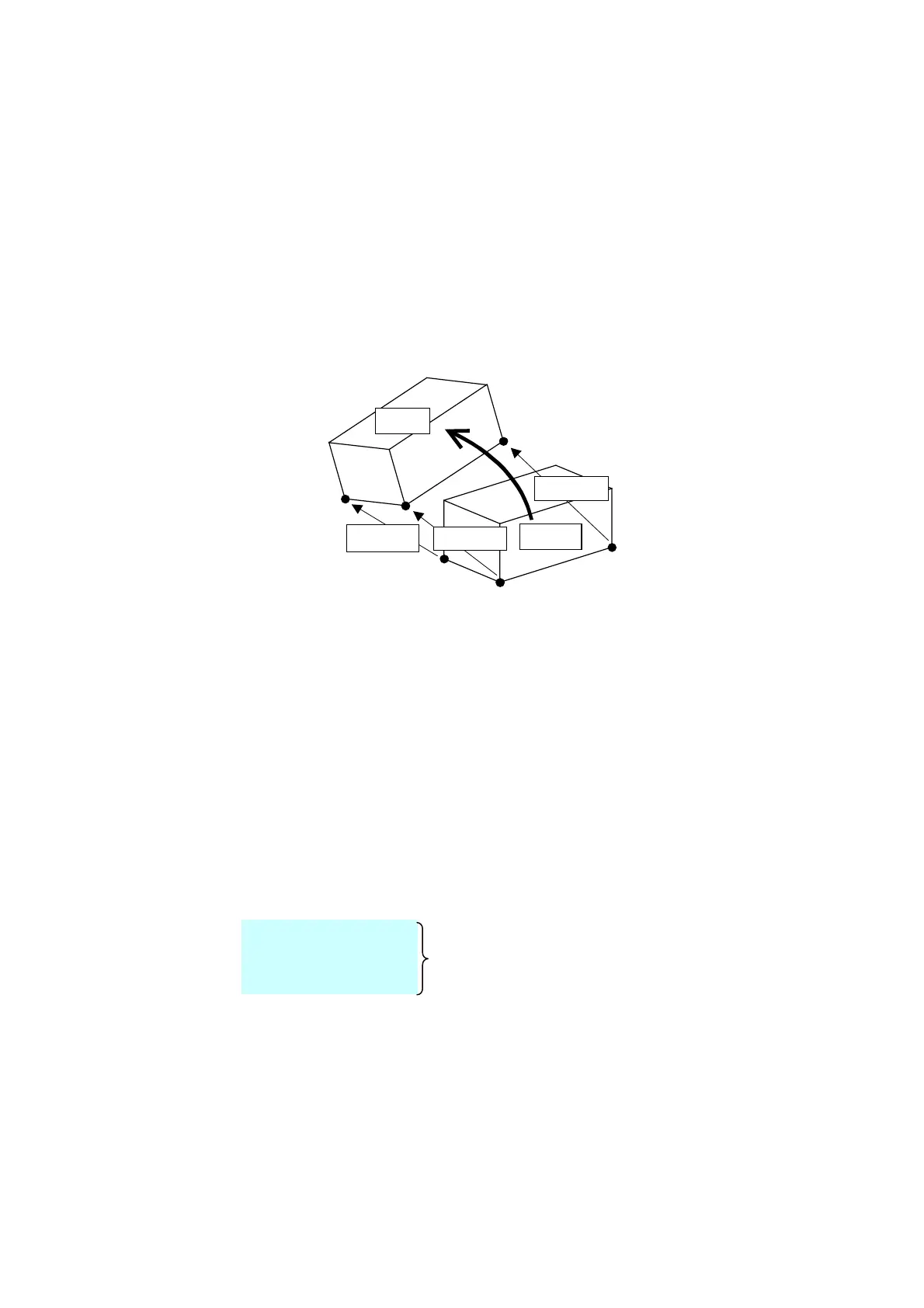
Specify the three reference points for conversion using either TRANSBASE or TRANSBASV command.
Execute SNSSFT-ON to start rotary shift. The rotary shift continues until the SNSSFT-OFF command is executed.
[P3']
[P1']
[P2']
[P3]
[P2]
[P1]
Shift amount 2
Shift amount 1
Shift amount 3
Original
Shifted
The rotary shift to be executed by the SNSSFT-ON command shifts teaching points so that the shape formed by the
shifted reference points (triangle [P1’]-[P2’]-[P3’]) retain the original form (triangle [P1]-[P2]-[P3]).
Sample program
:
1
MOVEL ・・・
TRANSBASE1 [P1’] ← [P1]+Sensor shift amount
:
2
MOVEL ・・・
TRANSBASE2 [P2’] ← [P2]+Sensor shift amount
:
3
MOVEL ・・・
TRANSBASE3 [P3’] ← [P3]+Sensor shift amount
:
MOVEL ・・・
SNSSFT-ON
MOVEL・・・
:
:
MOVEL ・・・
SNSSFT-OFF
Rotary shift section
:








 To Next Page