ExpressionMR400InstructionsforUse MaintenanceandTroubleshooting14‐19
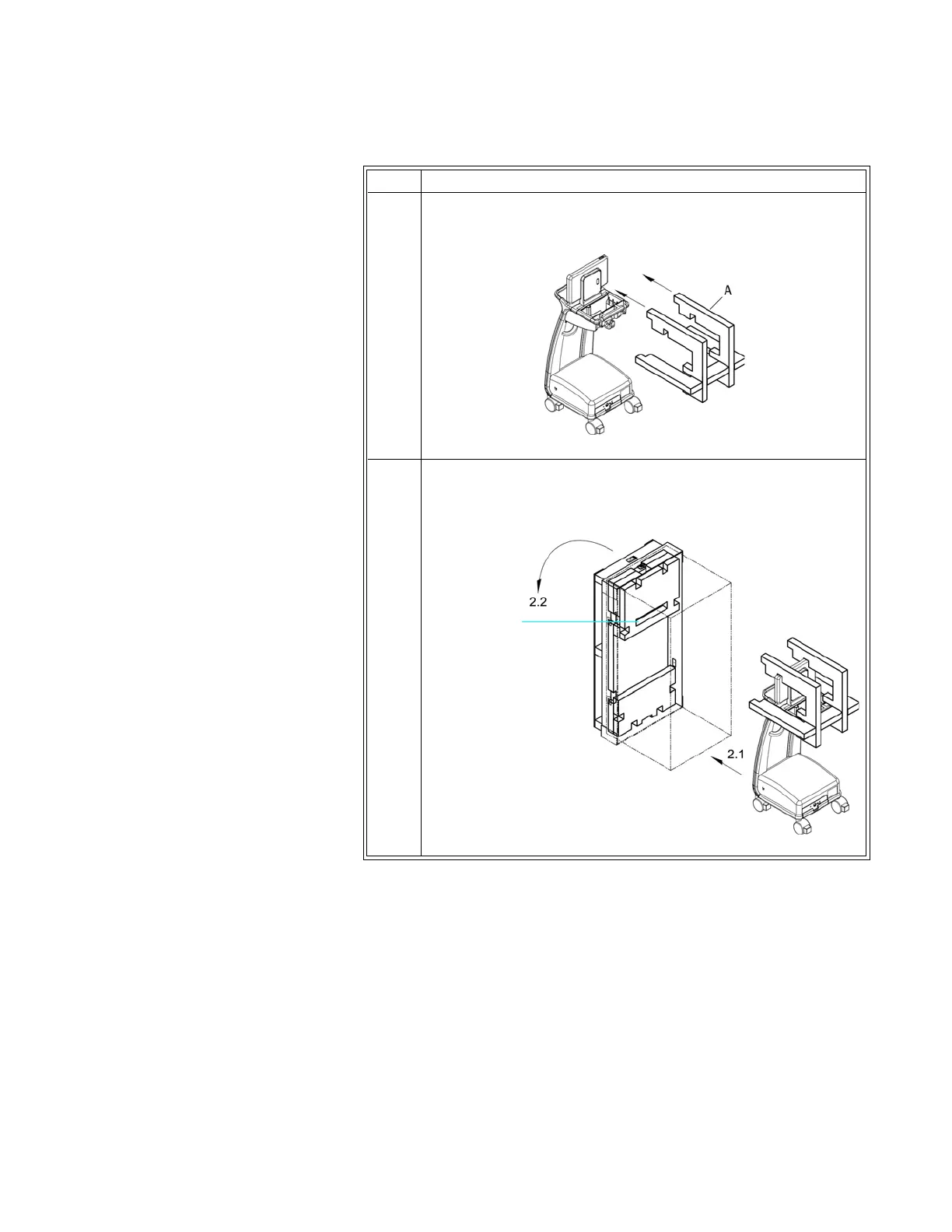
3CoverthedisplaypanelandtheWPUwithprotectivefilmthen
installfoamAoverthedisplaypanel.
4Withthepackagingorientedsothattheslottedfoamwillbe
nearestthetop,raisethecrateintoanuprightposition.Rollthe
MR400
intothecrateandthencarefullylowerthecrate.
Step Action



 To Next Page