8
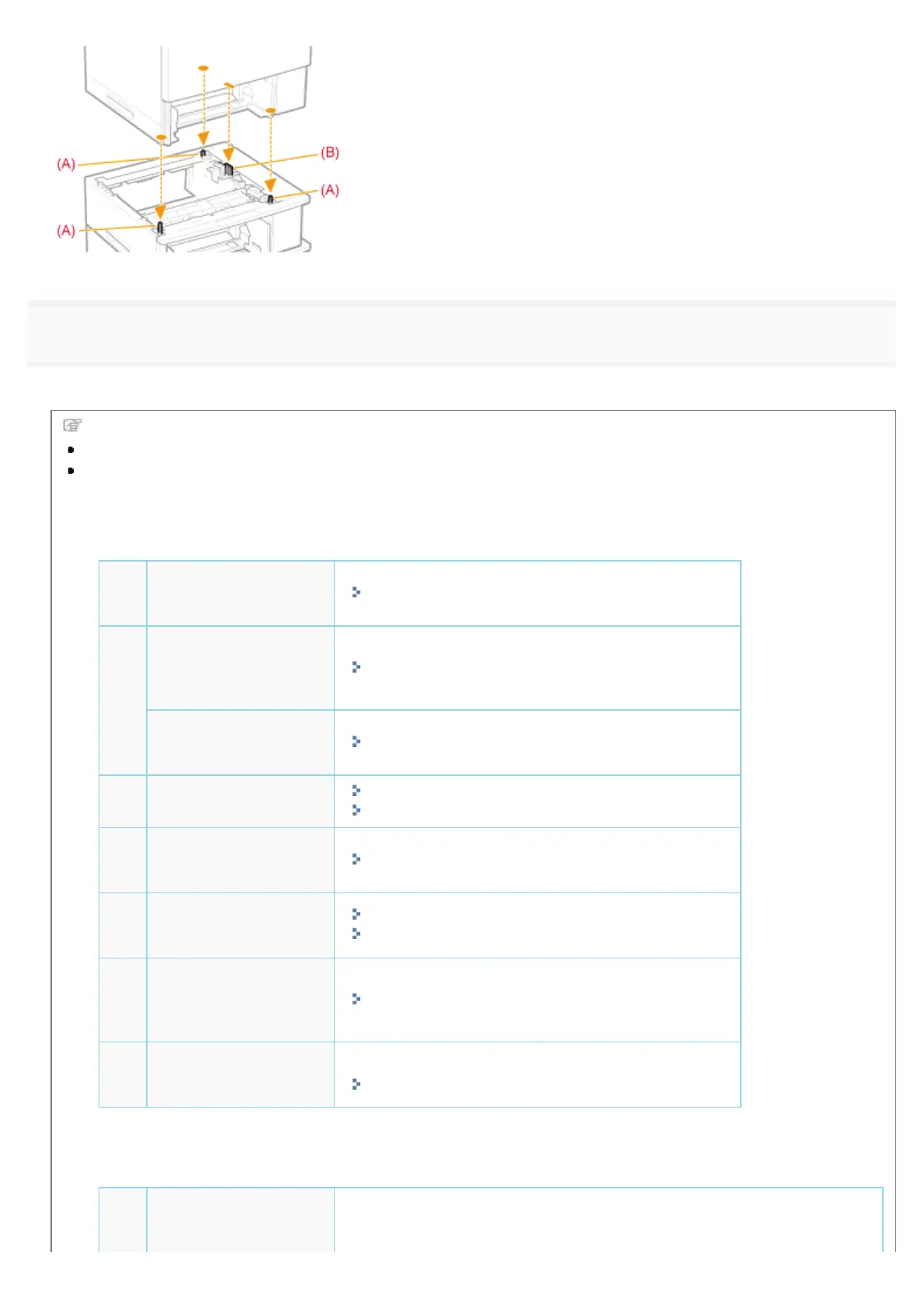
Insert the paper drawers in the printer and paper feeder.
Push them in the printer and paper feeder firmly.
Next, perform the following procedures.
If you want to install the ROM modules, follow the procedure from Step 2 in "Installing ROM."
If you want to install the SD card, follow the procedure from Step 2 in "Installing SD Card."
If you install the printer and paper feeder at the same time
1
Connect the power
cord.
"Connecting the Power Cord"
2
Specifying the
printer's initial
settings.
"Turning the Power On and Specifying a Language"
Specifying a type of
printer driver.
"Specifying a Type of Printer Driver"
3
Load paper.
"Loading Paper in the Paper Drawer"
"Loading Paper in the Multi-purpose Tray"
4
Connecting to a
computer.
"Connecting to a Computer"
5
Install the printer
driver.
"For Windows"
"For Macintosh"
6
Register the paper
feeder in the printer
driver.
"Setting the Paper Feeder Information"
7
Check the printing
operation.
Check the operations by Test Page in Windows.
"Basic Operations/Various Information for Windows"
If you install the paper feeder afterward (If you are using the printer already)
1
Connect the cables
and cords.
Reconnect the cables and power cords that were removed and restart the
printer.
㻝㻜㻢㻌㻛㻌㻥㻣㻜


 To Next Page
 Loading...











