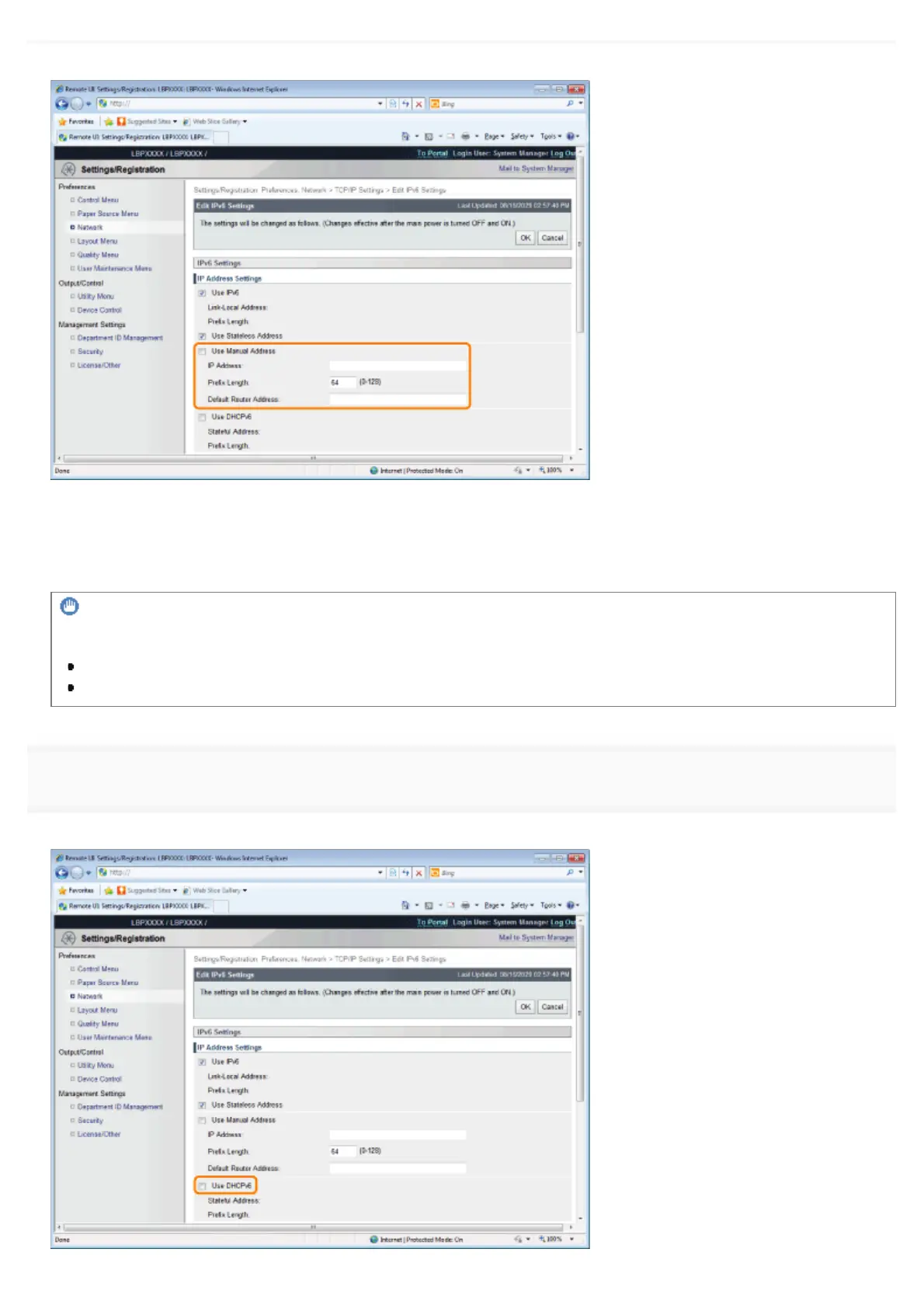
If you do not want to use a manual address, proceed to Step 9.
(1) Select the [Use Manual Address] check box.
(2) Enter [IP Address].
(3) Enter [Prefix Length].
(4) Enter [Default Router Address] as needed.
IMPORTANT
Addresses which cannot be entered in [IP Address] and [Default Router Address]
An address which starts with "ff" (multicast address)
An address which starts with "0:0:"
9
Specify DHCP v. 6.
When using the stateful address, select the [Use DHCPv6] check box.
㻠㻡㻤㻌㻛㻌㻥㻣㻜



 To Next Page