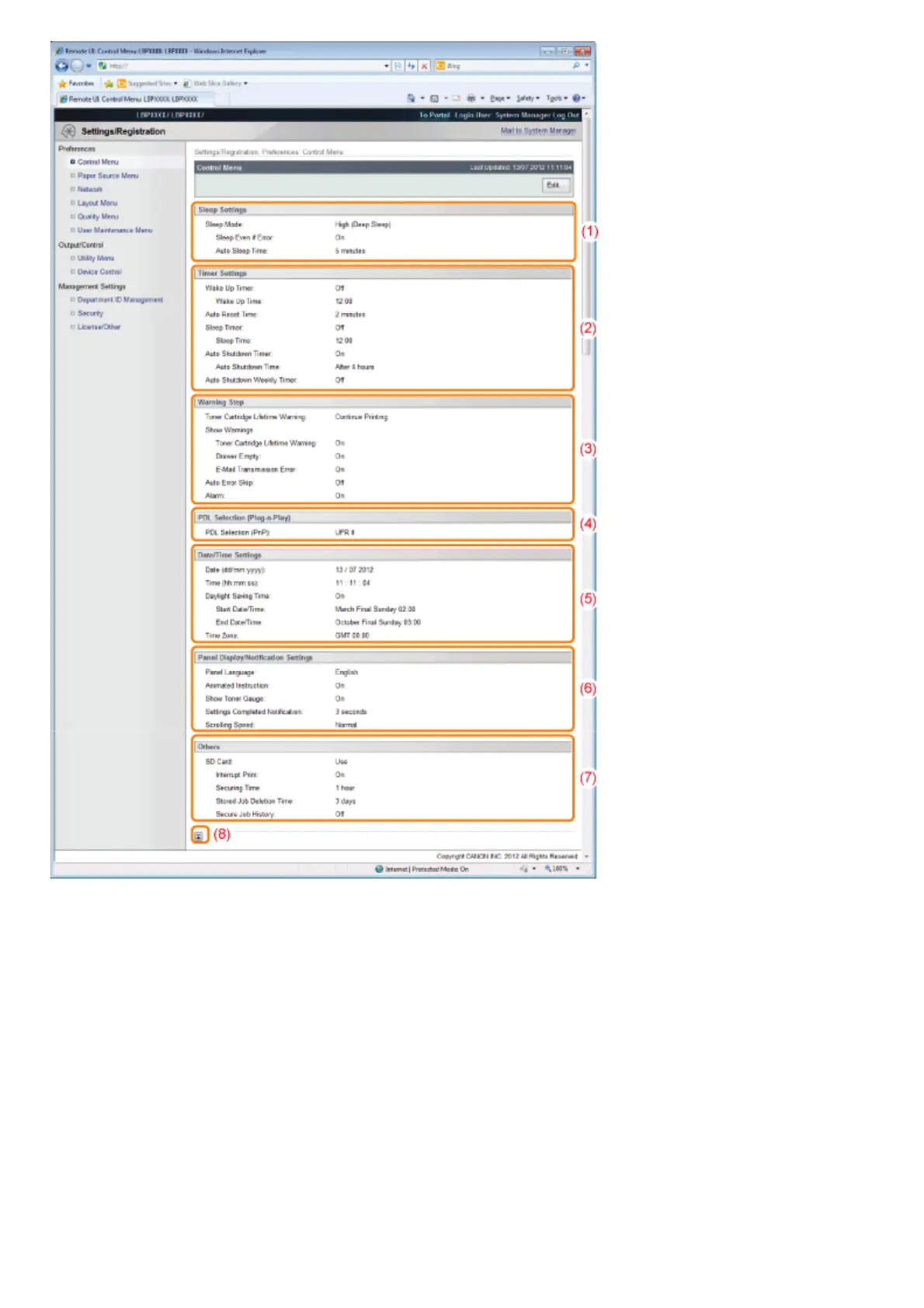
(1) [Sleep Settings]
The settings related to sleep mode operation are displayed.
(2) [Timer Settings]
The settings related to timer operation are displayed.
(3) [Warning Step]
The settings related to warning display are displayed.
(4) [PDL Selection (Plug-n-Play)]
The currently selected page description language is displayed.
(5) [Date/Time Settings]
The settings related to date and time are displayed.
(6) [Panel Display/Notification Settings]
The settings related to control panel display are displayed.
(7) [Others]
Other operation settings not included in the above categories are displayed.
(8) [Back to Page Top]
It moves the scroll box up to the top of the page.
㻡㻟㻥㻌㻛㻌㻥㻣㻜



 To Next Page