OPERATOR’S MANUAL
CMA-9000 FLIGHT MANAGEMENT SYSTEM
Page A-81
August 17, 2010
SELECT CO ROUTE 1/X
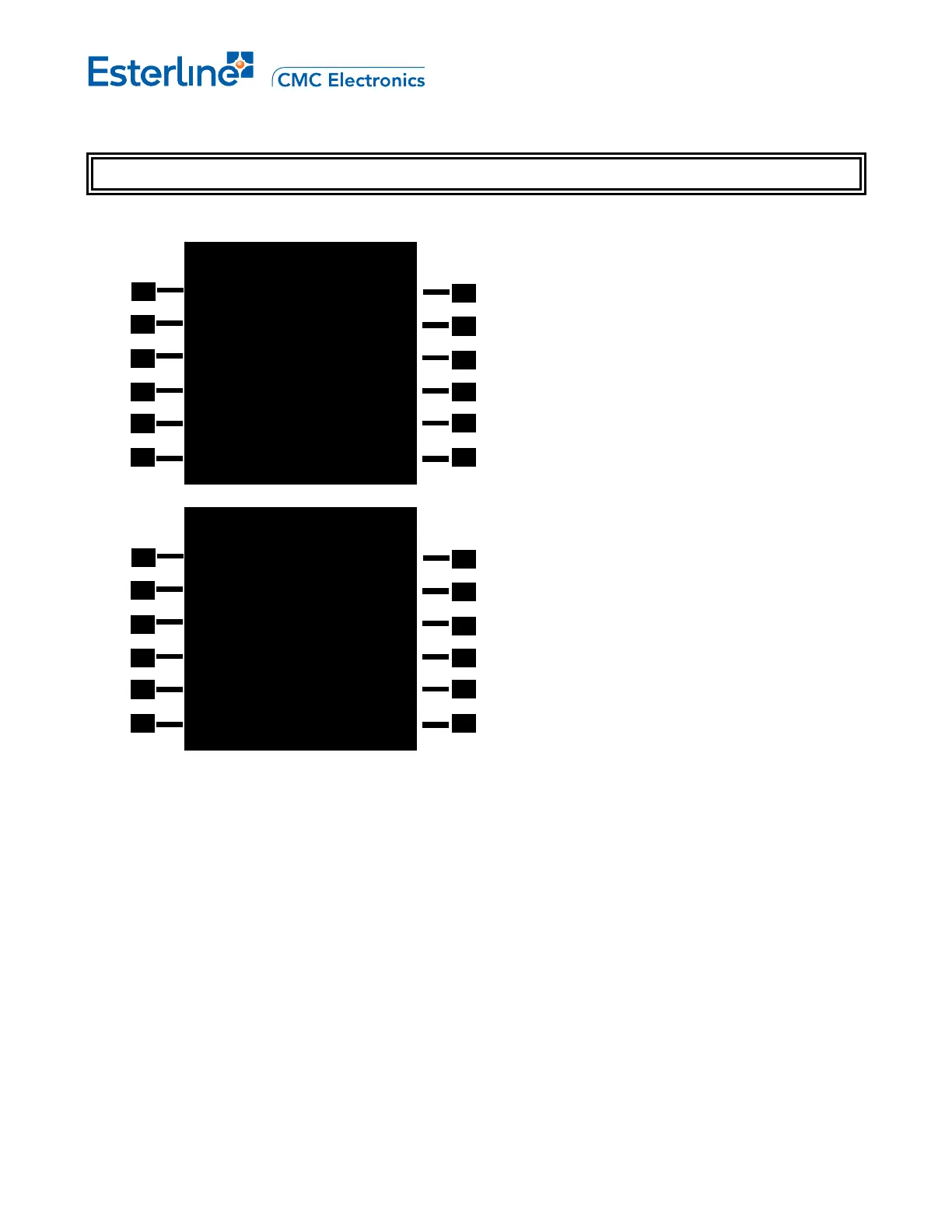
Display SELECT CO ROUTE 1/1 page by pressing [RTE] and <CO ROUTES>.
When a company route is selected for the inactive route, all the fields are displayed in cyan (as shown in the figure
above right).
ROUTE [1L,2L,3L,4L,1R,2R,3R,4R]: Custom Route Name. Pressing the corresponding LSK will load the custom
route (DIRECT or INVERSE mode) in the sequence selected in LSK 5L into the modified route and return to the
RTE 1/1 page.
NOTE: When airborne, a custom route name selected on page SELECT CO ROUTE 1/1 will replace the current
active route without replacing the origin.
LOAD [5L]: Toggle DIRECT/INVERSE direction of the route to be loaded.
ROUTE [6L]: Access to the RTE 1/X page.
SELECT CO ROUTE 1/1
1201 1401
1202
LOAD
>DIRECT
<ROUTE
SELECT CO ROUTE 1/1
1201 1401
1202
LOAD
>INVERSE
<ROUTE



 To Next Page