OPERATOR’S MANUAL
CMA-9000 FLIGHT MANAGEMENT SYSTEM
Page A-80
August 17, 2010
RTE x LEGS WND 1/X
This page provides the ETE and wind for each waypoint on the corresponding RTE LEGS Y/X page.
Display ACT RTE LEGS WND 1/X page by pressing [LEGS], <LEGS ETA> and <LEGS WIND>.
A. Normal ACTIVE format, four wind levels configured :
WAYPOINT IDENTIFIER [1L, 2L, 3L, 4L, 5L]: Displays the same identifiers as on the corresponding RTE
LEGS Y/X page.
ETE (1L,2L,3L,4L,5L): Displays ETE to the waypoint identified on the same line. The ETE is based on current
TAS and predicted wind, which results from blending the forecast wind the system wind. If a ROUTE
DISCONTINUITY exists, subsequent ETEs are based on an assumed great circle course across the
discontinuity.
LEGS ETA [6L]: Access to the corresponding RTE LEGS ETA Y/X page. To display the RTE LEGS 1/X page
and the active waypoint, press the LEGS function key.
ERASE [6L]: Erases route modifications (if any).
CANCEL [6L]: Cancel the changes made to the inactive route.
RESTORE [6L]: Displayed only if the RTE was erased on the RTE 1/X page. Used to restore the active route.
WIND [1R, 2R, 3R, 4R, 5R]:
Allows access to the corresponding wind page :
• A filled prompt “
►” will be displayed next to a waypoint for which specific wind data has been entered.
• An empty prompt “
>” indicates that the wind information was propagated for that waypoint.
In addition, the wind column displays the computed wind for each waypoint (e.g. the predicted wind that is used
in the ETA calculations). Winds are displayed in small fonts.
LEGS POS [6R]: Access to the corresponding RTE LEGS POS Y/X page.
CONFIRM [6R]: Confirm the changes made to the inactive route.
(SAVE?): Displayed between the CANCEL/CONFIRM prompts when the inactive route is in modification.
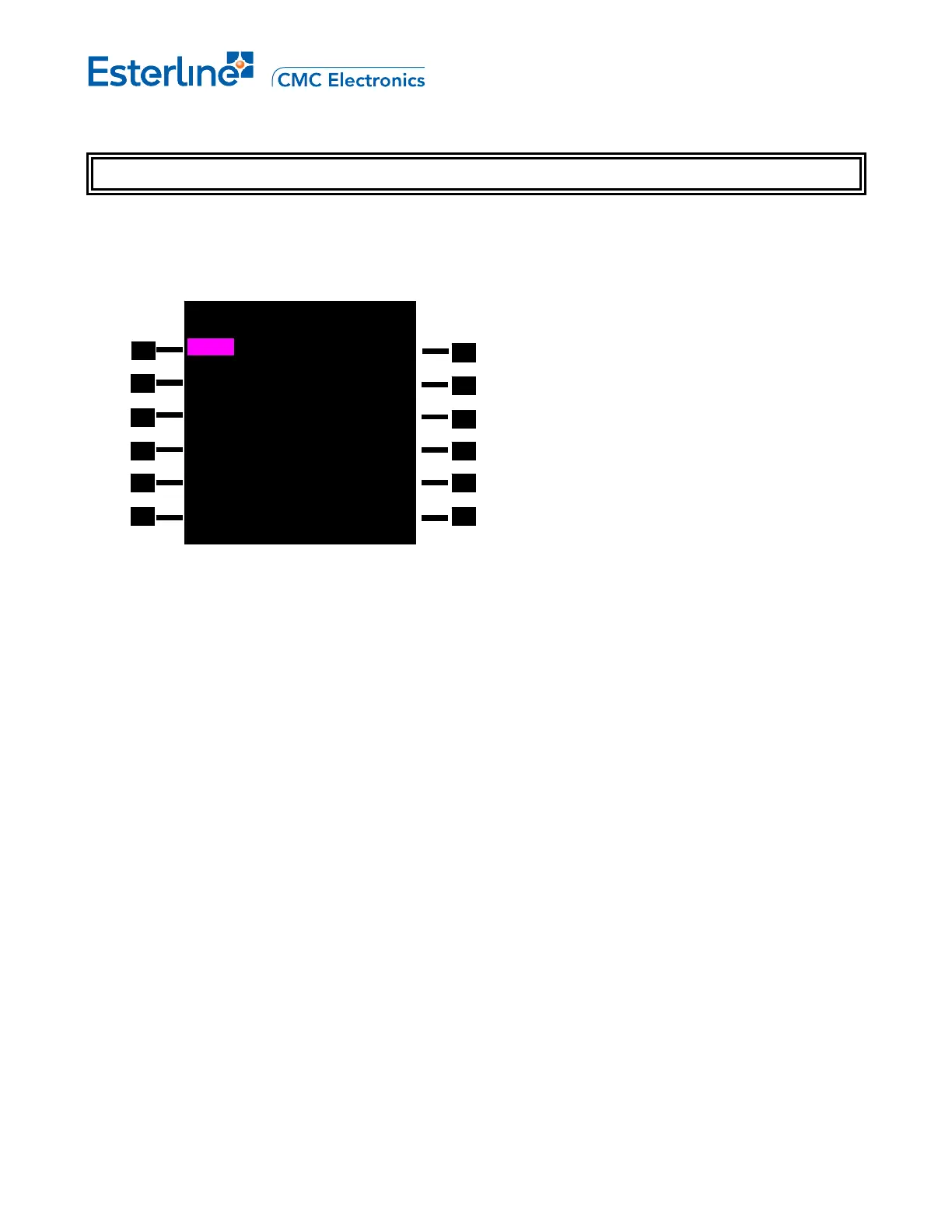
ACT RTE 1 LEGS WND 1/4
ETE WIND
CAFTA 00+49.5 000
T
/ 0>
YZP 01+05.2 300
T
/ 90►
MOCA1
01+15.6 300
T
/ 85>
BKA
01+22.3 290
T
/ 20>
KILLA 01+42.8 280
T
/ 15>
<LEGS ETA LEGS POS>



 To Next Page