Section 4: Tutorial
4 - 34 Euphonix CS3000/2000 Operation Manual
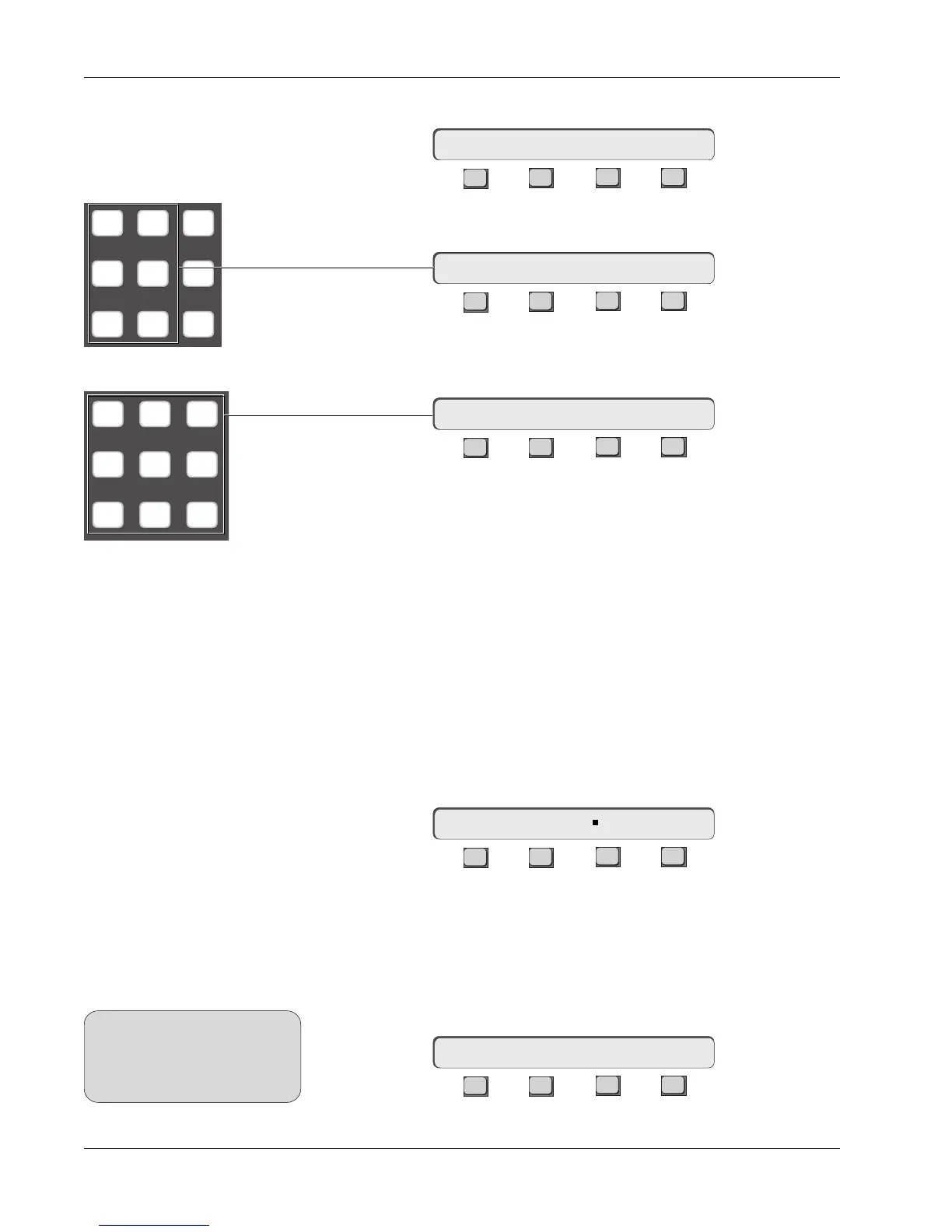
Press the [*ST] key again to select MonoPan mode:
F3F1 F2 F4
Press the DSC [L4] key to directly assign the aux source routing:
F3F1 F2 F4
Press the DSC keypad [1] & [2] keys to directly assign the aux send to aux bus
1 & 2:
F3F1 F2 F4
Whenever a stereo linked mode is set, the aux A (C) pot becomes the pan
control and the aux B (D) pot becomes the level control. The aux send is now
ready for use.
This concludes Exercise 7.
Remember that direct access to any aux mute and pre/Post parameters is
always available from the top level Aux menu, simply by pressing any aux
send attention key.
There are some additional mono-in variations which bear mentioning at this
time. From the Aux Status menu, press [F3] to lock the pan control signal at
the center:
F3F1 F2 F4
An additional mode is accessible from this Level/Pan Mode menu. This Mono
mode sums all inputs and outputs, disables the upper control of the A/B and
C/D aux sends and is included here only for backward title compatibility with
earlier versions of software.
Press [F2] to select Mono mode:
F3F1 F2 F4
16AB-> MnPan Ctr Ind?
16AB-> BUS 1 2
16AB-> L4<-p. .
M1 M2 DIR
L1 L2 ST1
L3 L4 ST2
Mono Pan Center
Locked Mode
Mono mode
SIDE NOTE:
This mode is rarely used and
should not be confused with the
similarly displayed Mono
Independent mode.
16AB-> Mono - - - Ind?
16AB-> MnPan Ctr Ind?
789
456
123



 To Next Page