Section 4: Tutorial
Euphonix CS3000/2000 Operation Manual 4 - 41
In this example, a mono feed of the stereo upper fader is required. While
viewing the DIR1 menu, use the SpinKnob to see UFL, press [F4] to select. Spin
to UFR and press [F4] again.
Remember that any number of these 5 additional sources may be additively
routed to the Direct Output so make sure only UFL & UFR are selected. If you
deselect all of the 5 additional sources, BUS is automatically selected again.
The fact that any number of these 5 additional sources may be additively
routed to the direct output is a powerful feature. It is possible, for example, to
select UFR, UFL, LFR, LFL to create a mono sum of both post-fader feeds to a
DIR output.
As with other block menus, pressing [F1] will allow the DIR output settings to
be copied to other channel blocks.
Each channel has its own unity gain mono submixer called the Combiner. It can
be fed from any (or all) of the 6 channel inputs. Its output can feed to DIR1 &
DIR2, or can be picked up by the M1 UIA.
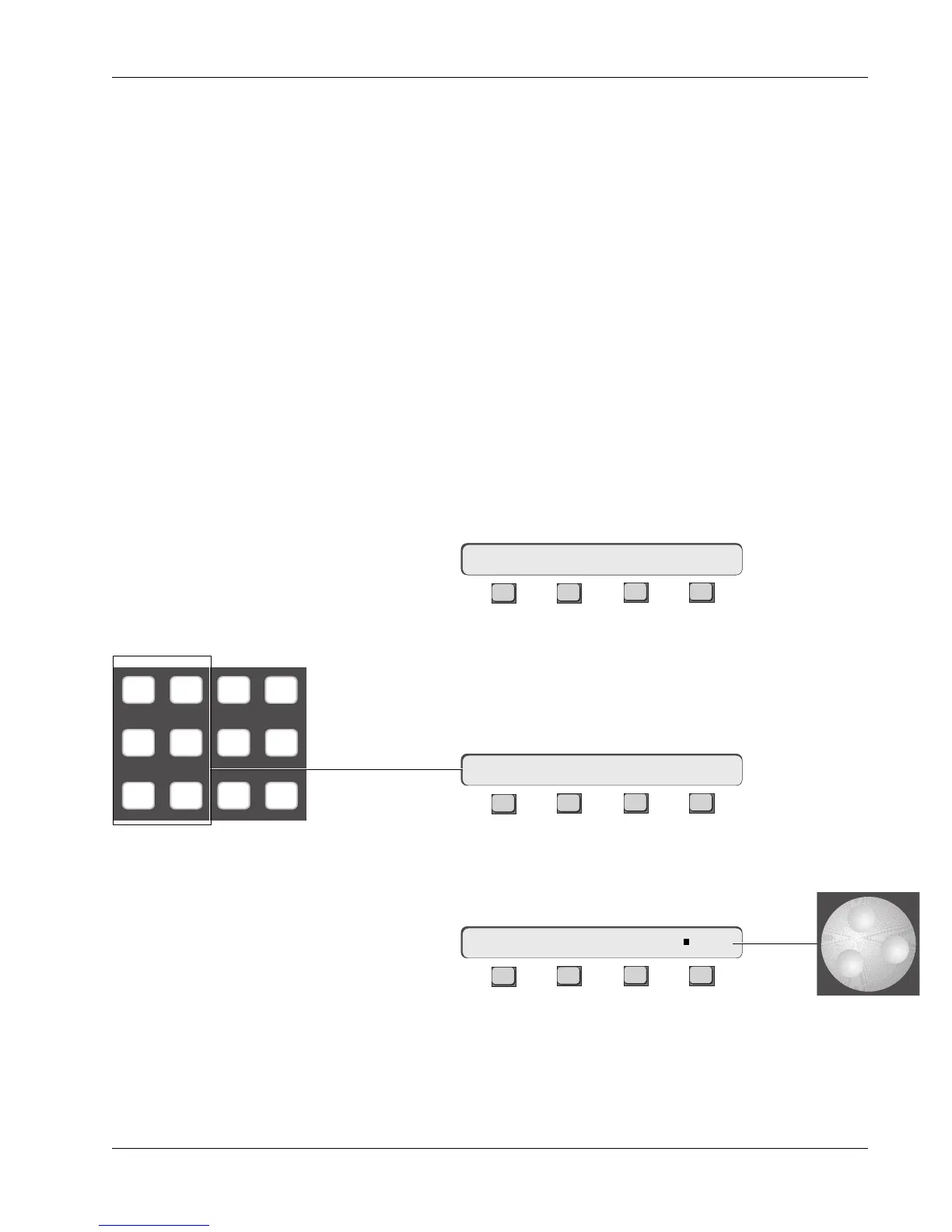
[Esc] back to the Channel Route menu and press [F4] to select the CoMBiner.
F3F1 F2 F4
Like the fader, aux, and Out1, 2, & 3 blocks, the Combiner can be fed from any
combination of the 6 input sources (M1, M2, L1, L2, L3, & L4).
Sources to the Combiner are selected by pressing any of the six DSC Dedi-
cated source keys. The selected sources are shown in the SmartDisplay:
F3F1 F2 F4
The Combiner’s output is a mono sum of the selected sources. Its output can
then be fed to one or both of the DIRs by selecting CMB as a source in the DIR
menu.
F3F1 F2 F4
The Combiner
16CH–>CMB ?
16CH–>CMB M1 M2 L1 L2 L3 L4
16CH–> DIR1 OUT: ∑ CMB
M1 M2 DIR All
aux
L1 L2 ST1 All
upper
L3 L4 ST2 All
lower



 To Next Page