Section 7: Automation
Euphonix CS3000/2000 Operation Manual 7 - 5
Creating a new mix also creates a “Mix SnapShot”. Before creating a new mix
it is best to establish a rough balance so that when the Mix SnapShot is taken
it represents a starting point for the mix. The Mix SnapShot is separate from
the 50 console snapshots and is only used by the mix.
When you have a title loaded and have established a basic, manual mix,
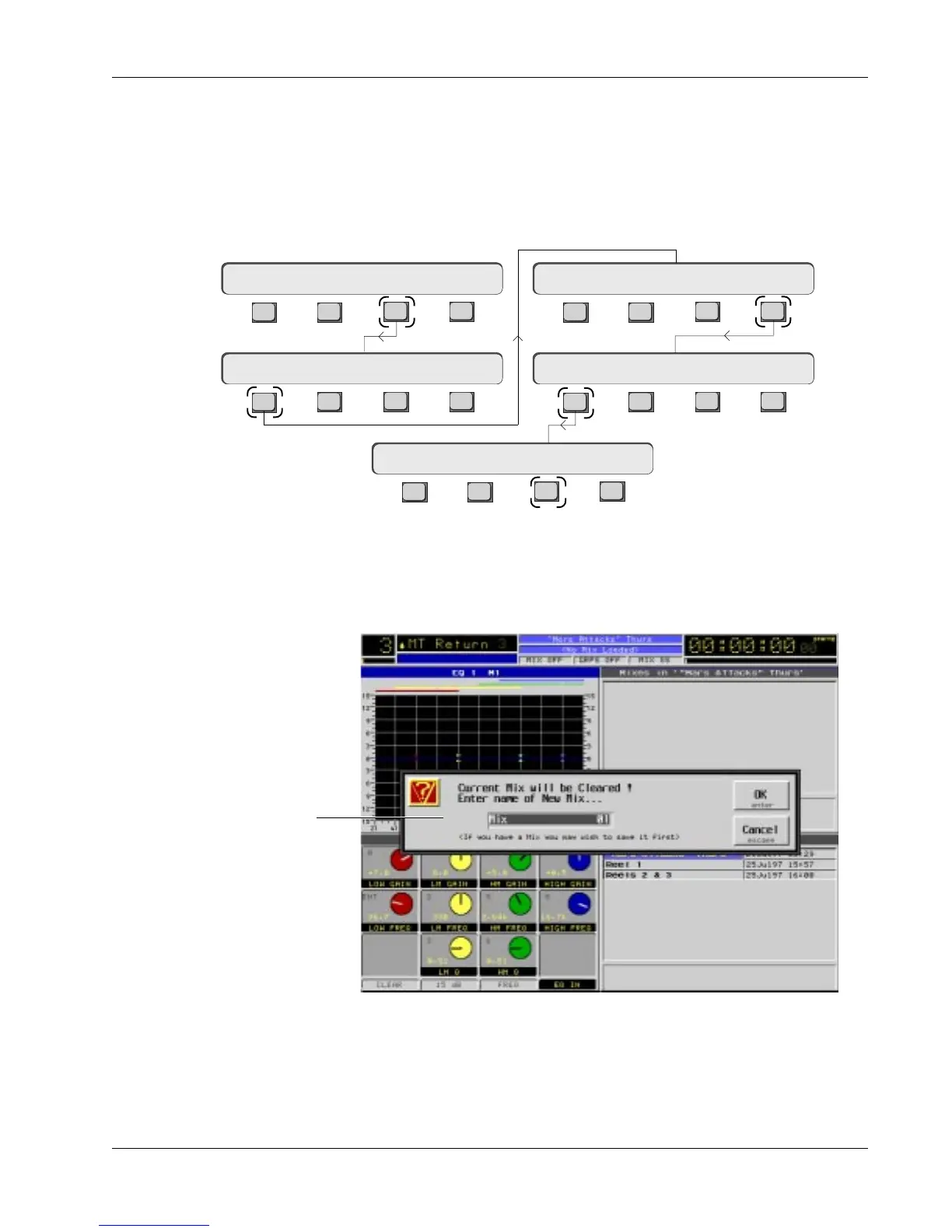
create a new mix file. From the Mix menu, press [F1] to create a new mix:
Creating a New Mix
Naming a New Mix
The Mix Snapshot
Using the QWERTY keyboard, name the mix then press [Return]. If you choose
not to name the mix at this time, press [Return] and the system will enter
“MIX01” as the name of the first mix. Pressing [Return] on the keyboard is the
same as pressing [F3] on the SmartDisplay. Press [F4] to abort new mix.
New Mix Dialog
Dialog box warns you that if
you create a new mix, you
will lose any unsaved mixes.
Name mix, press [Return].
The only data in the mix so far is the Mix SnapShot (static console settings).
Every setting on the board including ES108A Dynamics processors, expanded
aux sends and multi-format panning buses are saved as part of the Mix
SnapShot.
F3F1 F2 F4
F3F1 F2 F4
F3F1 F2 F4
F3F1 F2 F4
F3F1 F2 F4
Main Menu
Setup Snap System Grps
System Menu
File Menu
Mix Menu
File F-Link GPI MIDI
New? Load? Save? Utils
Disk Project Title Mix
New Mix ? Yes [No]



 To Next Page