Section 4: Tutorial
Euphonix CS3000/2000 Operation Manual 4 - 29
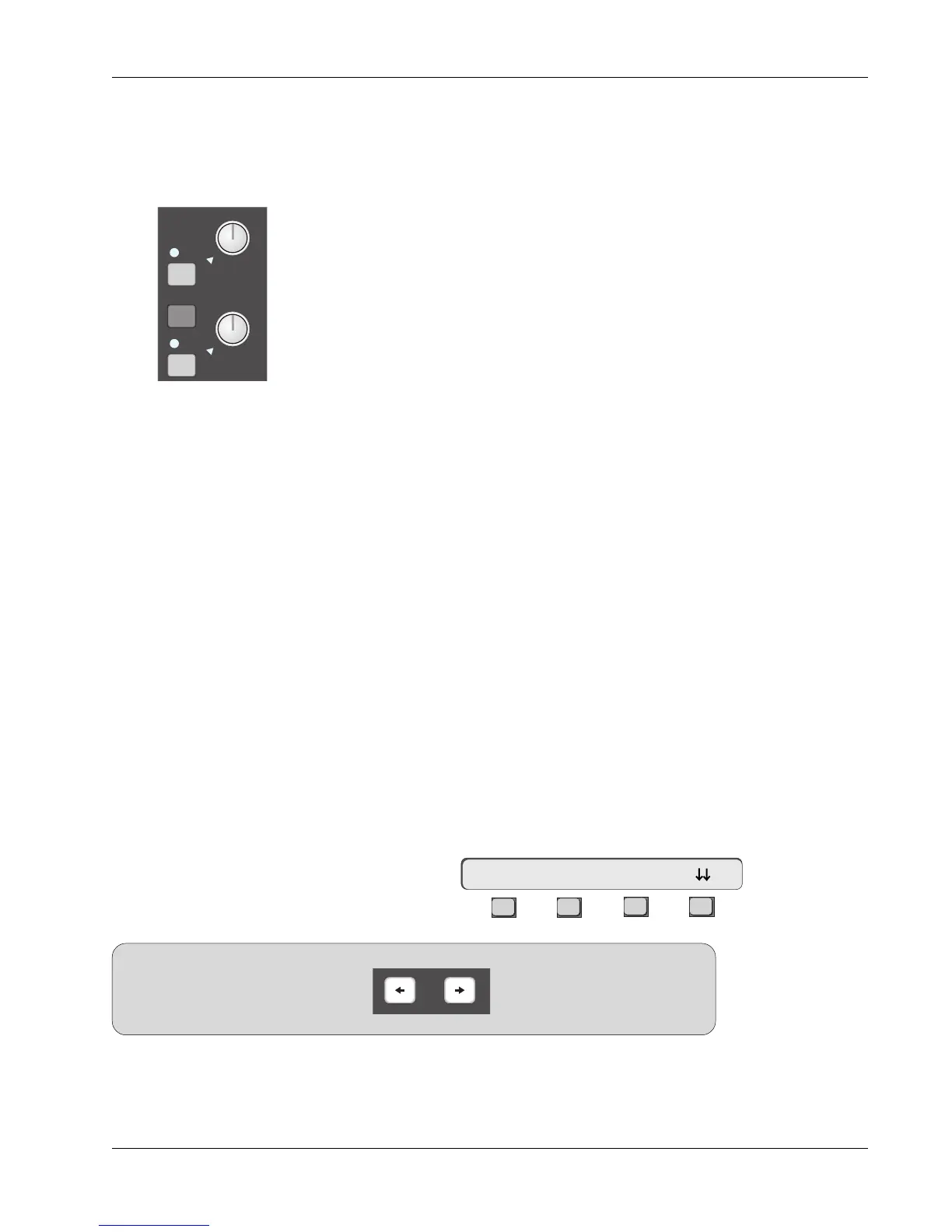
There are eight (8) auxiliary send buses which have their master gain controls
labelled A1 to A8 in the upper part of the CS3000/2000 Master Module. Each
of the eight masters has a gain control and an on/off key.
There are four (4) aux send controls on every CS3000/2000 Mix Controller
channel I/O strip labelled A, B, C and D and divided into two console aux
blocks (A/B) & (C/D). Each of the controls is capable of independent address-
able operation, can be sourced from any of the channel’s six (6) inputs and
assigned to any of the eight aux buses. The controls can be configured as
individual level controls or combined into level/pan pairs, deriving signal either
pre or post, Upper or Lower fader.
In order to configure the aux sends, you need to determine from where the aux
signals are to be sourced. Traditionally, these sources tend to be signals from
console faders.
There are three styles or modes of aux sends:
1. Mono In/Mono Out
2. Mono In/Stereo Out
3. Stereo In/Stereo Out
The console default for an unconfigured aux block is Mono In/Mono Out
a.k.a..
Mono Independent mode. This mode sums all source selections made to the
control and sends the summed signal equally to all bus assignments.
For the sake of clarity, we will start all exercises with an unconfigured aux
send. Use the DSC [Clr] key to clear your selected aux send. We will also
assume that channel 16’s lower fader is sourced from L4 as a tape return and
assigned to the ST1 bus output.
In this exercise, we will setup aux sends A thru D to feed aux buses 1 thru 4
respectively.
Press channel 16’s aux A/B block attention key to display the Aux Status menu:
F3F1 F2 F4
Auxiliary Sends
Overview
Aux Modes
Aux Status Menu
Exercise 5
Mono Independent
Mode
16A-> ON pre
SIDE NOTE:
Since aux sends A/B and C/D share their
respective aux blocks, the DSC [left
arrow] and [right arrow] keys are used
to direct attention between them.
Left and right DSC arrow keys
The console default is pre fader, aux send ON.
Confirm that console attention
is directed to aux send A. (See side note) Pressing an aux block attention key
always gives you quick access to aux mutes (F2) and pre/Post routing (F3).
Aux Master A1 & A2
A1
A2
ON
ON
BAL
ovld
ovld



 To Next Page