Section 3: SnapShot Recall
Euphonix CS3000/2000 Operation Manual 3 - 7
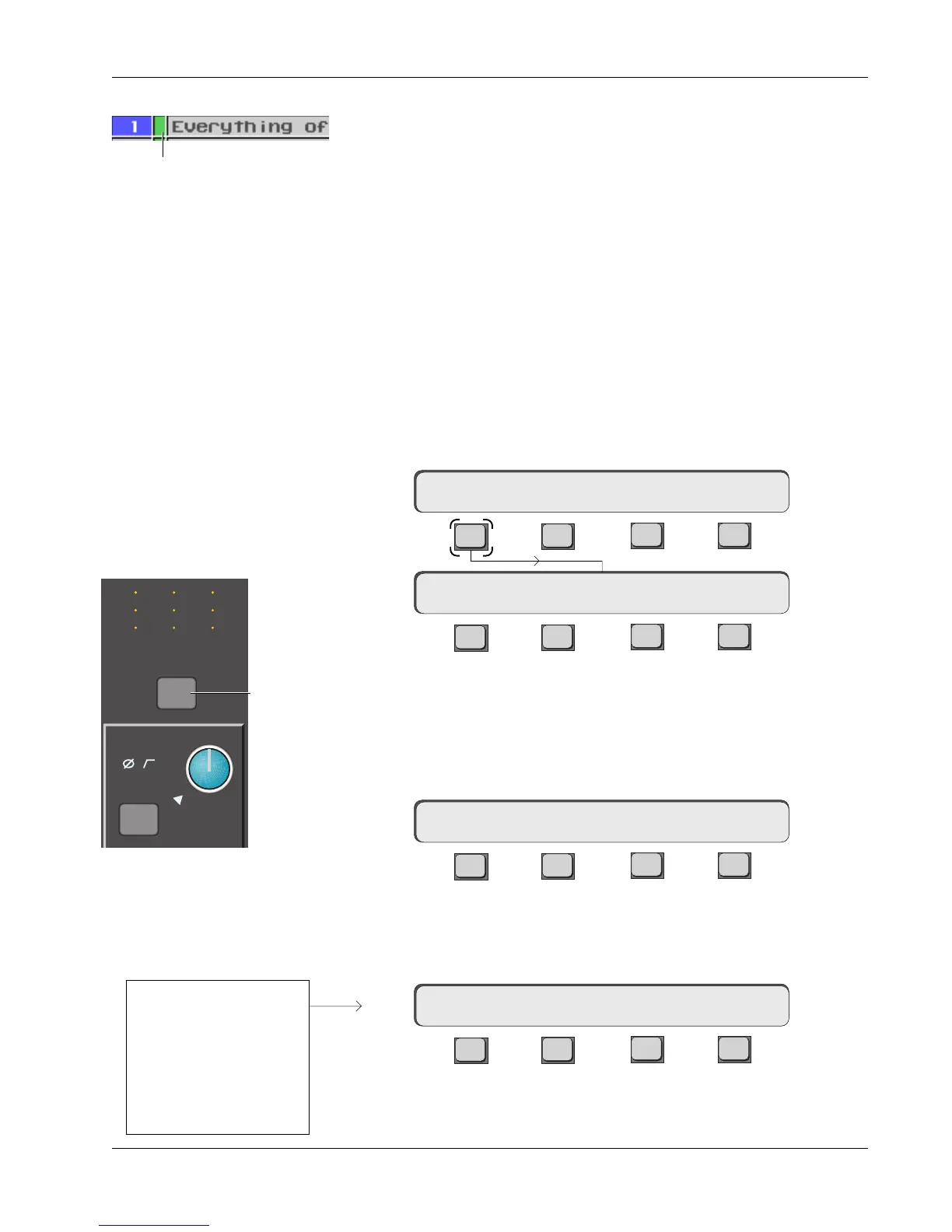
A red box in the SnapShot list on the DSC screen, indicates that the adjacent
SnapShot is stored in the Mix Controller’s RAM only. The new SnapShot will
not be saved to disk until you save the title. When you are finished with a title,
save the title and all SnapShot data will be saved to disk (subsequently
indicated with a green box). Recalling another title without saving the previous
title first, will overwrite any SnapShot data added since the last title save.
To rename a SnapShot, first select the SnapShot number, then press the [F1]
key on the QWERTY keyboard. This brings up an entry dialog on the DSC
screen. Type in the new name and press the [Enter] key.
The two asterisks (**) shown in the left of the SmartDisplay indicate that the
SnapShots are working globally, i.e., EVERY control and switch on EVERY
channel and the Master Section will be recalled or stored. Only the functions
listed on page 3-12 are not included in the SnapShots. SnapShots can also be
recalled or stored on a channel by channel basis. For example, while still in
Global SnapShot mode, recall SnapShot 1. The SmartDisplay appears like this:
F3F1 F2 F4
F3F1 F2 F4
You are now in Single Channel mode. The display asks you to select a
channel. Press the channel attention key at the very top of the channel strip
you wish to affect. We will use channel 5 for this example. The selected
channel number will now show in the left of the SmartDisplay where the ??
was, followed by the SnapShot number currently active in that channel.
F3F1 F2 F4
Using the Assignable Keys, SpinKnob or numeric keys, select SnapShot #10.
Make sure you’re in Recall (RCL) mode above F3. Using the Assignable Keys
won’t require pressing F4.
F3F1 F2 F4
You have now copied the contents of SnapShot 10 into channel 5 exclusively.
Notice that the number following the “SS” updates to show that SnapShot 10
is now active in channel 5. Press [F1] to return to Global SnapShot mode.
IMPORTANT!
Rename a SnapShot
Single Channel
SnapShot Recall
5SS–>10 a RCL :10 ok
5SS–>1 a RCL :1 ok
??SS–> a RCL :
**SS=1 a RCL 1
Press [F1] to enter Single Channel SnapShot mode:
All other channels will
maintain their current
settings while channel 5
is updated to the
settings stored in
SnapShot location #10.
M
L
L
M
L
L
M
L
L
M1
Out 1 Out 2 Out 3
12
12
34
12
12
34
12
12
34
ovld
Pwr
Pad
Channel
Attention
key
Color of box indicates whether
SnapShot has been saved



 To Next Page