Section 12: MIDI Remote Control
Euphonix CS3000/2000 Operation Manual 12 - 9
You can also continuously control console objects using external MIDI equip-
ment via port 3 of the console’s MIDI interface box.
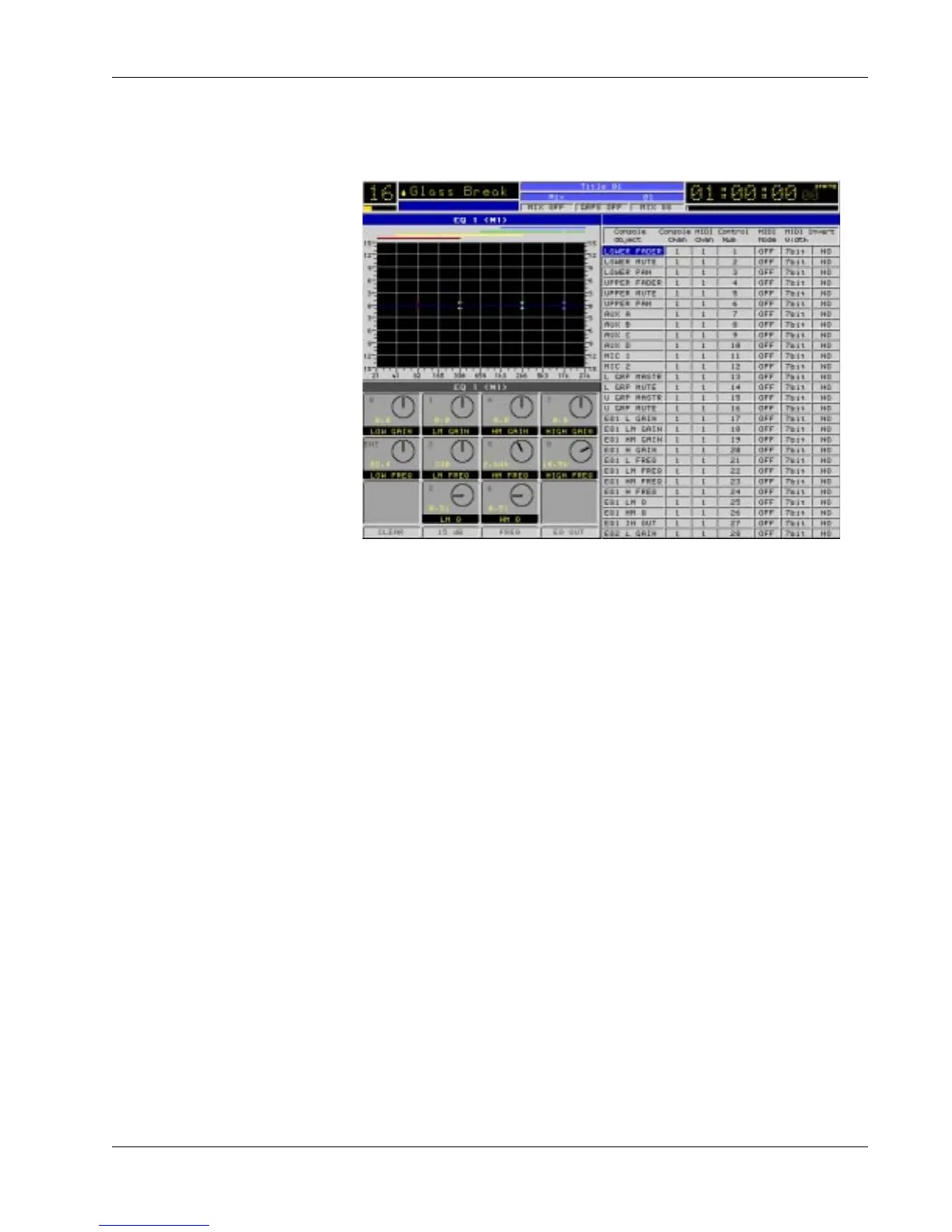
From the top level MIDI menu, press [F1] to display the MIDI In screen:
Remote Control of
Console Objects
by External
Equipment (IN)
Unlike the MIDI Out feature, there are many more console object choices
capable of being controlled by external signals. (The above screen shows only
a portion of the entire list of controllable console objects.) Column headings
are identical and operation is similar to those of the MIDI Out screen so refer
to the column descriptions listed under the MIDI Out heading discussed
earlier. As before, template copies of any console object are added or deleted
using the [Enter] and [Del] keys respectively.



 To Next Page