Section 2: Getting Started
Euphonix CS3000/2000 Operation Manual 2 - 3
SECTION 2 : GETTING STARTED
The Screen
Display
M
any of the controls on the CS3000/2000 are similar to those on
conventional consoles; faders, meters, pans, aux sends, mute
switches, etc. A big difference is the software interface displayed on the TFT
screen and the alphanumeric SmartDisplay located on the Master Control
Panel.
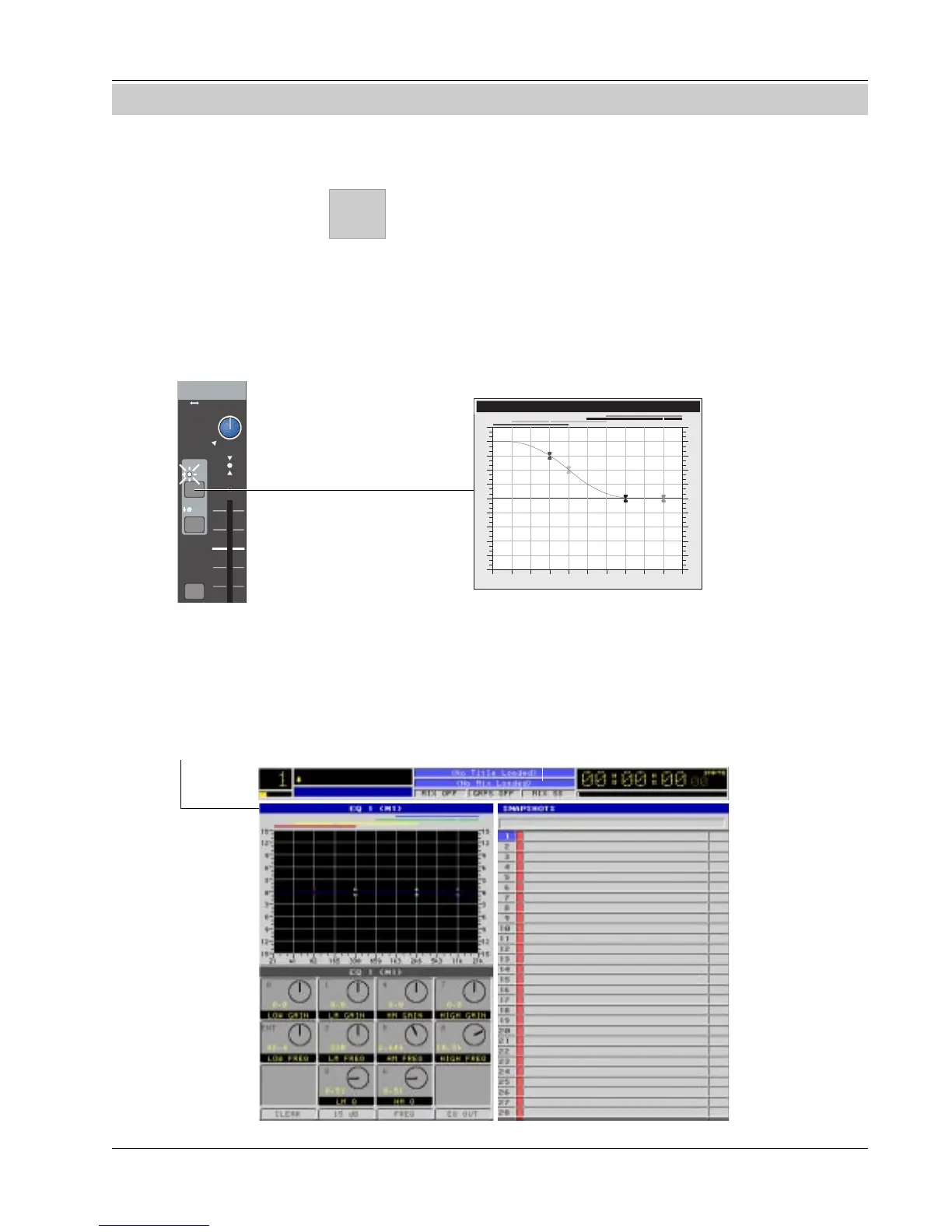
The screen display acts as an extension of the console surface and interacts
with selections on the console. For example, when you select an EQ, the
screen shows the actual EQ curve and changes in real time as EQ is adjusted.
Startup Screen
When you first start up the CS3000/2000 you will notice the screen below. The
thin window bar at the top of any window list is highlighted in blue indicating
when it is active. According to this screen, there is no title or mix currently
loaded into the console.
15
12
9
6
3
0
3
6
9
12
15
15
12
9
6
3
0
3
6
9
12
15
21 41 82 165 330 659 1.3K 2.6K 5.3K 11K 21K
EQ 1 M1
Input
EQ•Dyn
BUS
1
2
L
R
DIR
ST1
M1 M2
L1 L2
L3 L4
ovld
PAN BAL
ST2
Status Bar
Blue highlighted window
bar indicates that EQ
window is active.
EQ Window Snapshot Window



 To Next Page