Section 4: Tutorial
Euphonix CS3000/2000 Operation Manual 4 - 53
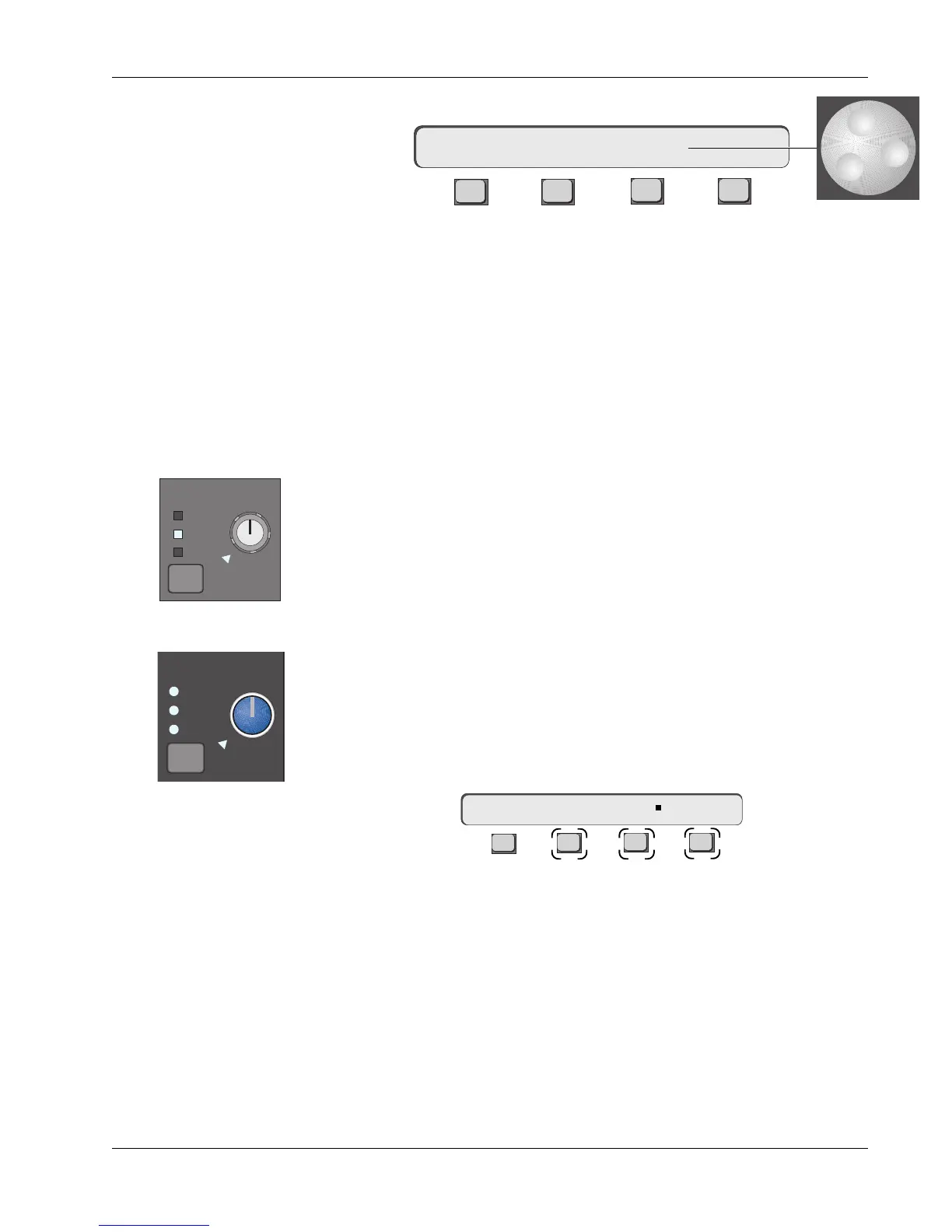
[F3] selects the CLIP level options:
F3F1 F2 F4
The desired level is set by spinning to the desired level with the SpinKnob or
with the DSC [+]/[–] keys. This level can also be set by keying in the value, on
the numeric keypad, followed by Enter.
Normally this would be set to +24dB which would indicate actual clipping.
Some engineers prefer to set the level slightly lower as a warning that the clip
level is being approached. In other words, it can be set so that the indicator
acts as a warning rather than a direct indication that clipping has occurred.
Hardware differences between the CS3000 and CS2000 series consoles as
concern the D Monitor block require some explanation. The CS2000 has three
headphone jacks located on the connector plate under the Mix Controller, fed
from an amplifier in the Audio Tower. In a standard CS2000, the phones may
be sourced from any one of the three monitors, A, B or C. These choices are
also reflected in the Phones monitor block on the Master Module.
In a standard CS3000, the hardware configuration is changed to allow signal
sourcing from the Solo, the Ext2C or a Mon C pre-level control feed to these
headphone jacks. These changes are reflected on the Master Module’s D
monitor block.
If desired, the CS2000 can be modified to provide the same capabilities as the
CS3000. Contact Euphonix Customer Support for details. Press the D monitor
block key:
F3F1 F2 F4
On a CS3000, [F2], [F3], and [F4] toggle the feed from the three Monitor
selectors, with only Ext2C fed prior to the D Monitor Gain control. You can
select any combination of Solo, Ext 2C or Cpre to the phones. On a CS2000,
you can select any combination of Mon A, B or C to the phones. The rotary
Phones control operates as a volume control.
mCL–> CLIP +24dB
D Monitor/Phones
m D-> Solo Ext2 Cpre
PHONES
PHONES
SOURCE
A
B
C
CS2000 Phones Block
D monitor
Solo
Ext—
C pre
CS3000 D Monitor Block



 To Next Page