Section 7: Automation
Euphonix CS3000/2000 Operation Manual 7 - 13
F3F1 F2 F4
F3F1 F2 F4
F3F1 F2 F4
F3F1 F2 F4
Pass 1 Undo? Redo?
Clr? Pack? Edit Util
View Join Group Trim
Zoom Full Show ZFac
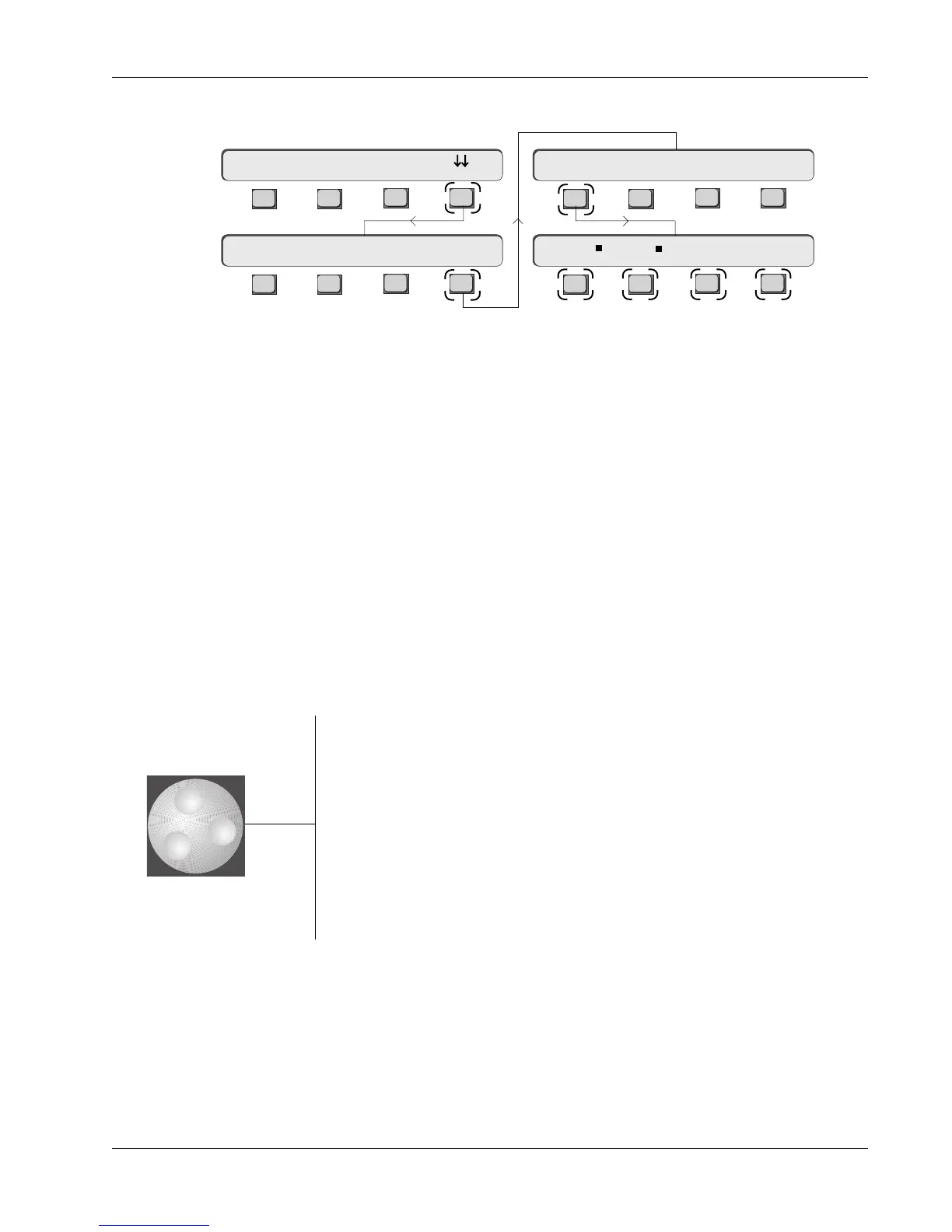
[F1] (Zoom) sets the VIEWSCALE. The screen can show the entire mix from
head to tail or zoom in on a narrow region of the mix. Head ->Tail mode can be
seen previously. Observe the Title Head and Title Tail markers in the CUES row.
When the square flag is visible in the menu, the screen is in Zoom mode.
Numeric key [1] also toggles the zoom function.
[F2] (Full) sets the Pass Control screen to occupy the full width of the console
screen display. If the square flag is visible in the menu, the Pass Control
screen occupies the right half of the screen display only. Numeric key [2] also
toggles the Full/Half function.
[F3] (Show) sets which combination of automation data is displayed in the four
assignable A, B, C and D display rows of the Pass Control screen. You can
choose to display several EQ automation parameters and their automation
moves and the data is displayed in a similar style to auxes, pans and faders.
They can also show combinations of EQ and Aux moves if desired. Use the
SpinKnob to view and set the displayable combinations:
Independently for EQ1 and EQ2:
LG / lG / hG / HG Low Gain / lo-mid Gain / hi-mid Gain / High Gain
LF / lF / hF / HF Low Freq / lo-mid Freq / hi-mid Freq / High Freq
lG / lF / lQ / IN lo-mid Gain / lo-mid Freq / lo-mid Q / IN-OUT
hG / hF / hQ / IN hi-mid Gain / hi-mid Freq / hi-mid Q / IN-OUT
LG / LF / HG / HF Low Gain / Low Freq / High Gain / High Freq
Aux:
A / B / C / D Aux Send A / Aux Send B / Aux Send C / Aux Send D
EQ1 & EQ2 combinations:
lG / lF / lG / lF lo-mid Gain / lo-mid Freq / lo-mid Gain / lo-mid Freq
hG / hF / hG / hF hi-mid Gain / hi-mid Freq / hi-mid Gain / hi-mid Freq
To vary certain viewing parameters of the Pass Control screen, press [F3]
(View):
View Scale
Full/Half Screen
Show Automation Viewer
View menu



 To Next Page