Section 7: Automation
7 - 4 Euphonix CS3000/2000 Operation Manual
New Mix
Reference Source
Select
The timecode standard is automatically set for a title as soon as play speed
timecode is received. The timecode standard can also be set manually from
the Title Setup menu.
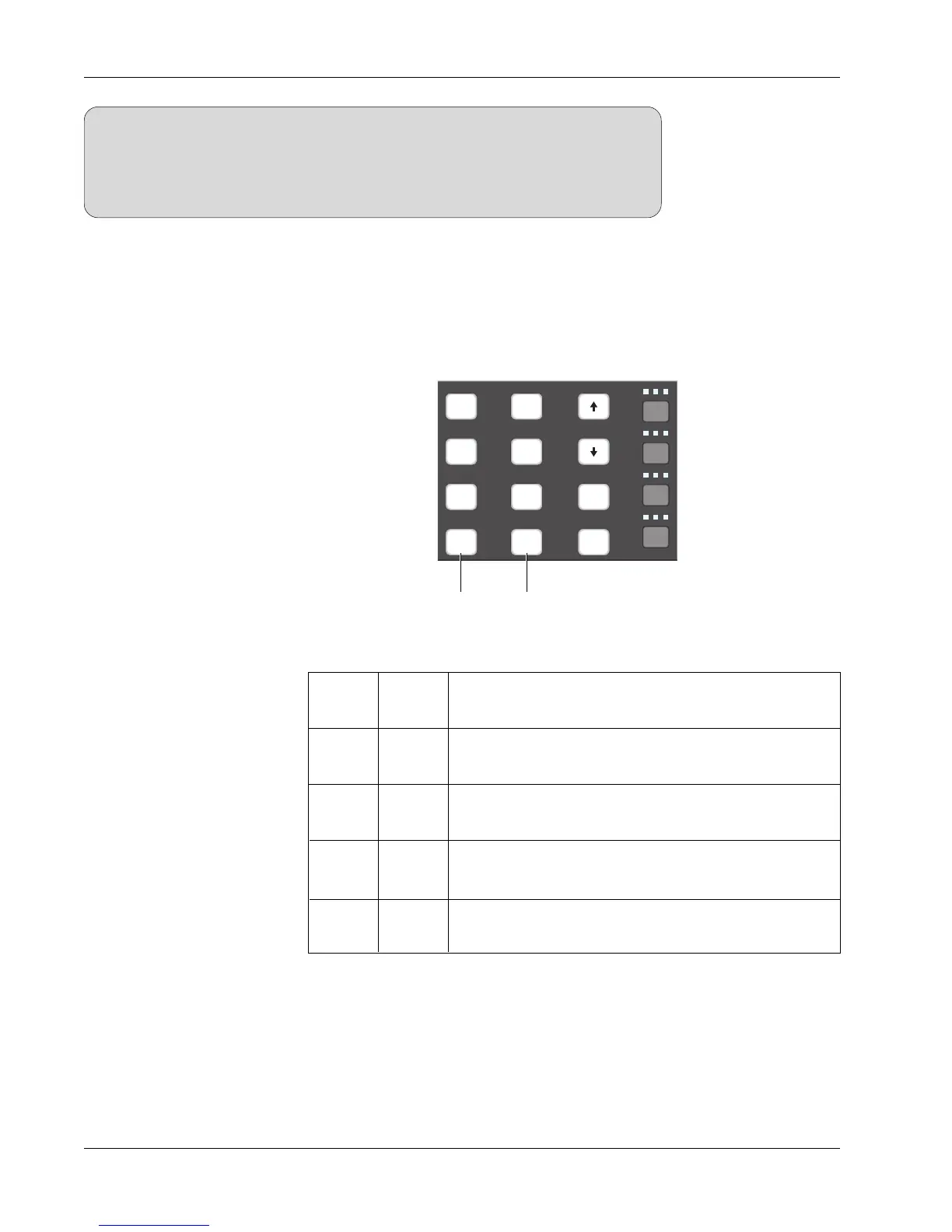
MMC and SMPTE timecode reference options are set from the DSC using the
Mstr Ctrl and the TC Slave keys:
Transport keys control and system references to the
internal time code. This is called “Virtual Tape” mode.
Transport keys control MMC device and system
references to MTC via MIDI cable
Transport keys do nothing and system references to
LTC via Audio Tower connector
Transport keys control MMC device and system
references to LTC via Audio Tower connector
Operation
TC
Slave
Mstr
Ctrl
OFF
OFF
ON OFF
OFF
ON
ON
ON
Mix Region
Your mix should not extend past 23:00:00.00. The timecode region from
23:00:00.00 to 23:59:59.29 is used as a sort of rewind overshoot buffer. This is
so that if the timecode source rewinds just beyond 00:00:00.00, the system
will not think it’s at the far end of the mix. This protects such features as Write
In & Write Out from misinterpreting the overshoot.
SIDE NOTE:
Configure your system using the following table:
REC
Slct
onln
REC
Slct
onln
REC
Slct
onln
REC
Slct
onln
REC
Slct
onln
REC
Slct
onln
Solo
Mstr
Ctrl
TC
Slave
Route
2
4
6
1
3
5
13
!
1
1
tab
25
shft
37
spc
Turns MMC on
Selects LTC as system reference
For more information on CS3000/2000 MIDI Machine Control, see the MMC
heading in the Tutorial section of this manual.
The first step in mixing on the CS3000/2000, is to make sure you have loaded
the title in which you want to save your mixes. Do this by selecting an existing
title or creating a new title within a project. If necessary, refer to the Getting
Started section for a review of how to create and set up a new title. The
system will not let you turn automation on without first loading a title.



 To Next Page