Section 3: SnapShot Recall
3 - 6 Euphonix CS3000/2000 Operation Manual
Another way to store a SnapShot is to use the Master Control Panel. Use the
SpinKnob or the numeric keypad to select 16 in the display above F4.
F3F1 F2 F4
Next press [F3]. This toggles between Store (STO) and Recall (RCL) as indi-
cated above [F3]. It also brings up a prompt on the screen display so you can
enter the name of the SnapShot from the keyboard. It is possible to save the
SnapShot without naming it. Press [F4] to store.
Make sure STO not RCL shows in the display above F3 before you press F4 or
you will lose your SnapShot! You can also press the [Enter] key instead of F4
to store the current console into the SnapShot indicated above F4.
F3F1 F2 F4
F3F1 F2 F4
F3F1 F2 F4
The current desk has now been stored to 16. Note that the left number now
indicates that 16 is the active SnapShot and [F3] has returned to RCL.
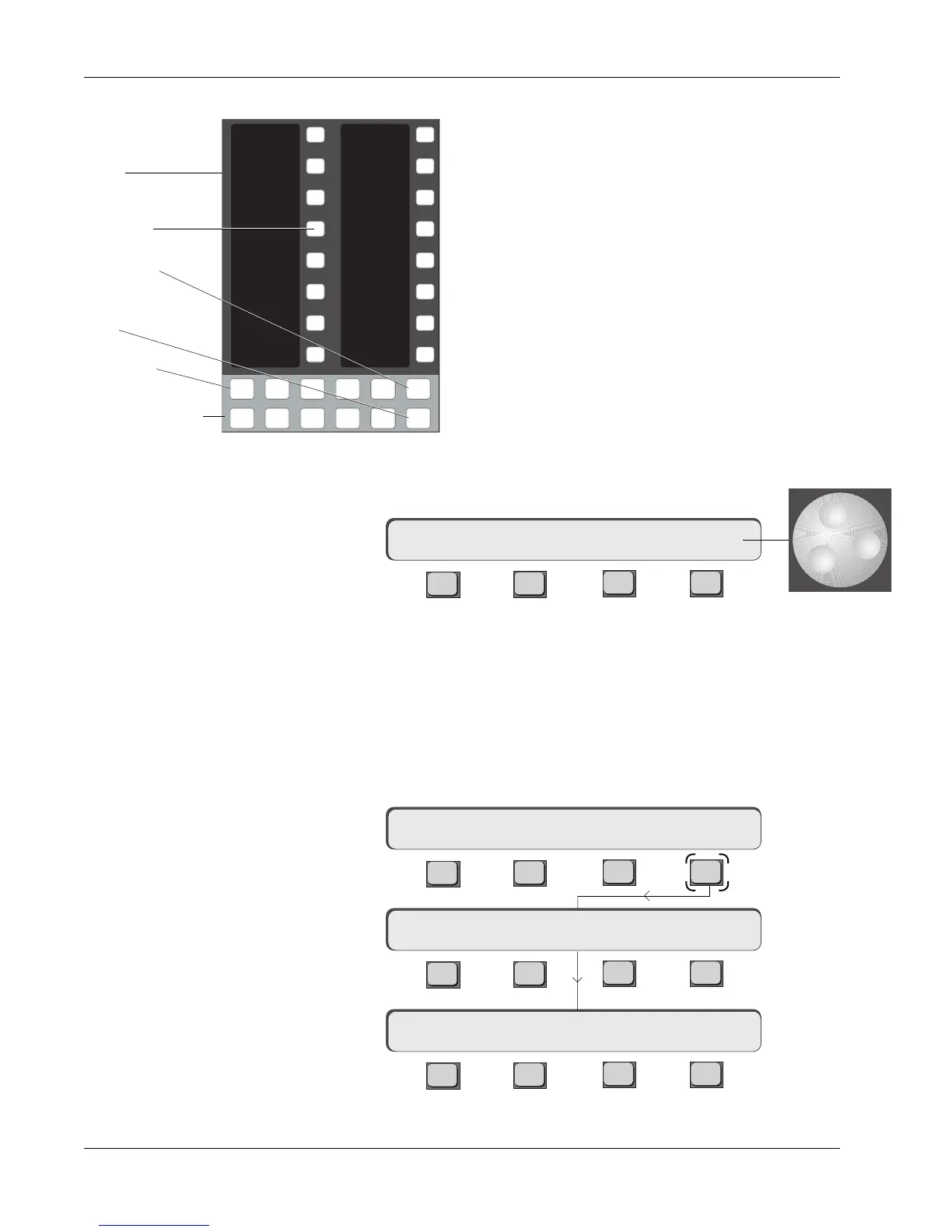
SnapShots can be stored using the DSC Assignable
Keys or the Master Control Panel. From the DSC Assign-
able Keys section, press the SnapShot mode key. This
puts the Assignable Keys in SnapShot mode. Next press
the Store key and name your SnapShot from the key-
board, then select the SnapShot page (Pg 1-4). Each
page displays 16 SnapShots except Page 4 which
displays 49 & 50 and the Default, Auto Null On/Off, and
Physical keys. Store the SnapShot to a specific
SnapShot number by pressing the corresponding
Assignable Key. For example, to store console settings
into SnapShot memory 16, press the [Snap]shot Mode
key, the [Store] key, name the SnapShot, press the [Pg
1] key and then press the #16 SnapShot Assignable Key.
This procedure saves the current state of the console to
SnapShot memory #16.
Using the Master
Control Panel
...SnapShot STORED 16
**SS=16 a RCL 16
Storing (STO) a SnapShot
Press [F4]:
Momentary display:
IMPORTANT!
**SS=11 a STO 16
Then:
**SS=11 a RCL 16
1
2
3
4
5
6
7
8
9
10
11
12
13
14
15
16
Faders
Mon
Select
Snap
Shot
Preset Macro
Pg 1 Pg 2 Pg 3 Pg 4
Store
Mon
Cnfg
Studio
Assignable keys
Mode Select
DSC Assignable
keys
SnapShot Assign-
able key
Store key
SnapShot Mode
key
Page key



 To Next Page