Section 7: Automation
7 - 34 Euphonix CS3000/2000 Operation Manual
Editing The SnapShot
Event List
F3F1 F2 F4
Edit On [G*] RCL 8
F3F1 F2 F4
Select Channel… [1]
Auto SS Menu 1:
same as the
Auto SS key
Use SpinKnob to select SnapShot #, then
while Auto SS, Mix On, and Pass Rec
are armed, press to record the SnapShot
Event Parameters
Recording Automated
SnapShots
Automated SnapShot
Event List
Press the DSC [Auto SS] key:
Playback of SnapShot
Events
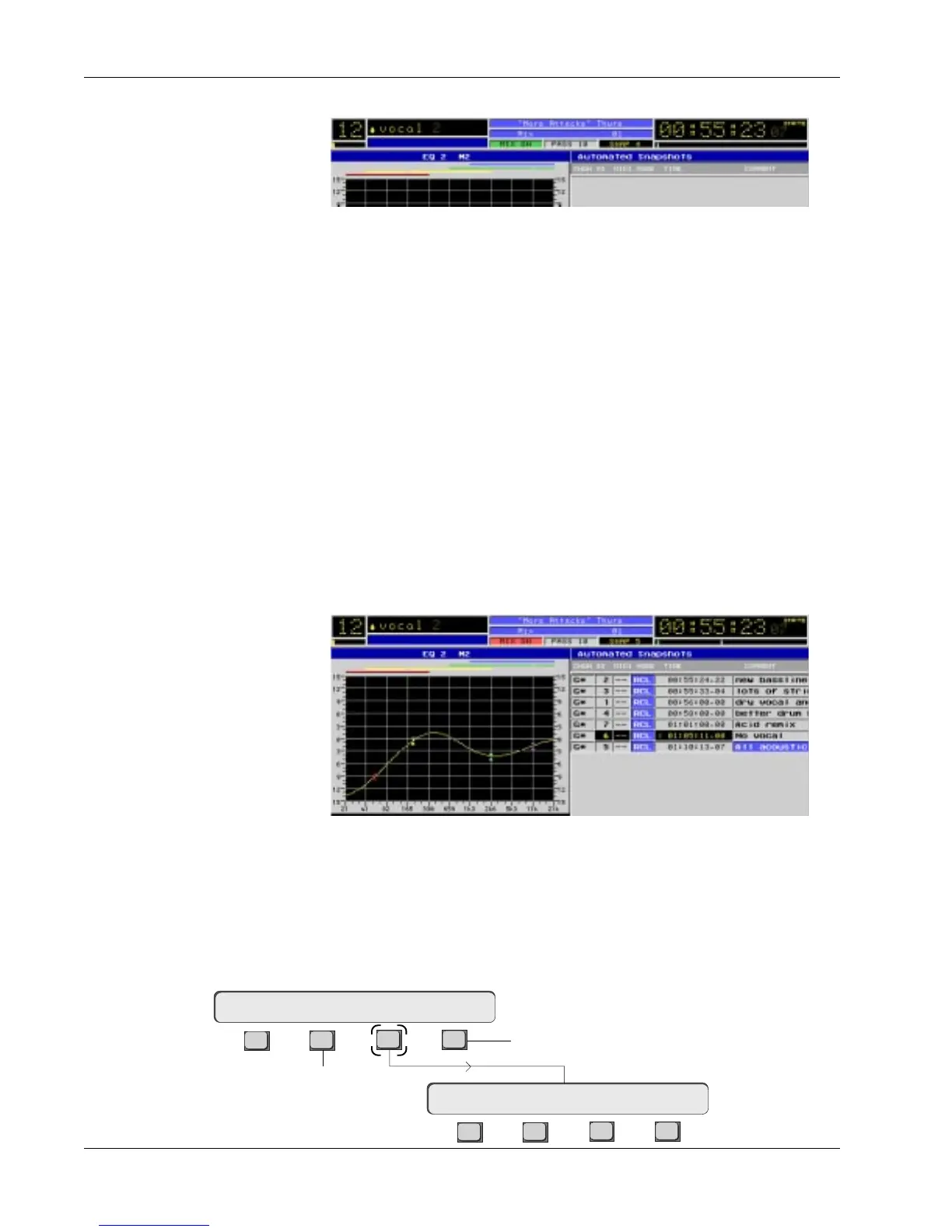
The list displays information about each Automated SnapShot such as:
• The channel into which it will recall
• The channel snapshot number
• The MIDI preset number associated with the channel snapshot
• The mode that applies to each Automated SnapShot (RCL or OFF)
• The timecode where the recall event occurs
• The name of the channel snapshot
To record Automated SnapShots:
• A title and mix must be loaded, (preferably containing a few snapshots)
• Turn [Mix On]
• Turn [Auto SS] on (see Automated SnapShot List on screen)
• Turn [Pass Rec] on (play tape)
• Recall snapshots using DSC Assignable Keys (or from menu)
The Automated SnapShot List will begin to build similar to the following
screen:
Once the snapshots are recorded, simply locate to the head of the mix and
play tape. With Auto SS and Mix On still lit, you will see the snapshot being
fired to timecode.
Using the SmartDisplay menus while in Auto SS, you have full editorial control
over the list:



 To Next Page