Section 2: Getting Started
2 - 4 Euphonix CS3000/2000 Operation Manual
Status Bar
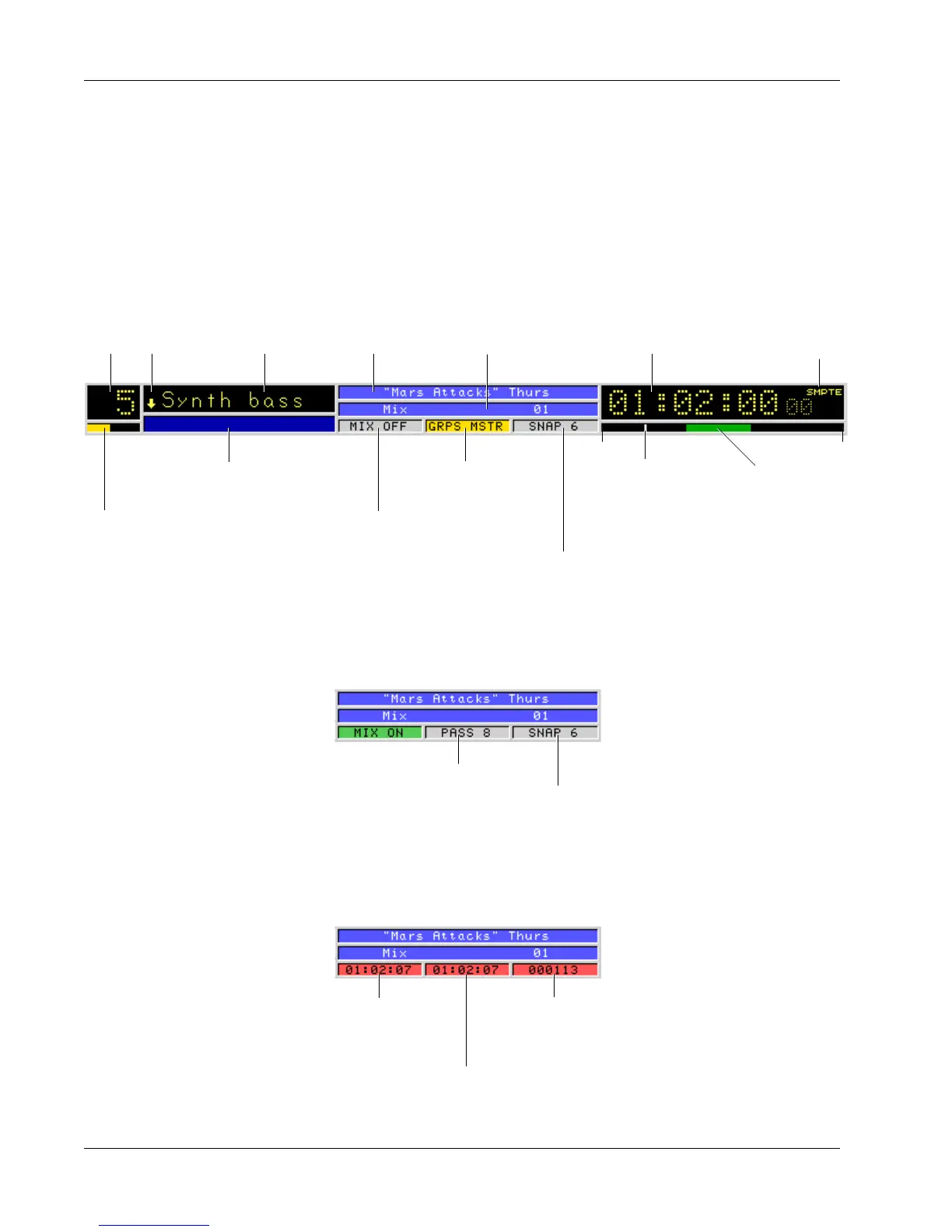
The Status Bar is an important part of the screen display, giving the user
comprehensive system feedback in a very compact space. The symbolic nature
of the information (the use of meaningful icons, colors, etc.) gives the operator
more information at a glance. Much of the information in this diagram will be
covered in the Tutorial and Automation sections, so don’t worry about under-
standing everything now. This diagram is only to give you an overview of what
the graphics on the screen display represent.
Current Title
Lower
Fader
Indicator
Currently
Selected
Channel Fader Name
Status Window
Memory Bar
Yellow <90% used
Red >90% used
[Alt-M] for Memory Status
Group Status
Gray - OFF
Yellow - ON
(MSTR/IND)
Last Recalled Snapshot
(includes Automated SnapShots)
Current Position Marker
relative to title head
and tail times
Pass Bar Indicator
Green - Playback
Red - Recording
Current Mix TC Display
SMPTE = 30 Frame
DROP = 30 Drop
EBU = 25 Frame
FILM = 24 Frame
Mix Status
Gray - OFF
Green - ON
Red - ON + Pass Enabled
Title TailTitle Head
Current Pass
Gray <90 Passes
Red >90 Passes
Last Recalled Snapshot
(includes Automated SnapShots)
With MIX ON
During RECORD
Start Time Position
(of first punch-in)
# of Moves
Total number of
moves recorded
End Time Position
(of last move)



 To Next Page