Section 4: Tutorial
4 - 42 Euphonix CS3000/2000 Operation Manual
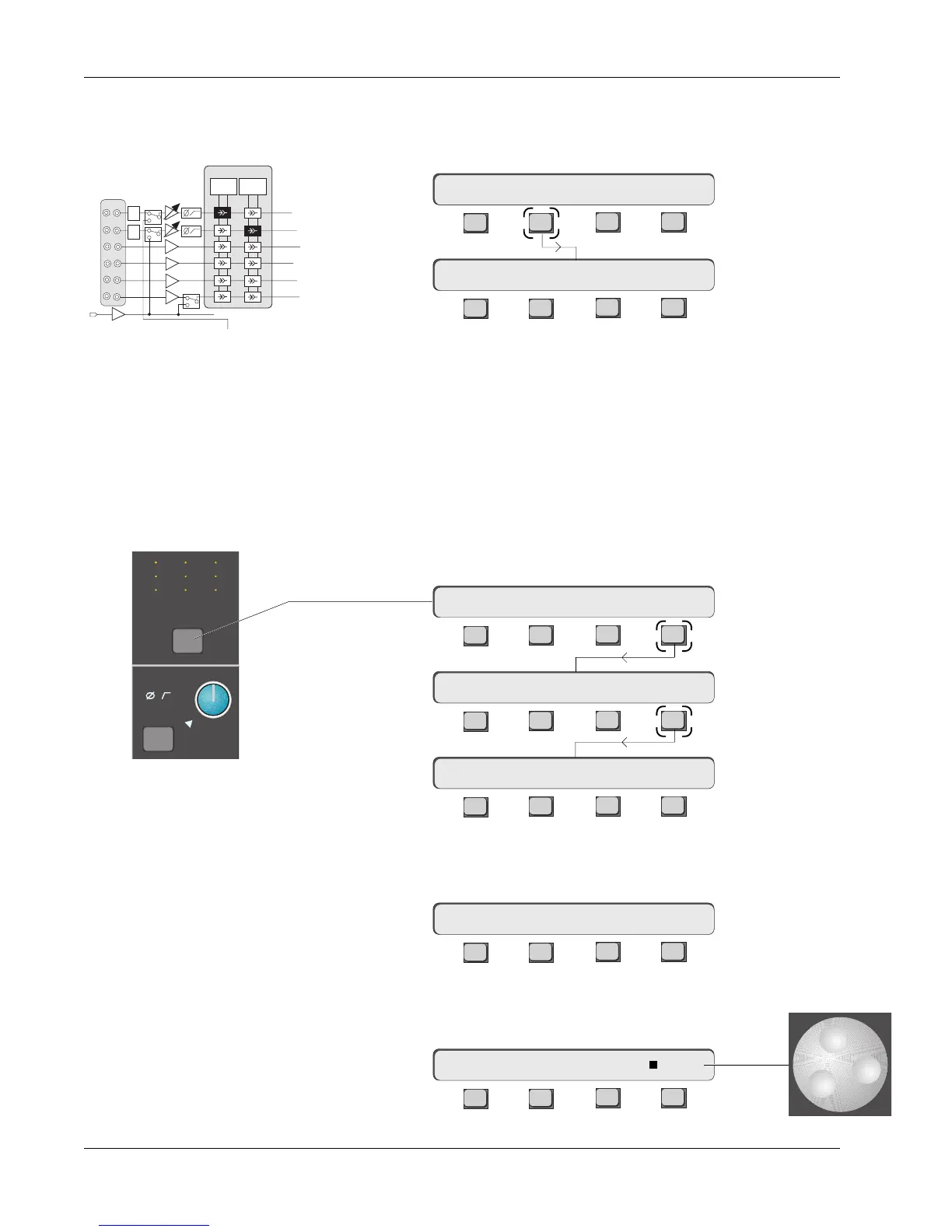
As mentioned, the Combiner’s output can be switched into the M1 input in
place of the M1 patch point. First press the [M1] block attention key and then
[F2] to select the Combiner as the M1 source:
F3F1 F2 F4
F3F1 F2 F4
If you do this, you will not be allowed to source the Combiner from M1. This
prevents a feedback loop from occurring.
To gain a better understanding of the Combiner, here are three examples of
how it can be used.
Example 1 - Providing a pre-fader mono signal of M1 & M2 to DIR1
In this example, a stereo mic pair is coming into M1 & M2 of a selected
channel. Press the channel attention key to invoke the Channel menu, then
press [F4] (Route) and [F4] (CMB):
F3F1 F2 F4
F3F1 F2 F4
F3F1 F2 F4
Now press the [M1] & [M2] DSC Dedicated ASGN keys and the Combiner will
source from M1 & M2.
F3F1 F2 F4
If you have equalized M1 & M2 the Combiner will be fed post EQ. Press [Esc]
once to invoke the Route menu. Press [F3] to select the DIR 1 menu:
F3F1 F2 F4
16M1–> CMB / +17.0dB Cnfg
16CH–>CMBM1 M2
Combiner/DIR
Experiments
M1 & M2 to Combiner
EQ2EQ1
M1
M2
L3
L4
BUS
1-24
L1
L2
M1 has
CMB/M1
switch
PWR
PAD
PWR
PAD
From
Combiner
16M1–> low / +20.0dB Cnfg
16CH–> DIR1 OUT:∑ CMB
M
L
L
M
L
L
M
L
L
M1
Out 1 Out 2 Out 3
12
12
34
12
12
34
12
12
34
ovld
Pwr
Pad
16CH–> L4 DIRs CMB
16CH–>CMB ?
16CH–> OUTs METER Route



 To Next Page