Section 9: Dynamics
Euphonix CS3000/2000 Operation Manual 9 - 15
Press [F3] (Yes) to confirm, and you should see the front displays of all of the
ES108As blink in succession and display their new console channel assign-
ments. This time, the numbers on the front of the ES108As are in pairs. On the
DSC screen the Dynamics Configuration/Assignment window also displays
channel assignment information. Note that when you assign two processors
per channel, each ES108A unit can only provide dynamics for 4 console
channels instead of 8.
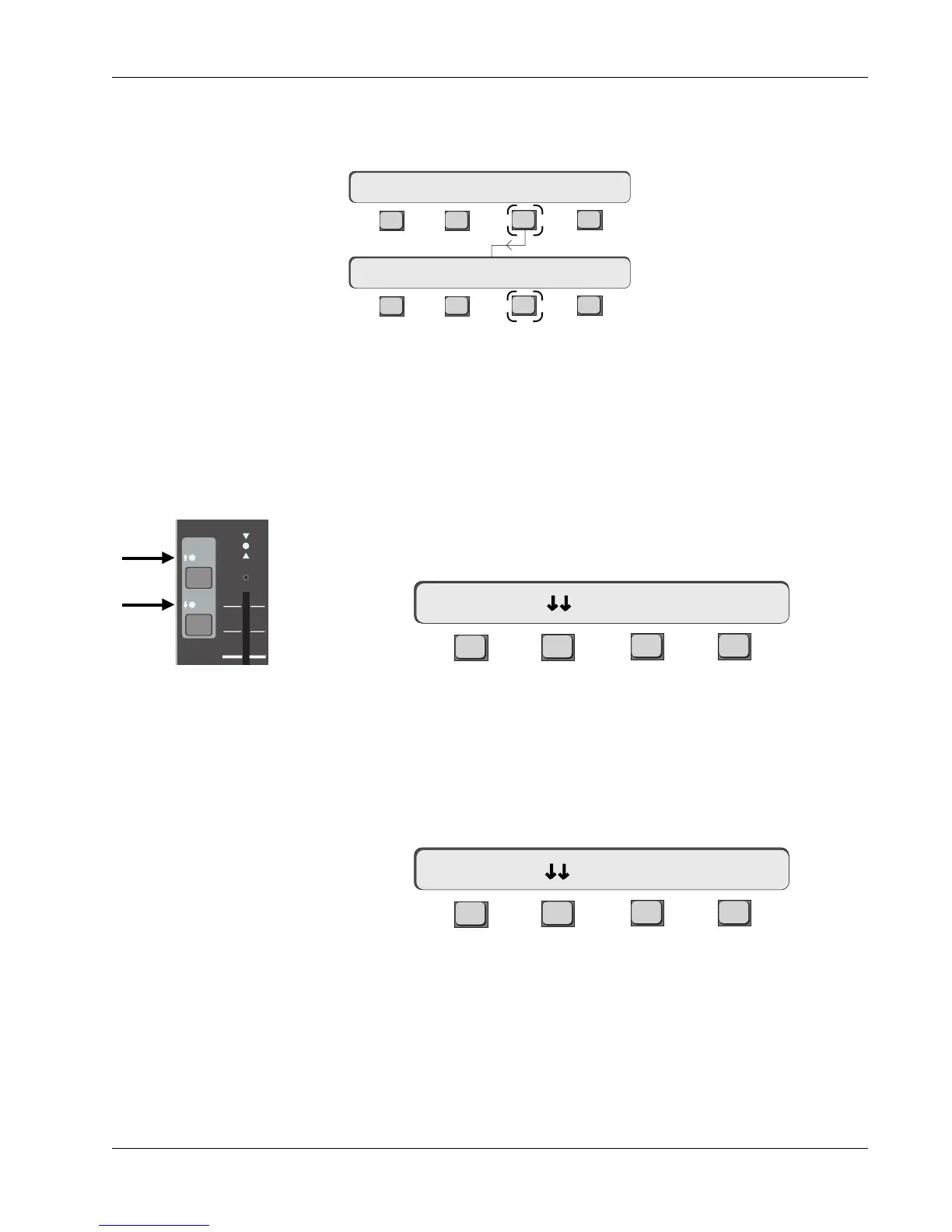
Press console channel 5’s, [EQ•Dyn](1) attention key. If you are still in Dyn
mode, the SmartDisplay will show the Dynamics Access menu:
F3F1 F2 F4
5D1 means that for channel 5, dynamics processor 1 has been selected and
can be accessed from both the SmartDisplay and the Assignable Rotary
Control Set. The gain curve for this processor will be shown on the screen
display.
If you press the lit [EQ•Dyn](2) key, the SmartDisplay message changes
slightly:
F3F1 F2 F4
5D2 means that for channel 5, dynamics processor 2 has been selected and
currently can be accessed from both the SmartDisplay and the Assignable
Rotary Control Set. The DSC screen display will also show the active Dyn 2
pages (in color) with dynamics in circuit.
For each channel, you have a choice of accessing Dyn1 or Dyn2 by prPairs of
processors assigned to the same channel should be next to each other and in
the same ES108A unit whenever possible, both for convenience and easy
stereo linking (described later).
You can globally assign two dynamics processors per channel strip, which will
appear as Dyn1 and Dyn2 on the console. From the Dynamics Assign menu,
press [F3] (2/Ch):
Auto Assign 2 Dynamics
per Channel
5D2-> Comp On -> >-
EQ•Dyn
BUS
1
2
L
R
ovld
PAN BAL
Both the EQ•Dyn(1) and
EQ•Dyn(2) LEDs are lit,
indicating two dynamics
processors assigned to
channel strip (and in circuit)
F3F1 F2 F4
F3F1 F2 F4
Clear 1/Ch 2/Ch Patch
Assign 2/Ch ? Yes [No]
Dynamics Assign Menu
5D1-> Comp On -> >-



 To Next Page