Section 4: Tutorial
4 - 8 Euphonix CS3000/2000 Operation Manual
Pressing [F2] again toggles the meter mode between Aud (Audio signal) and
Lvl (DCA level). This menu structure allows each meter’s source to be assigned
using the SpinKnob or [+]/[–] keys.
The following list details available selections:
LEFT METER:
Aud: M1, L1*, L3, CMB*, MT, LFL, UFL, OFF
Lvl: UF, UP, A, C, M1, OFF, LF, LP, B, D, M2
RIGHT METER:
Aud: M2, L2*, L4, MT*, CMB*, LFR, UFR, OFF
Lvl: LF, LP, B, D, M2, OFF, UF, UP, A, C, M1
An asterisk (*) indicates that choice is available only for F Rev ch. hardware.
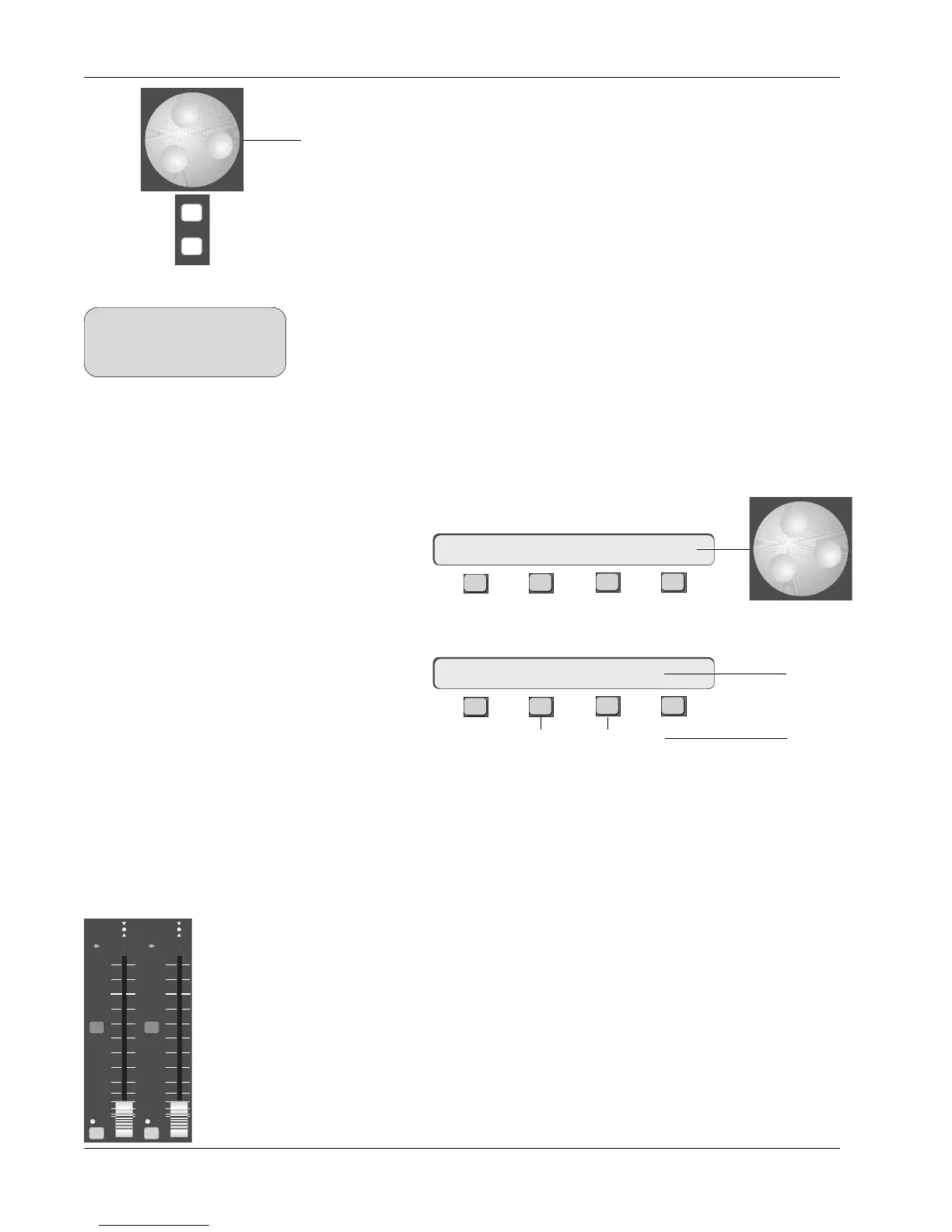
Now we will set the Main meters in the master section. [Esc]ape once to get
to the Meter menu, then press [F3] to select the Master Meter options. There
are 10 master metering modes available. These modes are explained in detail
in Appendix 7. Choose Mode 2 using the SpinKnob. This mode allows you to
meter Aux buses 1-4, ST1, and ST2 signal levels:
F3F1 F2 F4
From the Meter menu, press [F1] (Mode):
F3F1 F2 F4
[F2] selects different meter characteristics. [Clr] will set the meters to the
default settings shown above. [F3] selects the range of the meter. The 0 VU
point is the same for both ranges, only the high and low limits change. The
mode selection is global and affects both channel and master meters.
The next step in completing the signal path is to turn on channel 16 and bring
up channel 16’s lower fader. You’ll find the fader ON button, a.k.a. “mute”, at
the bottom left of the fader block. A green LED above the ON button shows
that the fader is on. Bring the fader up to 8 on the scale. This represents 0 VU
or “unity gain”. Press the ST1 [ON] button and bring the master fader to the 8
(unity gain) mark. Assuming you have successfully setup the Master meters
and your audio source is playing, you should now see the audio levels on ST1
output.
Stereo
Output
Faders
ON ON
ST1 ST2
ovld ovld
BAL BAL
Master Module Meter
Selection
mME–>DISP 2: A1-A4 STs
**ME= RMS 18-42
PEAK 6-33
+18 to -42dB
range
+6 to -33dB
range
-
DIR
+
Bus
SIDE NOTE:
Any combination of sources you
cannot monitor directly can be
monitored using the Combiner.



 To Next Page