Section 4: Tutorial
4 - 36 Euphonix CS3000/2000 Operation Manual
There are some additional stereo-in variations which bear mentioning at this
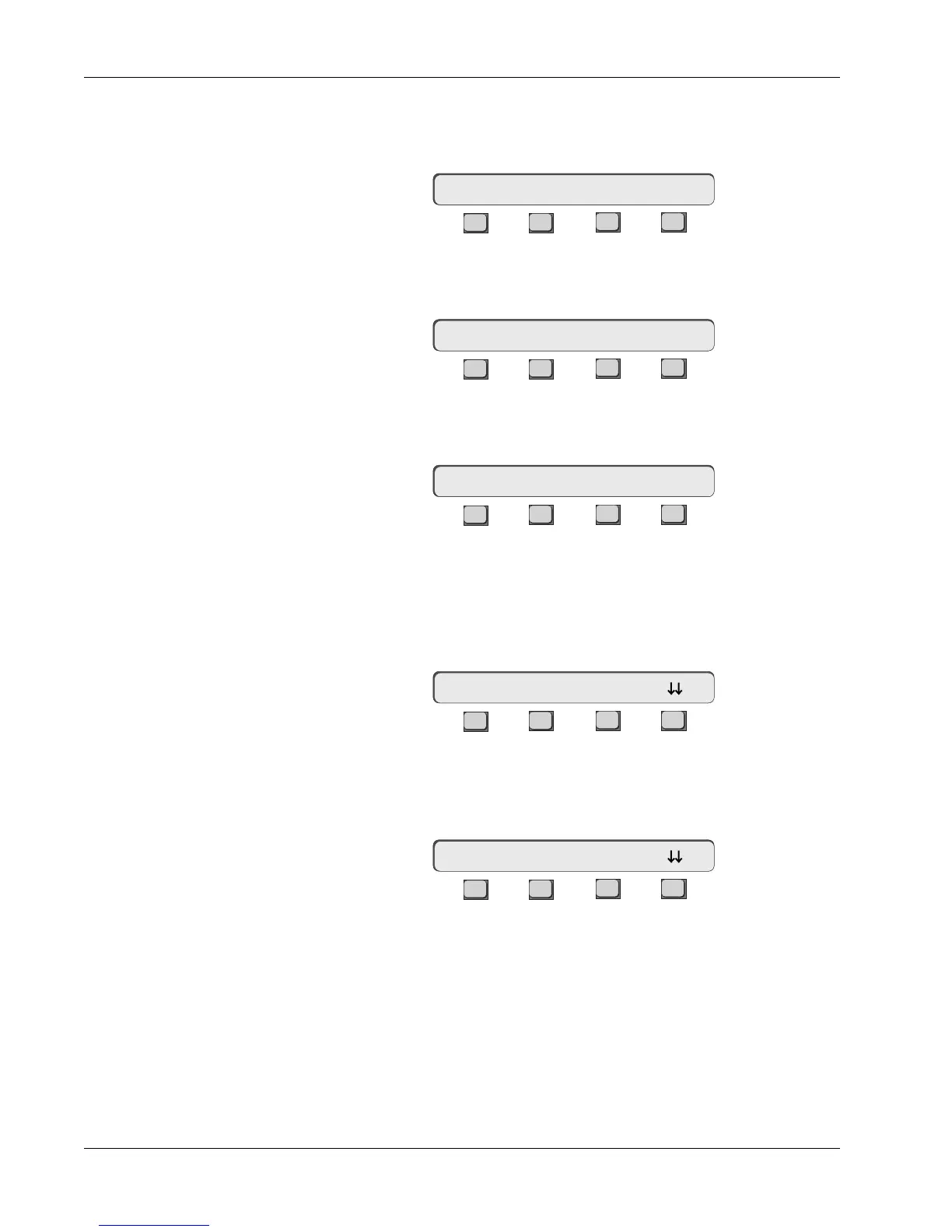
time. Press [F3] to select Stereo Center Locked mode and lock the balance
(pan) control signal at the center:
F3F1 F2 F4
To get separate left and right controls instead of a level/balance combination,
press [F3] again to select Stereo Individual mode:
F3F1 F2 F4
Additionally, stereo Balance, Center Locked and Individual modes are available
with reversed input signal pairs. Press [F2] to select Stereo Reverse mode:
F3F1 F2 F4
You can copy an aux send’s setup only from the top-level Aux Status menu.
Press the attention key for the aux send block you want to copy, then press
[F1] to copy the setup:
F3F1 F2 F4
Press the attention key of any aux sends you wish to copy into and observe
that the channel I/O’s lighted aux display changes to match that of the original
aux control or control pair:
F3F1 F2 F4
If you are copying an aux send configured from a Level/Pan mode (any Stereo
Out), both A/B (C/D) blocks are copied. If you are copying an aux send set to
Mono Ind mode (Mono Out), then A and B blocks must be copied separately.
When you copy an aux send configured in Mono Ind mode to an aux send
configured as a stereo block, only the single aux block (A or B) is replaced. The
other half of the stereo block is cleared back to Mono Ind mode with no SRC or
ASGN settings.
16AB-> Stereo Ctr Ind?
Stereo Center Locked
mode
16AB-> Stereo Ind Ind?
16AB-> StRev Ind Ind?
Stereo Reverse Modes
Copying an Aux
Setup
Stereo Individual mode
????<- * ON pre
12AB-> * ON pre



 To Next Page