Section 2: Getting Started
2 - 12 Euphonix CS3000/2000 Operation Manual
New Title
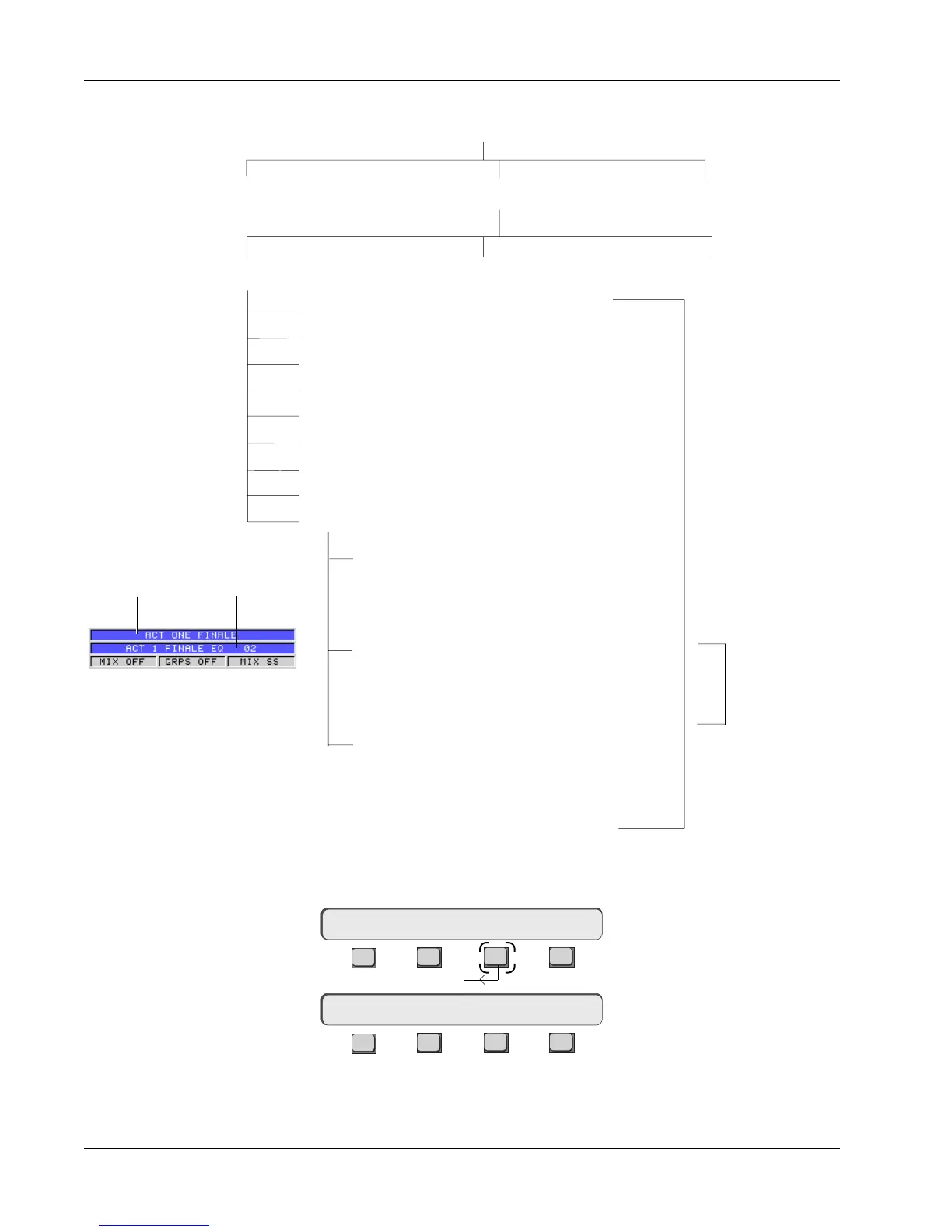
Title Hierarchy
From the File menu, press [F3] (Title), then [F1] (New) to create a title in your
new project:
A window will appear on the screen display allowing you to name your new
title. Enter the name of the title by typing in the keyboard and then press
[Enter].
F3F1 F2 F4
F3F1 F2 F4
Disk Project Title Mix
File Menu
New? Load? Save? Utils
Audio Cube Assignments
Dynamics Assignments
MX464 GPI Relay Assignments
Comments
Setup
Cues
Macros
Snapshots (50)
Mixes
Disk A: Floppy Disk C: Internal HD Disk D: Re-
movable
All this is saved
with the title
Loading a title
also loads the
last current mix
with its SnapShot
& template
Project 1-Synclav 2 Project 2-DEMO II Project 3-RKK
Title 1 The Montage Title 2 AES Paris Montage Title 3
Reebok Demo
Mix 1
Snapshot
Template
Dynamic moves (passes)
Mix 2 - Current Mix
Snapshot
Template
Dynamic moves (passes)
Mix 3
Snapshot
Template
Dynamic moves (passes)
MixTitle
Current title and mix are
displayed in the Status Bar



 To Next Page