Section 8: Grouping System & Fader Linking
Euphonix CS3000/2000 Operation Manual 8 - 9
Now we will select another group master. Press the block key of a current
master fader to make changes to that group (to either add or delete slaves).
Pressing the block key of any unassigned fader will make it a group master. If
you press the block key of a fader that has already been assigned as a slave,
no assignment will be made.
Now select upper fader 24 as the group master. As soon as you make the
master selection, the Slave Select menu is seen in the SmartDisplay and the
meters change to show the new master, its slaves (none selected yet), and the
red “fader unavailable” LED as already described.
F3F1 F2 F4
Next, select upper faders 22 & 23 as slaves in this second group and they will
show in the channel meters.
In this exercise we will demonstrate how to create additional groups. From the
Main menu, press [F4] (Grps) to view the Group Select menu.
F3F1 F2 F4
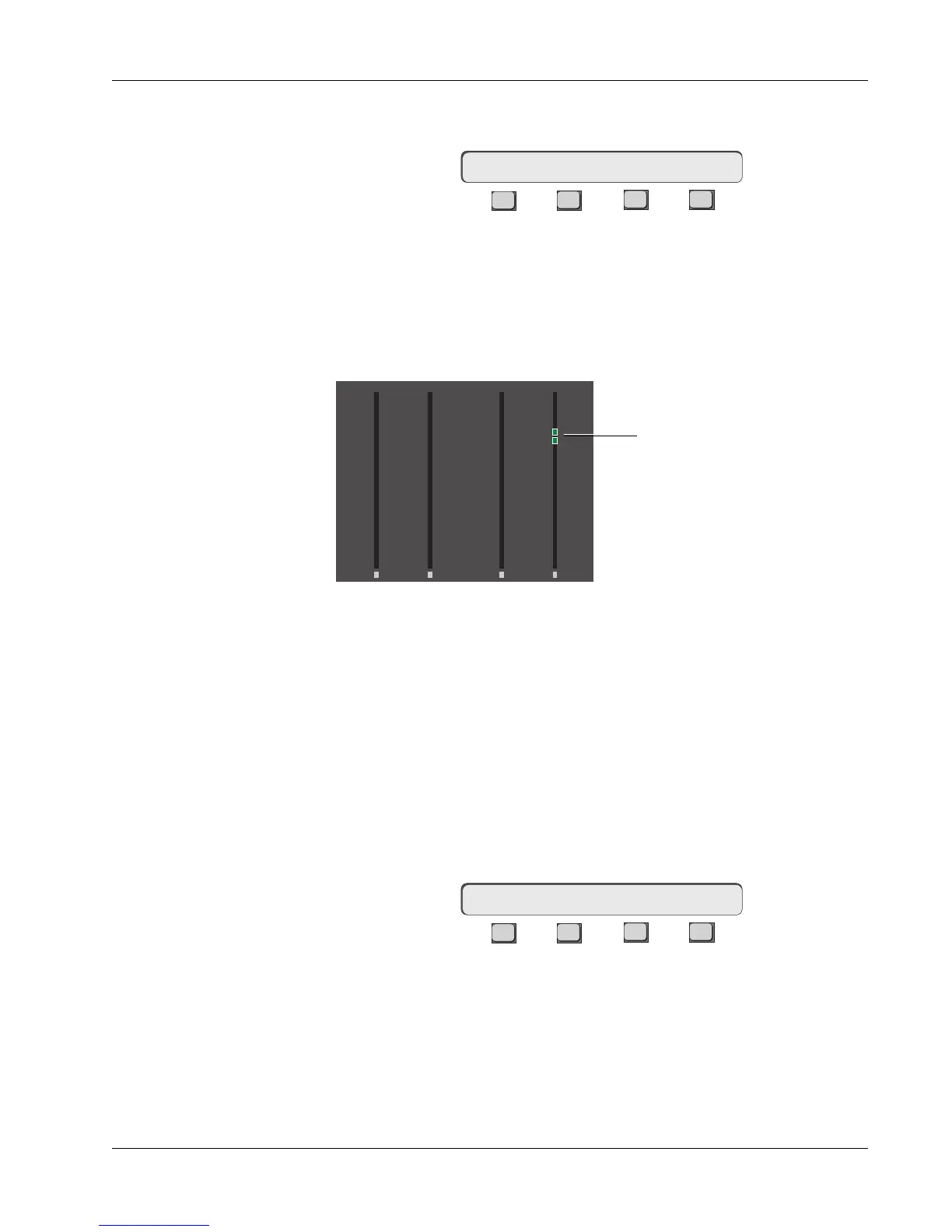
When you enter the Group Select menu, the channel meters display only the
group masters. Any faders that have been designated as group masters will
have two amber LED bars on the meters above the 7 mark. Remember also
that the left-hand meter indicates upper fader and the right-hand meter
indicates lower fader. You will see 2 amber segments lit on channel 24’s right-
hand meter from the previous exercises.
Group Select: ON MSTR
Exercise 3
Creating More
Groups
Existing Groups Display
Select Group Slaves
Select Group Master
Slave Select: MSTR
6
3
3
6
12
33
6
3
3
6
12
33
6
3
3
6
12
33
6
3
3
6
12
33
00 00
0
6
12
18
24
30
36
42
48
60
0
6
12
18
24
30
36
42
48
60
0
6
12
18
24
30
36
42
48
60
0
6
12
18
24
30
36
42
48
60
UF LF
24
UF LF
23
Lower fader 24 is a group master



 To Next Page