Section 7: Automation
Euphonix CS3000/2000 Operation Manual 7 - 15
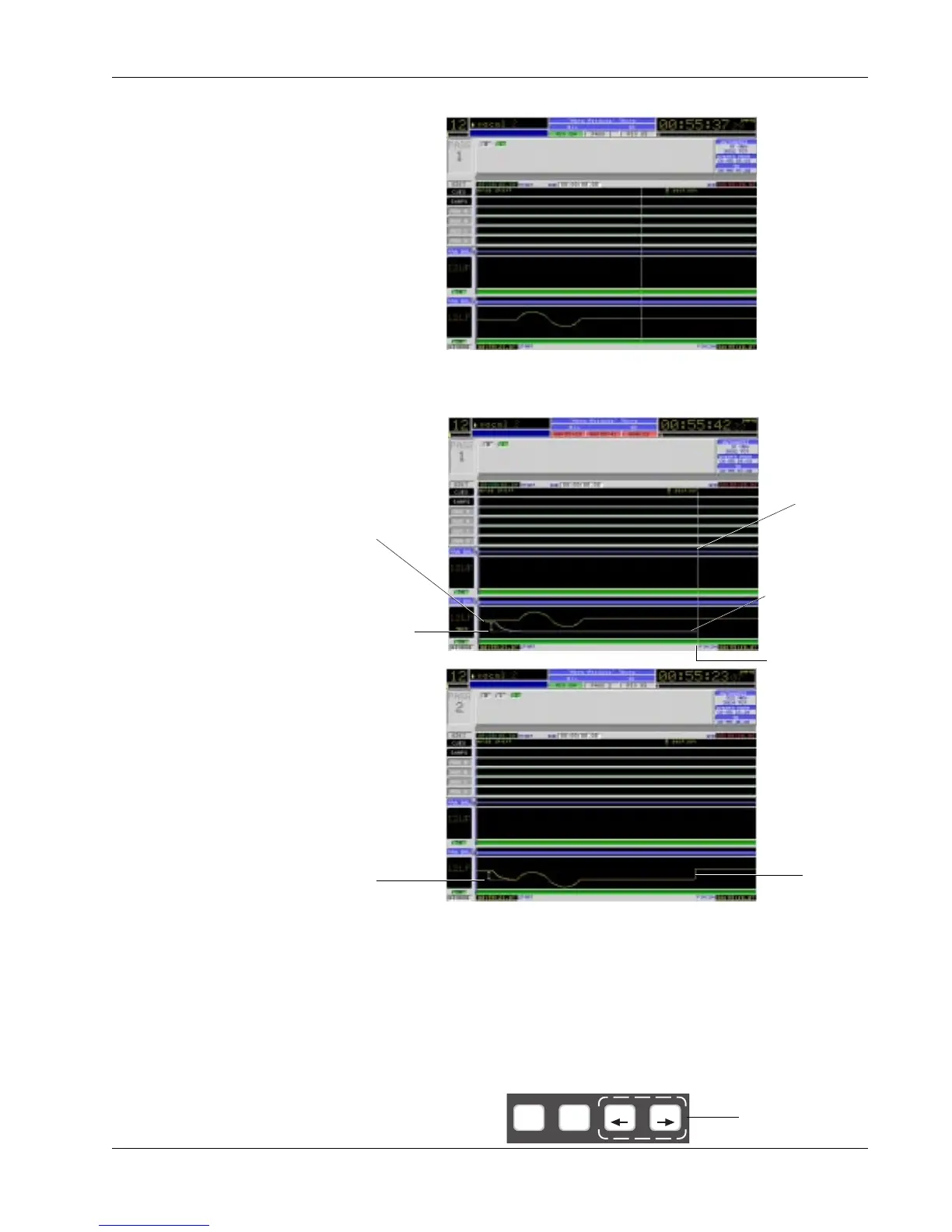
For example, in the diagram below we see a pass with a fader move recorded:
Now with Trim lit, we will punch in and trim the move by moving the fader
down the desired amount and then punch out.
When the pass is complete the screen will update the fader graph to show the
trimmed level. The result is that the section from the punch-in point to the
punch-out point is reduced in level by the amount that the fader was moved.
Notice that the original fader move made in the first pass remained intact.
These three modes give you a great deal of control when punching out. WIn,
WOut and WThr are set from the DSC dedicated automation keys. These
functions work in both ABS and Trim modes.
WIn, WOut & WThr
Modes
punched out
trim
amount of
trim
Fader
position
during trim
Punch out
amount
of fader
movement
punched in
trim
Current time
pointer
Trim ATO W in W out
Directly from DSC
Dedicated keys



 To Next Page