Section 7: Automation
7 - 14 Euphonix CS3000/2000 Operation Manual
In this menu, each row can be configured individually or all four rows can be
configured simultaneously by recalling “Sets”.
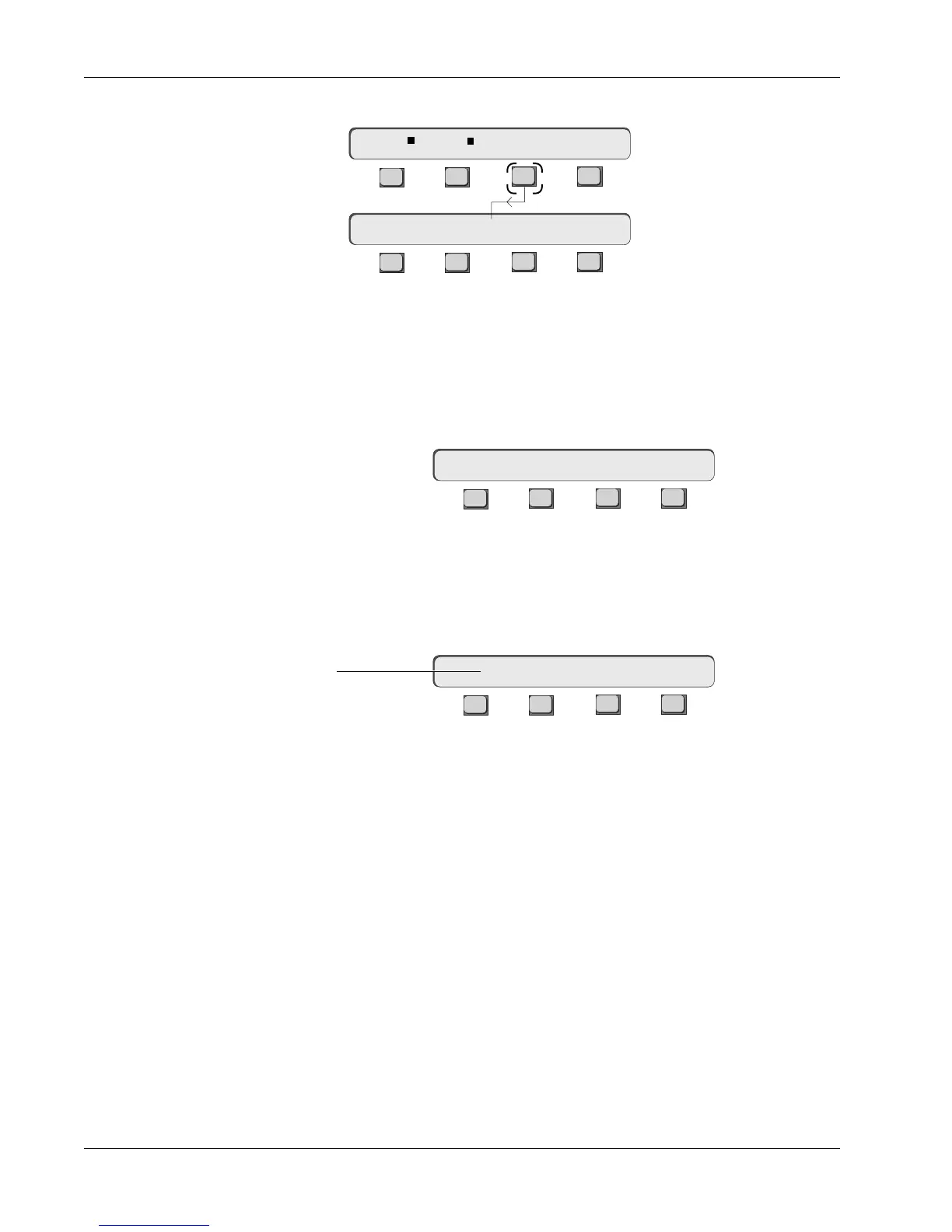
In Set mode (Set:EQ1 in our example), [F3]/[F4], the [+]/[–] keys and the
SpinKnob select the set for the four rows.
Remember, a “Set” is a preset that
configures all four rows
. Press [F1] to toggle between Row and Set modes:
F3F1 F2 F4
In Row mode, [F2] selects the row to be configured. [F3]/[F4], the [+]/[–] keys
and the SpinKnob allow selection of the parameter to be viewed in the row.
[F4] (ZFac) sets the zoom factor of the Pass Control window when Zoom is
active. Press the [F4] (ZFac) key:
F3F1 F2 F4
Pressing [F1] or [F2] decrements or increments the displayed numeric value
respectively. The SpinKnob may also be used to adjust the numeric value. [F3]
sets the unit modifier for the menu’s numeric value. Available choices are
Seconds, Minutes and Percent.
Up to this point we have been writing automation in ABSolute mode. The
absolute fader position was written to automation. Trim is used to change the
overall gain of the signal and still retain any mix moves previously recorded.
Fader moves in Trim mode are relative to the original automation moves.
From the Pass Control Screen Setup menu, press [F3] (Show):
Trim Mode
F3F1 F2 F4
F3F1 F2 F4
Set:EQ1 LG / lG / hG / HG
Zoom Full Show ZFac
Row 1: EQ1 lG
ZFac : 25 Seconds
Zoom Factor
With zoom activated,
window will display 25 secs.
at a time.



 To Next Page