Section 6: Moving Faders
6 - 6 Euphonix CS3000/2000 Operation Manual
F3F1 F2 F4
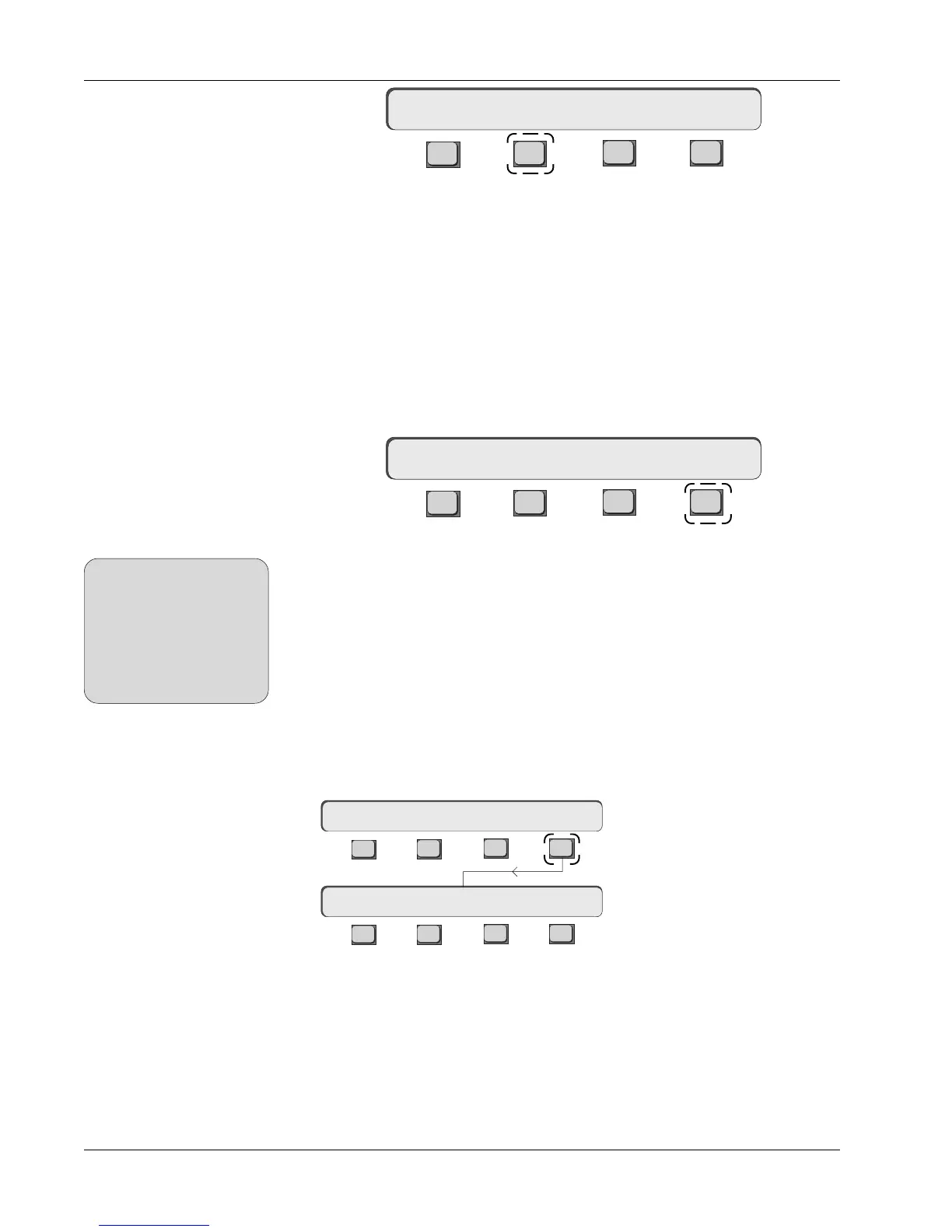
Pressing [F2] toggles the Touch option ON/OFF. Setting the Touch option OFF
disables touch punch-in for all faders while still allowing manual punch-in,
protecting your mix from inadvertent punch-ins.
The Release option affects what happens when you release the fader. It
allows you to globally configure all faders to either stop writing (punch-out) or
continue writing fader automation data when you take your finger off the fader
cap.
With Release ON, the fader punches out of automation write mode as soon as
you remove your finger from the fader cap.
F3F1 F2 F4
Pressing [F4] toggles the Release option ON/OFF. With Release OFF the fader
will remain in automation write mode (punched-in) after you remove your
finger from the cap. The fader is punched-out manually using the fader punch
(attention) key or by interrupting time code.
The console default is Release:ON.
You may have noticed in the previous Touch:OFF example, that when you set
Touch:OFF, Release is also set to OFF if previously enabled. The Release
function is irrelevant and cannot be activated when the Touch option is set
OFF.
[Esc] to the Moving Faders menu as shown, then press [F4] to go to the Slaves
menu:
Slaves follow On/Off
If Motors are set OFF, Touch
and Release are also turned
OFF. However, you can then
set Touch ON again,
allowing you to have
Motors:OFF with Touch:ON
for punch-in purposes.
SIDE NOTE:
Touch:OFF Release:OFF
Release ON/OFF
Touch:ON Release:OFF
F3F1 F2 F4
F3F1 F2 F4
Slaves Menu
Moving Faders Menu
Motors:ON Touch Slvs
Slaves follow:ON
With Slaves follow ON, each moving fader slave within a group will move to
show the audio level for that fader. This gives you instant visual feedback of
each slave fader’s DCA fader position relative to the others in that group rather
than relying on multiple fader null LEDs.
Conversely, with Slaves follow OFF, all motorized slave faders will operate in
an identical fashion to non-motorized faders using null LEDs.
The console
default is Slaves follow:ON.



 To Next Page