Section 7: Automation
Euphonix CS3000/2000 Operation Manual 7 - 23
MixView software provides dynamic automation of EQ. EQ parameters can be
individually punched-in via the DSC rotary controls or simultaneously all
punched-in via the channel EQ•Dyn attention key.
The EQ is considered an object like the Fader, On and Pan keys, etc. In v3.0
software, the D object key becomes the EQ object key (EQ/D) similar to the
Fader/A, Pan/B and On/C keys. The lone “D” key cap legend will be changed in
future systems to reflect this function.
With a Mix loaded and Mix ON, press
and light the [D] (EQ/D) object key. Give
the system valid forward time code and
observe the Pass Rec light come on.
At this point, if you wish to punch in
all
parameters of an EQ, press the desired
EQ attention key (EQ1 or EQ2) in the lower fader block.
When
all
EQ parameters are punched in, you will see
all
upper idt (Iso/Dyn/
Trim) LEDs next to the EQ rotary controls, the EQ in/out idt LED and the fader
block EQ attention key LED flash, indicating that
all
EQ parameters are writing.
You can now make changes to any EQ parameter including EQ In/Out and they
will be recorded.
If the EQ is out of circuit during a write, the EQ attention key LED will flash on
momentarily. If the EQ is in circuit during a write, the EQ attention key LED will
flash off momentarily.
To automate individual parameters, punch in by pressing the upper of the two
grey idt keys next to the parameter control you want to automate. The idt LED
for that key and rotary control will flash, indicating that your moves will be
recorded. The EQ in/out parameter is punched in using its idt key on the DSC.
Individual parameter punch does not require the EQ/D object key to be lit to
record. The idt keys are live whenever EQ is displayed on the screen.
Locate your timecode source to the start point and play. Moves written in
automation are seen as the EQ curve changes in real time on the DSC EQ
screen.
Fader
A
Pan
B
On
CD
EQ Object key
Writing EQ Moves
All Parameter Punch
i
dt
i
dt
(Iso/Dyn/Trim) LED
EQ parameter
punch key
EQ parameter
control
Automated EQ
Suppression Screen
Individual Parameter
Punch
Playing EQ Moves
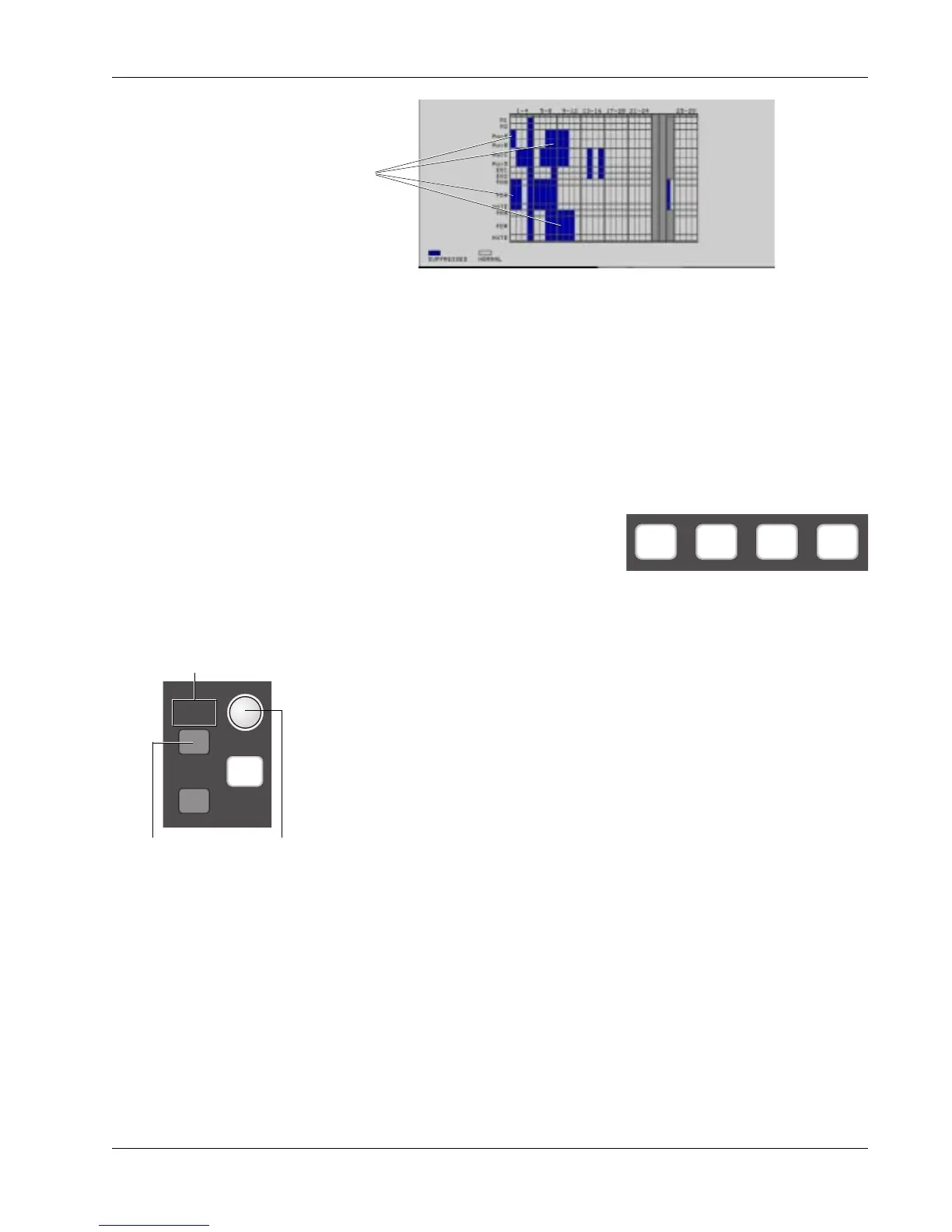
Suppressed blocks



 To Next Page