Section 2: Getting Started
Euphonix CS3000/2000 Operation Manual 2 - 11
The following menu appears:
F3F1 F2 F4
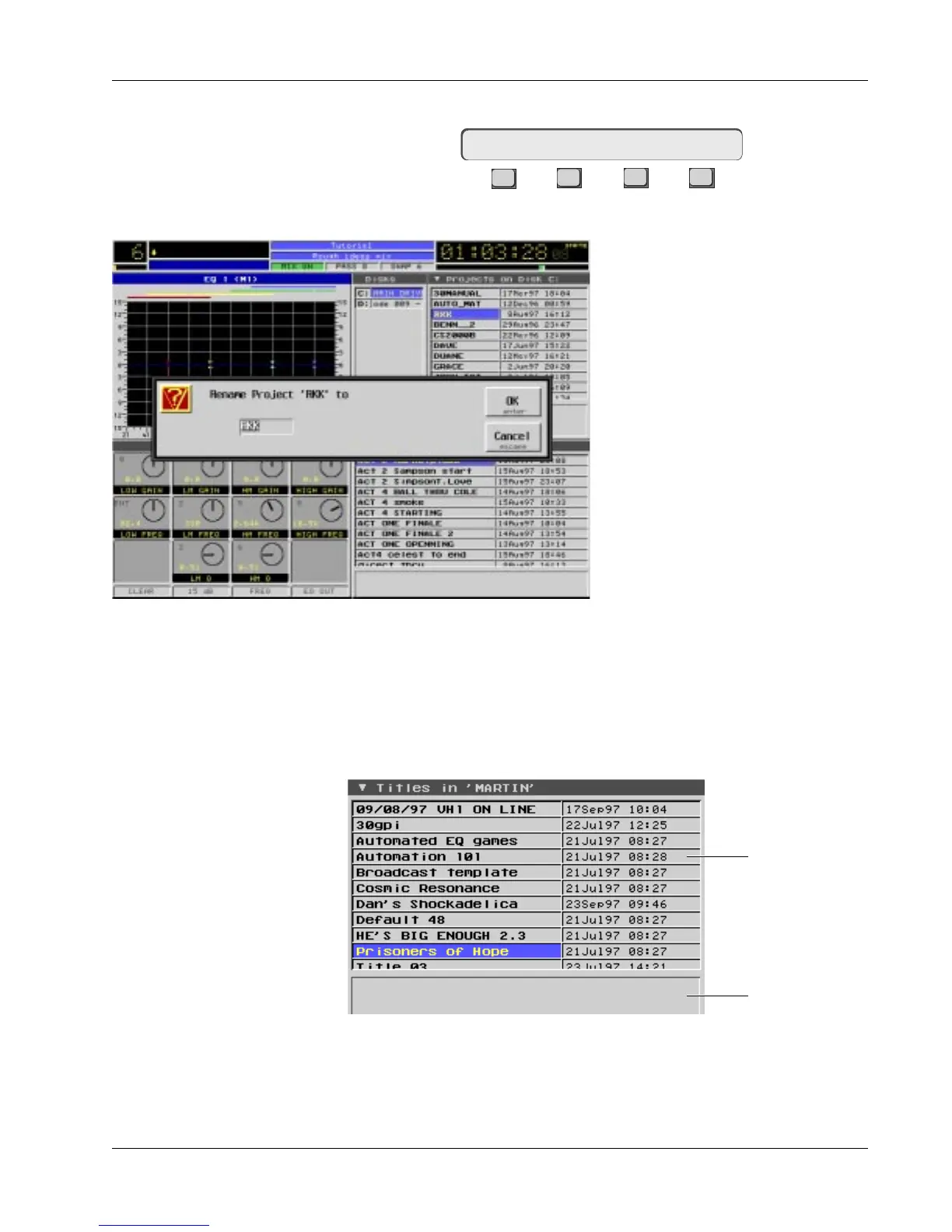
…together with a screen prompt so that you can rename the project before
you make the copy. If you intend to
copy back to the current drive then
you must rename the project. If you
try to copy the project to the same
disk as a project with the same name,
the copy process will automatically
abort. If you’re copying to the another
drive, you don’t need to rename the
project. Press [F3] (Yes) to proceed or
[F4] ([No]) to abort.
The use of screen prompts along with
SmartDisplay questions is common in
the Euphonix system and mainly used
when you need to type something
from the QWERTY keyboard.
The titles contain all the important session information. Projects are simply
designated storage areas (like folders in Windows or Macintosh operating
systems). An example of a typical Title window, showing the titles contained
in a project is shown below. (See “Titles and Files” in the Appendix section for
a breakout of all system files found on the CS3000 system hard disk.)
Copy Proj ? Yes [No]
Titles
Comments
Window
Date and time of
title creation
Title Window:



 To Next Page