Section 9: Dynamics
9 - 36 Euphonix CS3000/2000 Operation Manual
Key Inputs
DYNAMICS KEY INPUTS 1-8 AUX BUS INSERT SENDS 1-12
AUX BUS INSERT RETS 1-12
AUX BUS MSTR OUTS 1-12
USER FX INPUTS
DYNAMICS KEY INPUTS 9-16
DYNAMICS KEY INPUTS 17-24 DYNAMICS KEY INPUTS 25-32
Un Normalled side Half Normalled side
Each dynamics processor has an external key input accessed from the External
Key Elco connector on the rear panel of the ES108A. Music and Post system
packages include a patch unit which accommodates these key inputs, but the
studio you work in may or may not have these inputs wired to the patchbay.
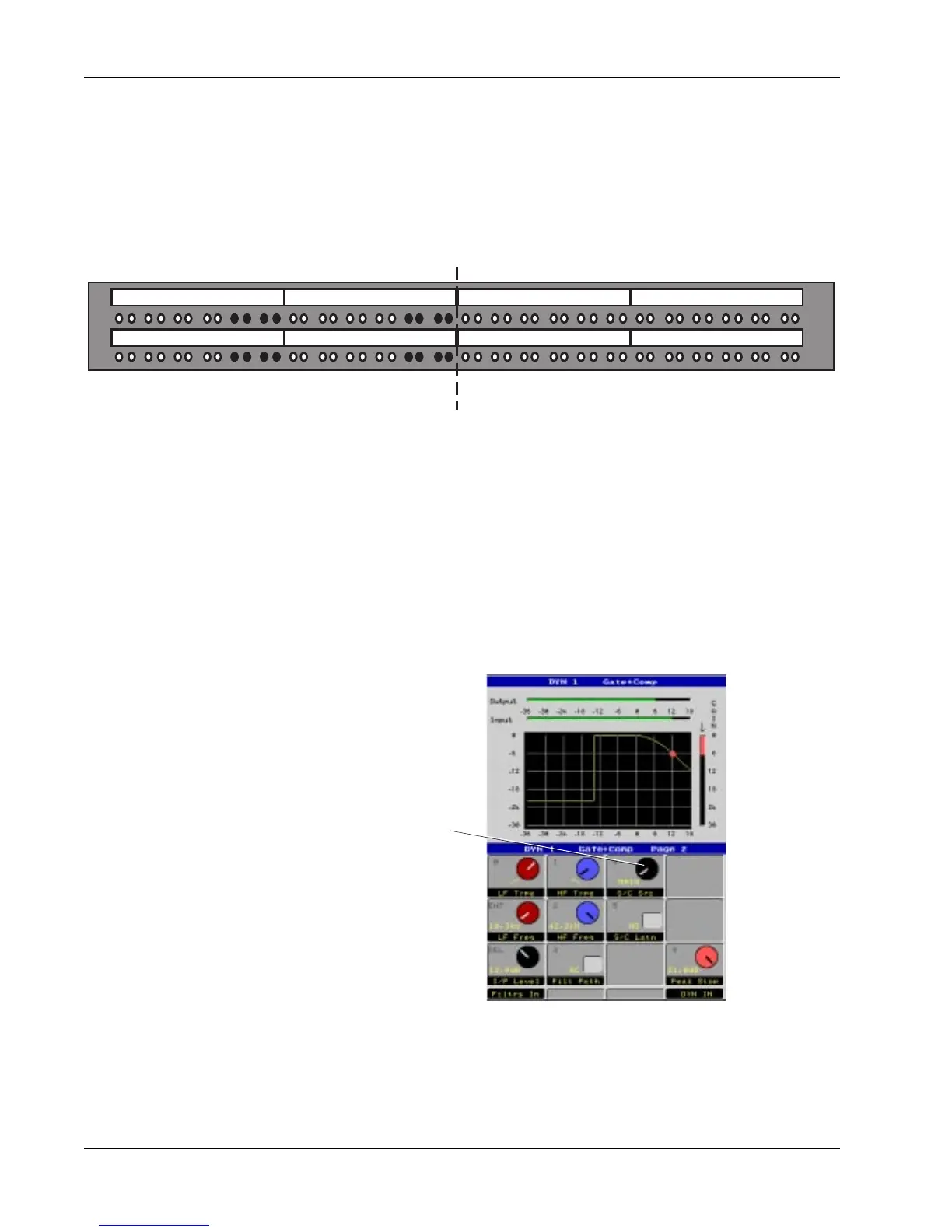
The aux send patch unit shown below can accommodate up to 32 dynamics
key inputs and up to 12 additional aux sends per channel (as is standard in the
Euphonix CS3000/2000M music systems).
Operationally these external key inputs can be used to control the gain ele-
ment independently from the main signal going through the processor. For
example, a vocal signal can be fed into the key input of the dynamics proces-
sor and used to ‘duck’ the music going through the processor via the side
chain.
Switching the dynamics side chain to work from the key input rather than the
main signal is easy. Go to Page 2 of the controls by pressing the DSC [Pg 2]
key or toggling the [+]/[–] keys.
The S/C Src selector switches the side chain from the Main signal to source
from the key input (EXT) from the patchbay, or from any of the 8 Main inputs
coming into the ES108A unit. (Chan 1-8). Note that selecting a processor’s own
ES108A channel number in the Side Chain Source is the same as selecting
Main.
S/C (Side Chain) Source Selector



 To Next Page