Section 4: Tutorial
4 - 62 Euphonix CS3000/2000 Operation Manual
The Locate menu is accessed by pressing the DSC Transport Control [Loc]ate
key. When first pressed, the SmartDisplay menu allows the user to enter a
timecode position or a Cue Number:
F3F1 F2 F4
To locate to a specific timecode address, type in the numbers using the DSC
Numeric keypad. Type in the TC address in hrs:mins:secs.frames as the
address field is filled from right to left. If you make a mistake, you can use the
[Del] key as a backspace key or press the [Clr] key to clear the entry. It is not
necessary to type leading zeros. Once you see the desired timecode value in
the SmartDisplay, press [Enter]. If the entered timecode value is a valid
address, MixView will locate the VTM (or MMC device) to that address. If not,
the software will calculate a valid address and display it in the menu waiting
for you to confirm the calculation with another press of the [Enter] key. As an
exercise, type in 7 minutes, 35 seconds and 20 frames:
789
456
123
Locate Menu
System
Locate Menu
00:00:00.00 Mark Cue
Press the [Enter] key to create a cue at the value shown in the DSC timecode
window and locate to the new address:
Since you do not have to enter leading zeros, you can rapidly enter cue points.
You can also use the SpinKnob to trim the timecode value.
This method is useful for entering known timecode values from an EDL or Cue
list. If you are using an MMC device and you have a lot of cues to input, using
the internal VTM saves time by not having to wait for the machine to locate
before entering the cue time. If controlling a MMC device, the [Mstr Ctrl] key
must be lit (see the Automation section). Turn it off to use the VTM and then
remember to toggle [Mstr Ctrl] back on when you want to use MMC again.
Once a position has been located using the Enter key, the timecode position is
remembered so that pressing the [Loc] key twice at any time locates to the
last recalled position.
F3F1 F2 F4
00:00:07.35 Mark Cue
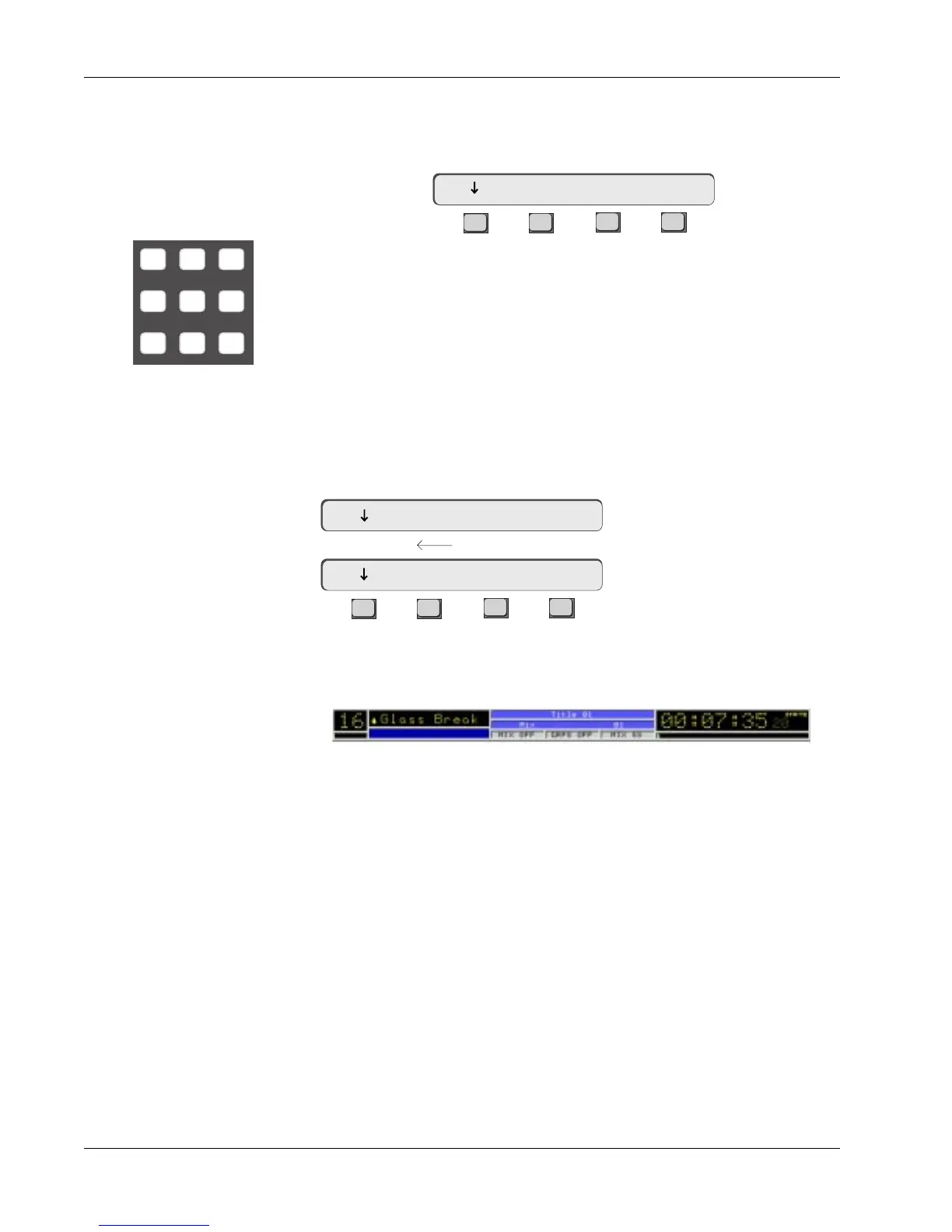
00:07:35.20 Mark Cue
TC address field fills from right to left



 To Next Page