Section 1: Introduction
1 - 16 Euphonix CS3000/2000 Operation Manual
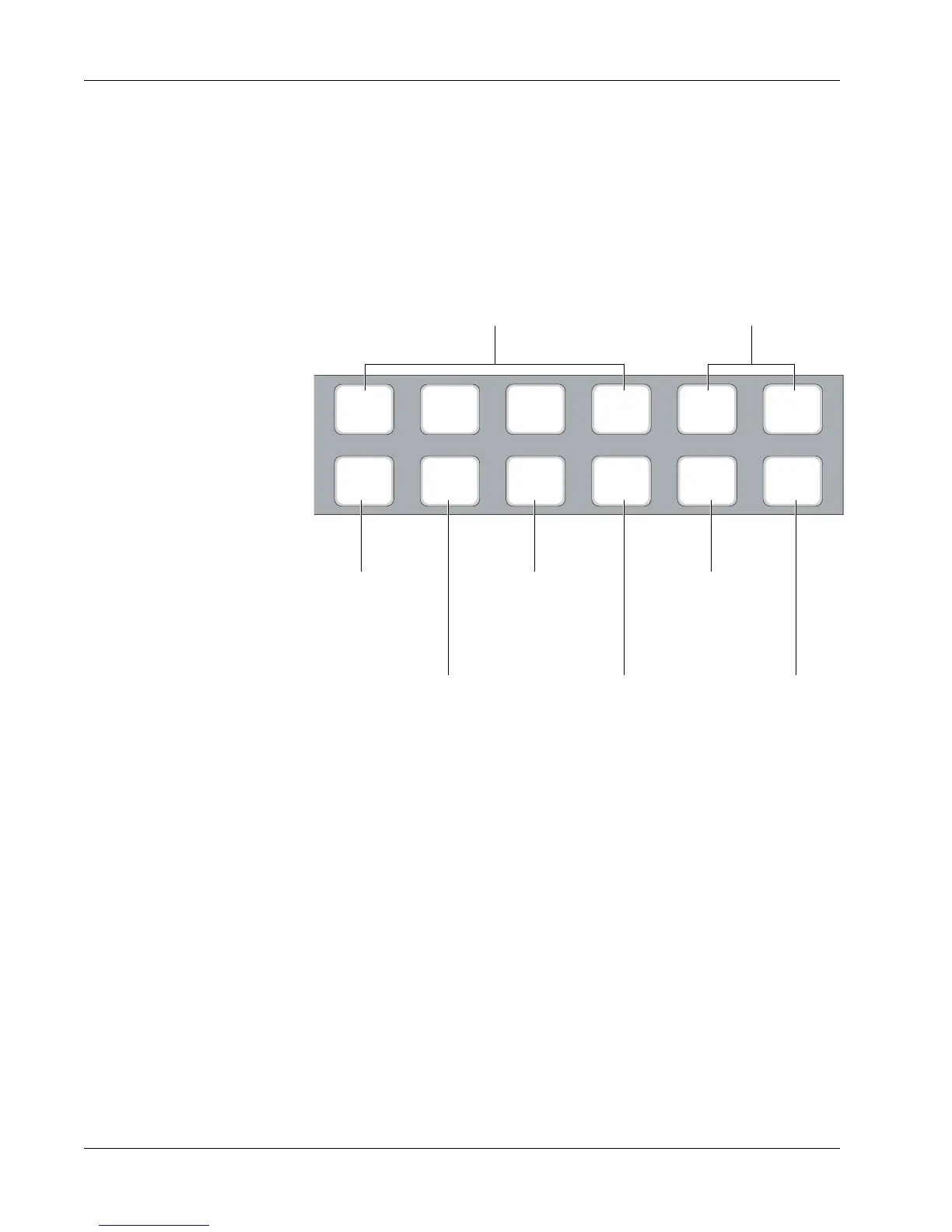
Mode Select Keys
At the bottom of the Rotary Assign area are the Rotary Control Select keys.
These keys select different control functions for the assignable control set,
such as EQ, dynamics, auxes, multi-format panning, etc.
DynEQ
Pg 1 Pg 2 Pg 3 Pg 4
Aux Pan
Assign
Bus
Master
Chan
List
Selects ES108A
Dynamics/Filters
control mode
Not yet implemented
Selects Audio Cube
Aux Send control mode
Not yet
implemented
Selects Audio Cube
Bus Master control
mode for auxes or
multi-format pans
Selects Audio Cube
Multi-Format Bus
Panning screens &
controls
Selects EQ
control mode
Four Page keys switch between pages/screens
of functions. Sometimes only Page 1 is used.
In Dynamics mode, for example, Page 1 shows
gate/compress parameter controls and Page 2
shows filter adjustment controls.



 To Next Page