Section 4: Tutorial
Euphonix CS3000/2000 Operation Manual 4 - 43
Example 2 - You want to mono 4 line inputs, equalize this signal and
then send it to the stereo buses.
Select a channel and patch 4 sources, say 4 voices of a sampler, into L1, L2,
L3, & L4.
Go to the Combiner menu ([channel block key] followed by [F4] and then [F4]
again) and select L1, L2, L3, L4 as the sources. These will add together as a
1:1:1:1 mix.
F3F1 F2 F4
Now go to the M1 Block menu. Press F2 to select the Combiner rather than
M1’s patch point.
Next, press the channels EQ1 attention key and select M1 as its source using
the DSC Dedicated Assign keys.
Source the lower fader from M1, assign it to ST1 and put it in Mono Pan
mode.
Assign the Combiner to DIR1 by using the SpinKnob to spin to CMB & then
press [F4]. The square next to CMB shows that DIR1 is being fed from the
Combiner.
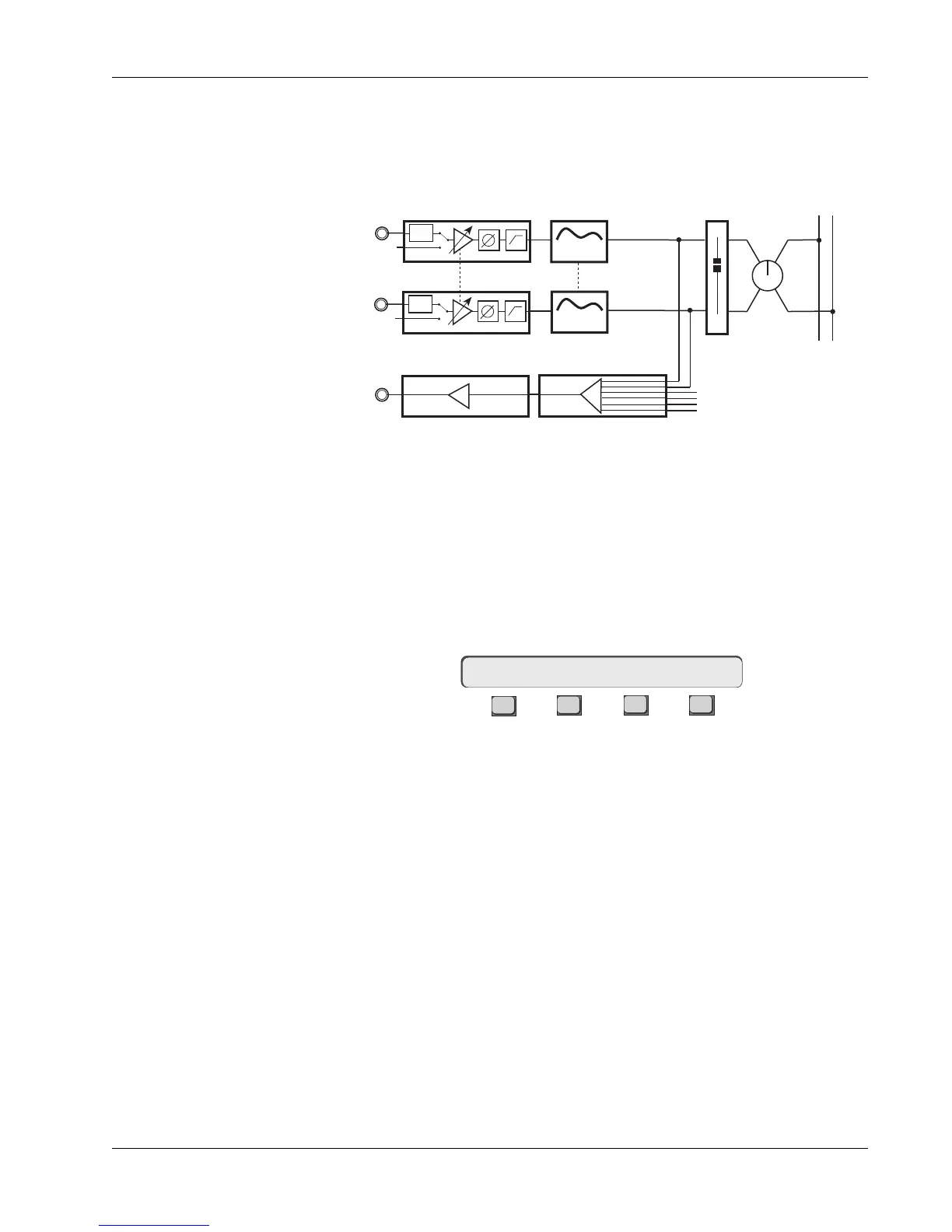
The signal flow diagram for this configuration is shown here:
PWR
LF
PWR
STEREO 1 BUS
L R
M1
M2
BAL
4 Band EQ
4 Band EQ
Stereo Links
EQ2
EQ1
Combiner
∑
DIR1
Direct Out 1
M1
M2
Patch Signal to Inputs
Set Combiner Source
Combiner to M1
Insert EQ
Lower Fader Source, Assign,
Mode
Combiner to DIR1
16CH–>CMB L1 L2 L3 L4



 To Next Page