Section 7: Automation
7 - 18 Euphonix CS3000/2000 Operation Manual
F3F1 F2 F4
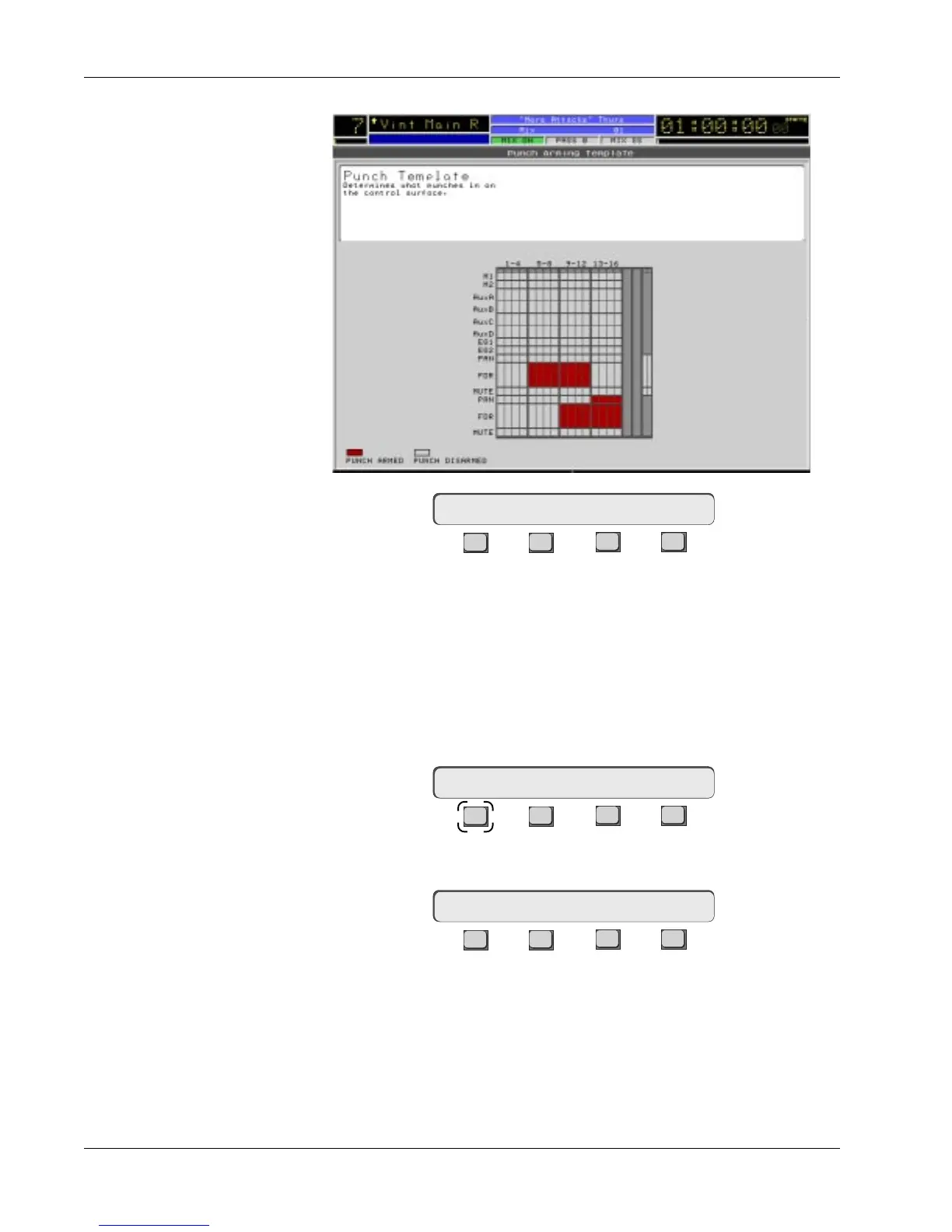
The Punch template screen allows you to select any combination of mute,
fader, pan, EQ1, EQ2, Aux A, B, C, or D objects on any channel(s). All armed
objects can then be punched-in by pressing the [*ST] key. While the punch
template is visible, the [All lower], [All upper] and [All aux] keys operate to
arm/disarm their respective Mix Controller object blocks. When the template
is
not
visible on-screen, these keys punch-in those object blocks.
From the top-level Punch menu, press [F4] (Setup):
F3F1 F2 F4
Press [F1] (Filter) to configure the Filter punch out feature:
F3F1 F2 F4
With Filter punch-out active, any lit DSC Object keys [On/A], [Fader/B], [Pan/
C] and/or [D] (EQ/D), allow you to selectively punch-out their respective
objects within a block when its attention key is pressed. With Filter punch-out
disabled, all objects in a block are punched-out together.
Press [F3] (Tplt) to view the Punch menu and screen template:
Punch -> Select objects
Filter punch out? [No]
Punch Setup Menu
Filter Win/Wout



 To Next Page