Section 9: Dynamics
9 - 6 Euphonix CS3000/2000 Operation Manual
IMPORTANT: Powering on with the bottom key depressed, clears the
battery-backed RAM (user settings and snapshots). To restore the
data, you must reload the Title. You can also load the factory or user
dynamics presets which are stored in a separate file on the MixView
computer hard disk.
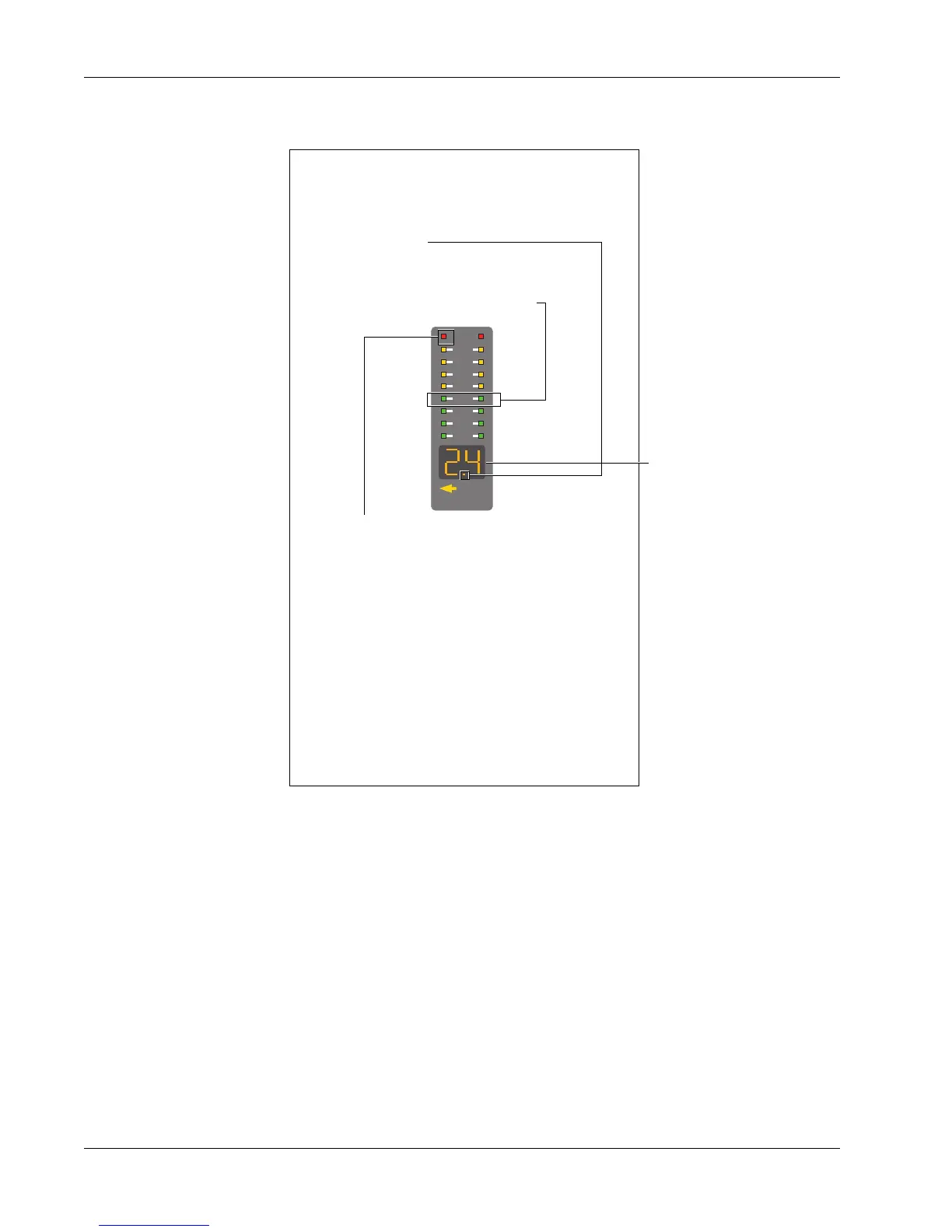
The ES108A Processor Display
MIDI
Key Mon
2
4
6
9
12
15
21
30
2 green segments in the meter display
area indicate processor bypass
Clip LED - indicates when soft clip circuit
threshold is being exceeded. The threshold
for the circuit can be adjusted in software
and used for special effects
Left Arrow - indicates stereo link with the
channel to the left
MIDI - flashes when MIDI control informa-
tion is sent to the ES108A channel
Key - lit when External Key Input is enabled
Mon - lit when Side Chain Listen is enabled
A flashing dot indicates active channel (last
processor brought to attention in the Smart-
Display and currently outputting metering
data)
Shows number of
console channel to
which processor is
assigned



 To Next Page