Section 9: Dynamics
Euphonix CS3000/2000 Operation Manual 9 - 19
Next, press the [*ST] key on the Numeric keypad to stereo link the processor
selected with the next processor up (the processor to the right in the same
ES108A).
F3F1 F2 F4
The -> symbol next to the dynamics channel should change to an asterisk (*) in
the SmartDisplay, indicating that you have linked this channel with its upper
neighbor. The asterisk (*) will show for both units in the SmartDisplay, but the
link can only be deselected from the master. Now you can adjust both proces-
sors from the same set of controls.
Notice also that a pair of stereo In/Out meters has appeared at the top of the
Dynamics screen when the processors were linked, enabling you to monitor
input and output signal for both processors. For mono operation only one set of
meters appear on the screen.
If you get the following message, you may be trying to use the 8th dynamics
processor in an ES108A unit as a master, and link it to the next processor. The
8th processor has no adjacent processor to make its slave within the same
unit, and so generates an error message which then times out:
F3F1 F2 F4
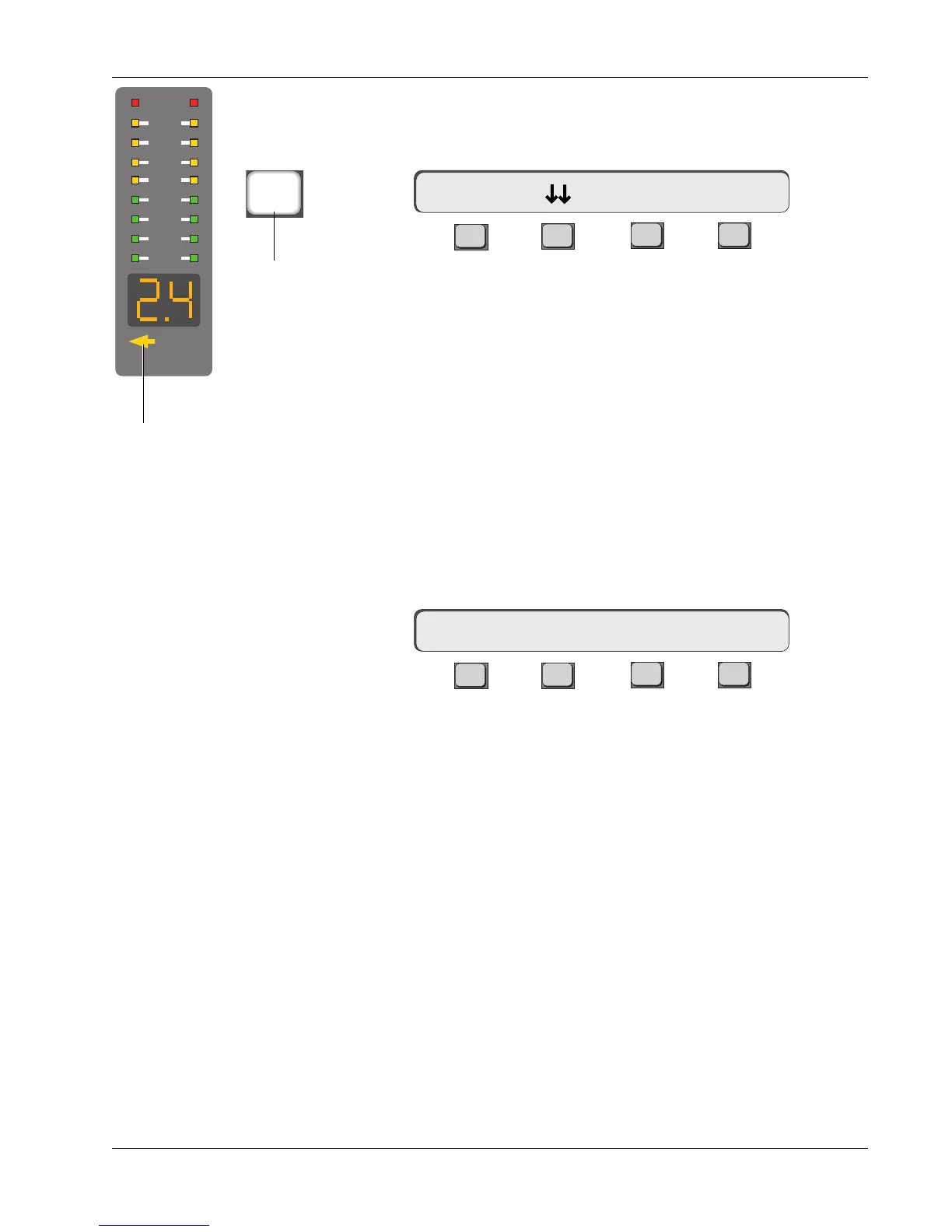
Look at the fronts of the ES108A units. The display of the linked “slave”
processor (processor 2) should now show a lighted arrow pointing to the left
toward the link “master” (processor 1). Select processor 2 and press the [*ST]
key again. Now processors 1, 2, & 3 are linked. On the front of the ES108A,
the link arrows on processors 2 and 3 should be lit.
When linking two dynamics processors, the settings from the master proces-
sor overwrite the settings for the slave. When the two processors are un-
linked, the setting from the master remains with the slave, but can be adjusted
independently.
Note that when you stereo link two dynamics processors, the processor to the
right in the same ES108A always links to the processor selected, even if they
have been assigned to different channels on the console. Euphonix recom-
mends assigning processors in numerical order across the desk (using the 1/
Chan or 2/Chan commands) rather than making haphazard assignments.
*
1D1 Comp On -> >-
Chan cannot be linked
MIDI
Key Mon
2
4
6
9
12
15
21
30
Link Arrow
*
ST
Stereo Link
key



 To Next Page