Chapter 4: Creating and Editing Messages
MP65492–1 83 Linx 4900 Operating Manual
4.13.1 To Create a New Message
In this example, you create a 16-drop high message.
1. At the CURRENT MESSAGE screen, press the [F3] function key.
NOTE: If the Password system is switched On, the PASSWORD screen
is displayed at this point and you must enter a password to
continue. See ‘To Enter the Password’ in Chapter 2, ‘Getting
Started’ for further details.
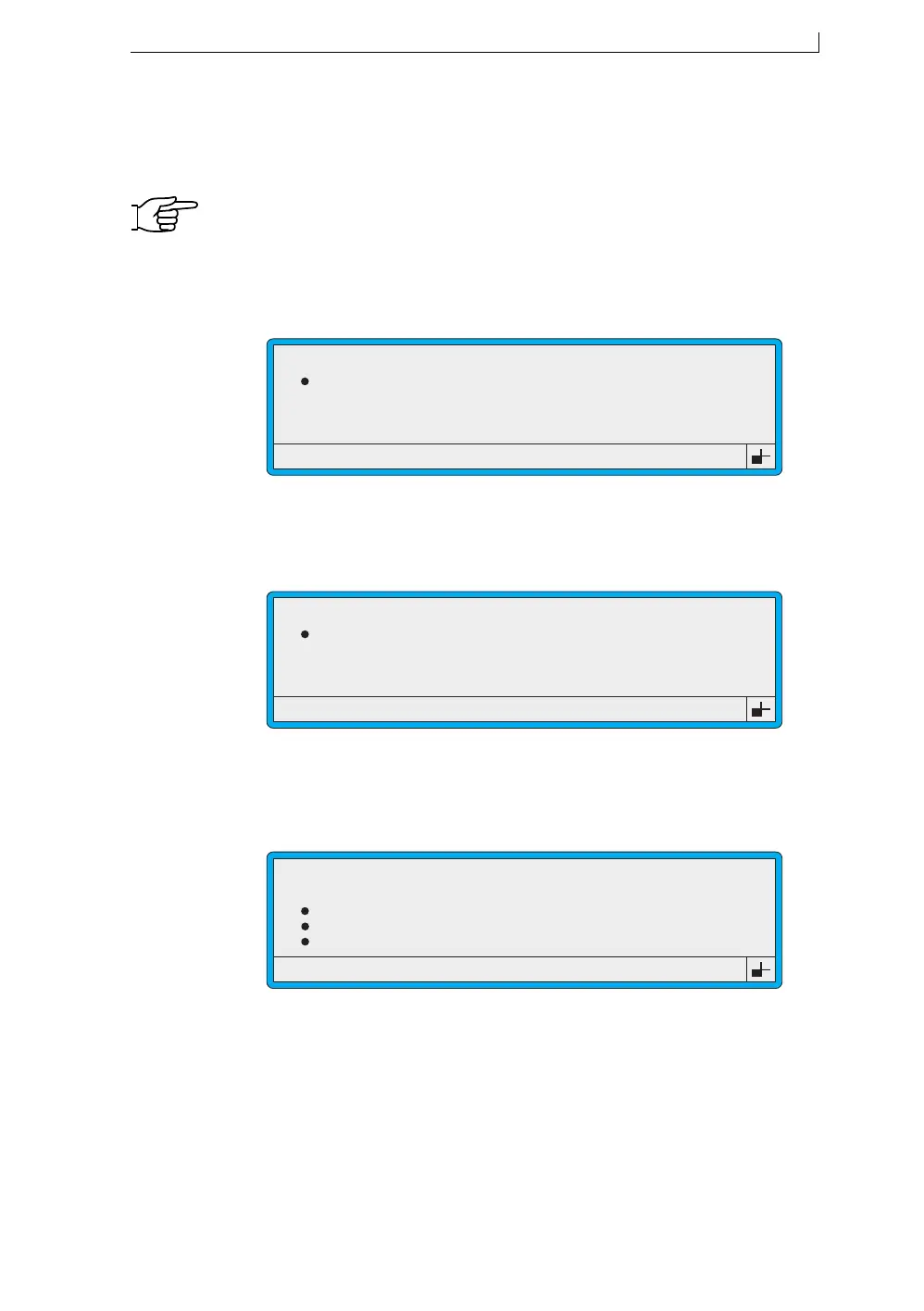
The NEW MESSAGE screen is displayed:
Figure 4-41 New Message Screen
2. At the NEW MESSAGE screen, type in the message name
MESSAGE 1:
Figure 4-42 New Message Screen: Message 1
3. Press the [enter] key.
The MESSAGE TYPE menu is displayed:
Figure 4-43 Message Type Menu
Enter Name > _
49019
NEW MESSAGE
Enter Name > MESSAGE 1
49020
NEW MESSAGE
49189
MESSAGE TYPE
7 Quality
7 Flexible
16 Quality
16 Flexible
>
4900 Op Manual.book Page 83 Tuesday, September 9, 2003 12:32 PM



 To Next Page