Chapter 7: Diagnostics and Maintenance
Linx 4900 Operating Manual 130 MP65492–1
7.1.2 Option Availability
The options you see when you access the DIAGNOSTICS menu differ
according to the current printer status (Jet Off, Jet Running or Printing),
and the user level password (Level B or Level C).
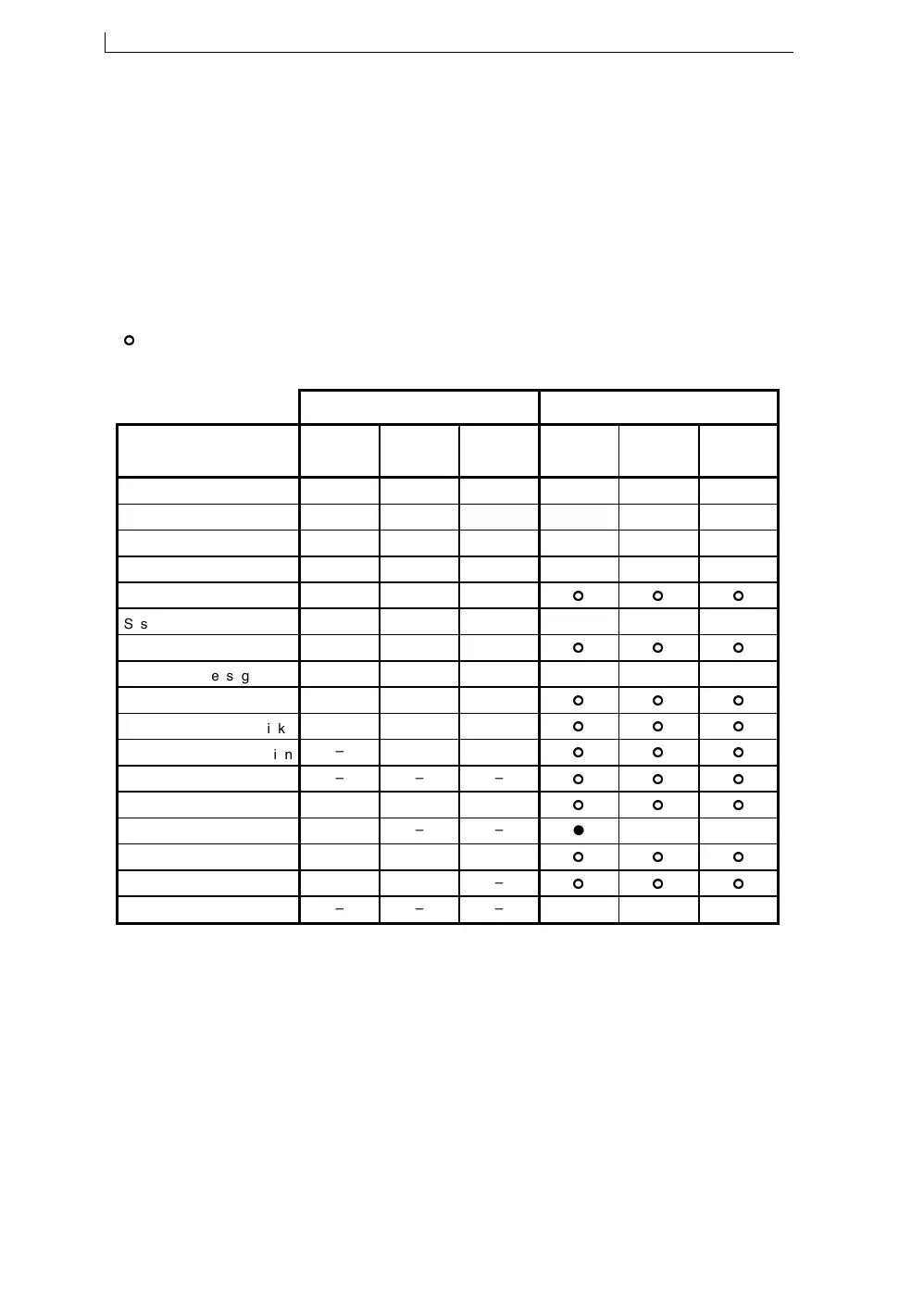
The following table shows the validity of the DIAGNOSTICS menu
options, according to the printer status:
Figure 7-2 Diagnostics Menu Option Availability
49137
KEY:
●
Option is displayed
and
can be selected and changed.
Option is displayed for viewing only; it
cannot
be selected or changed.
–
Option is not available.
USER LEVEL B PASSWORD USER LEVEL C PASSWORD
Diagnostics Menu
Options
Jet
Off
Jet
Running
Printing Jet
Off
Jet
Running
Printing
Clear Nozzle
– – –
●
– –
Nozzle Flush
– – –
●
– –
Monitor Jet
– – –
● ● ●
System Times:
–
–
–
● ● ●
sub-options
–
–
–
System Configuration:
– – –
● ● ●
Head Type
– – –
Message Type
– – –
● ● ●
Messages Stored
–
–
–
SW Links
–
–
–
SW Version
– – –
PCB Issue
– – –
Configuration
–
–
–
Ref Pressures
–
–
–
● ● ●
Set Pressure
– – –
Set Modulation
– – –
Generate Test Pattern
– – –
● ●
–
4900 Op Manual.book Page 130 Tuesday, September 9, 2003 12:32 PM



 To Next Page