Appendix B: Printer Controls and System Menus
MP65492–1 181 Linx 4900 Operating Manual
B.2.2 Current Message Screen
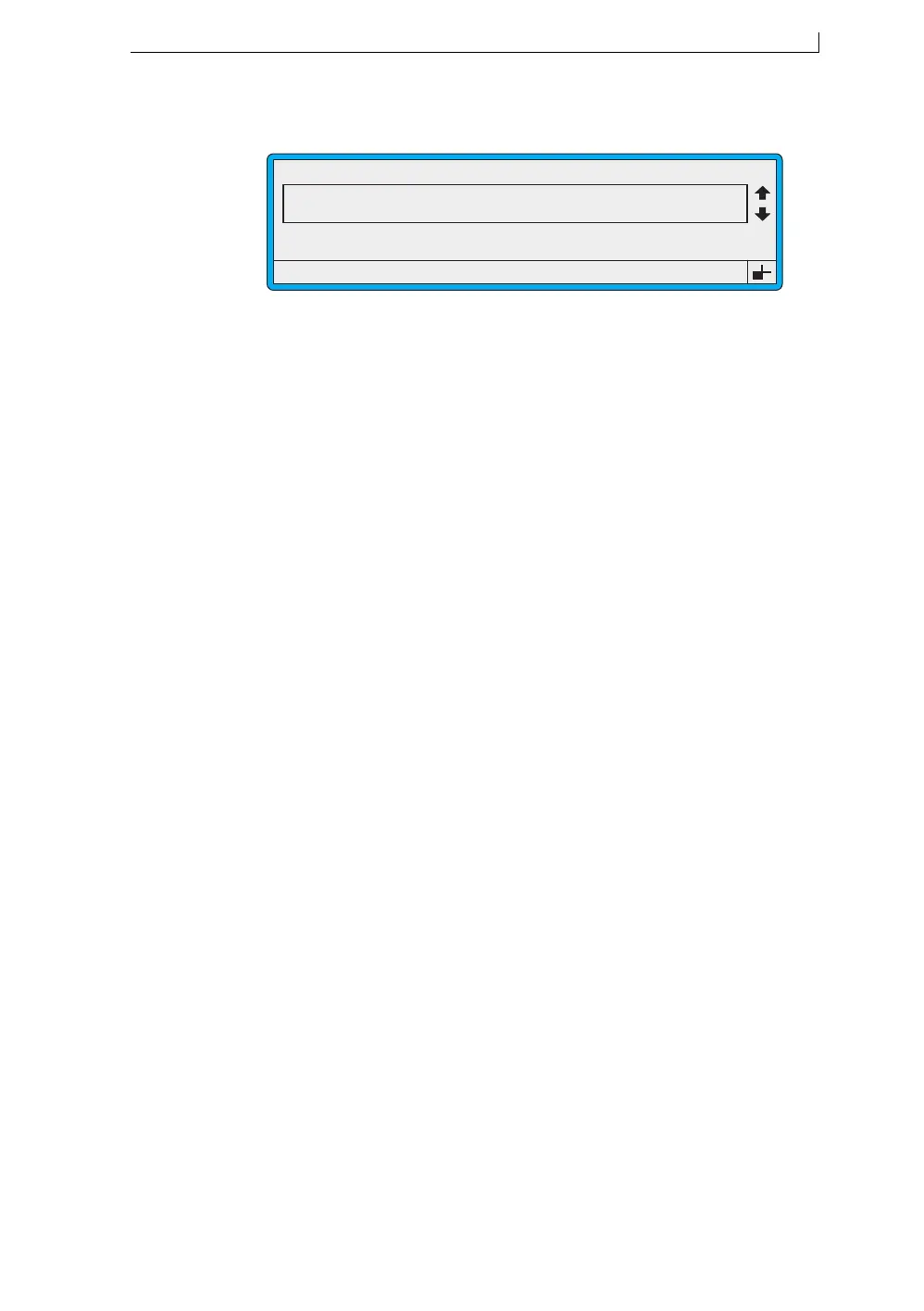
Figure B-5 Current Message Screen
Select this option… To do this…
F1 : Change Message* Display the SELECT MESSAGE screen,
where you can select an existing message then
go to the MESSAGE OPTIONS screen and
choose to select the message for printing, or
edit/delete the message.
See ‘Message Options Screen’ on page 182 for
details.
F2 : Check Status Display the PRINT STATUS screen, which
shows you the status of the printer, the ink and
the solvent. It also gives you access to the
EVENT LIST menu to view a list of system
event messages.
F3 : New Message Display the NEW MESSAGE screen where
you specify a message name, open the
MESSAGE TYPE screen to specify a
message type, then go on to the EDIT
MESSAGE screen. See ‘Edit Message Screen’
on page 183 for details.
F4 : Change Setup Display the SETUP menu where you can view
and edit various system options. It also gives
you access to two further menus—REMOTE
SETUP menu and DIAGNOSTICS menu.
See ‘Setup Menu’ on page 184, and
‘Diagnostics Menu’ on page 187 for further
details.
*or, when printing:
F1 : Stop Printing Stop printing. When printing is stopped, the
option changes to F1: Change Message.
49288
F1 : Change Message
F3 : New Message
F2 : Check Status
F4 : Change Setup
CURRENT MESSAGE : MESSAGE 1
LINX PRINTING
Error 3.04 Solvent Low
4900 Op Manual.book Page 181 Tuesday, September 9, 2003 12:32 PM



 To Next Page