Chapter 2: Getting Started
MP65492–1 13 Linx 4900 Operating Manual
2.3 Introducing the Current
Message Screen
The CURRENT MESSAGE screen is the first screen displayed once the
printer completes the power-up sequence. It displays the current message
and shows the options available to you:
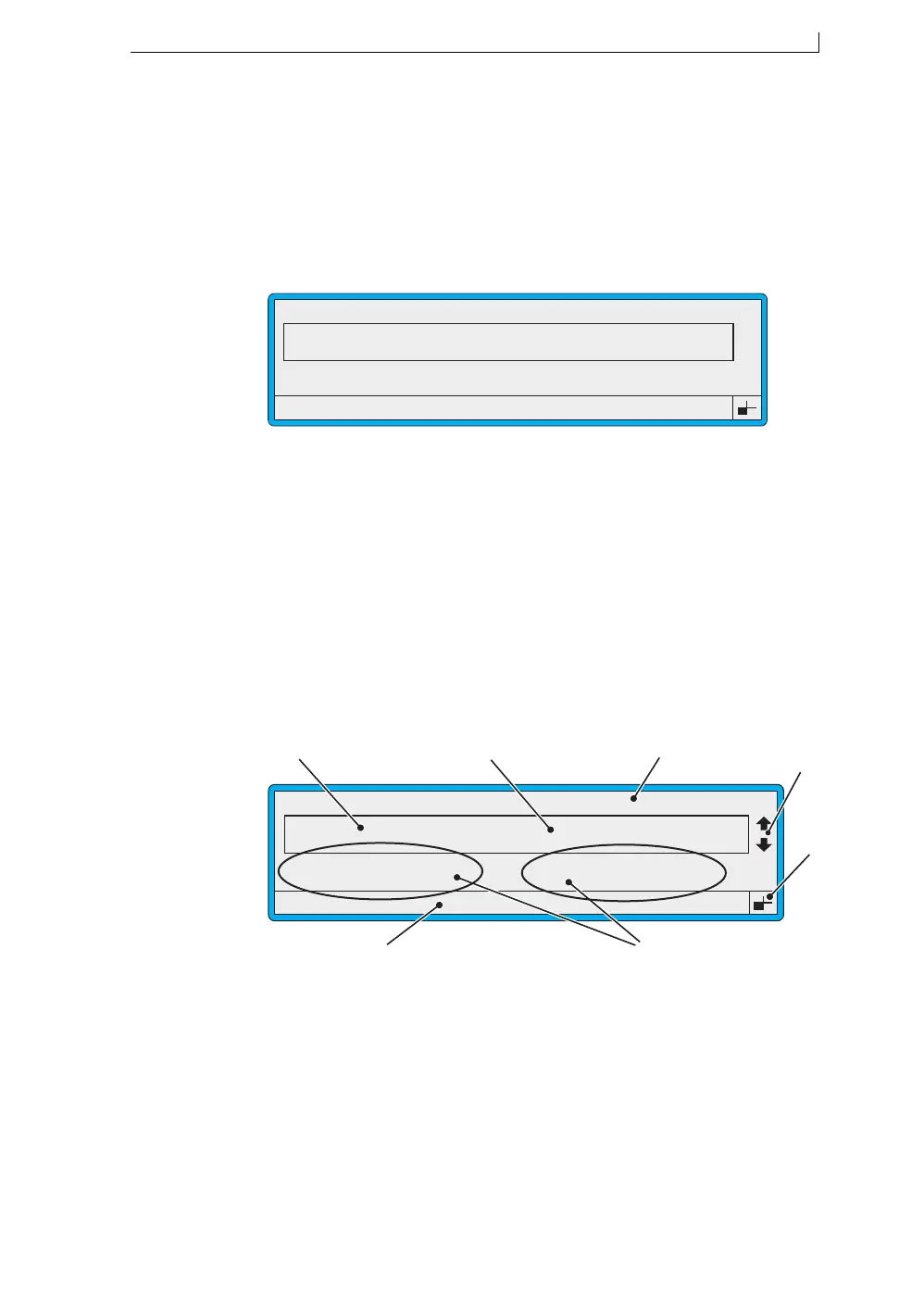
Figure 2-5 Current Message Screen
The CURRENT MESSAGE screen is the starting point for all printer
operations.
2.3.1 Getting to Know the Printer Display
The following example shows the main features and indicators displayed
in the CURRENT MESSAGE screen.
Figure 2-6 Current Message Screen Indicators
F1 Select or change a message
F2 Check the printer status
F3 Create a new message
F4 Change the system setup
ACurrent Message
B Message Display Area
C Current Message Name
D Message Selection Cursor Indicators
E Keyboard Status Indicator
F Options
G Status Line
49008
F1 : Change Message
F3 : New Message
F2 : Check Status
F4 : Change Setup
CURRENT MESSAGE : MESSAGE 1
LINX PRINTING
49009
F1 : Change Message
F3 : New Message
F2 : Check Status
F4 : Change Setup
CURRENT MESSAGE : MESSAGE 1
LINX PRINTING
F
G
C
A
Error 3.04 Solvent Low
D
B
E
4900 Op Manual.book Page 13 Tuesday, September 9, 2003 12:32 PM



 To Next Page