Appendix B: Printer Controls and System Menus
Linx 4900 Operating Manual 186 MP65492–1
B.2.7 Remote Setup Menu
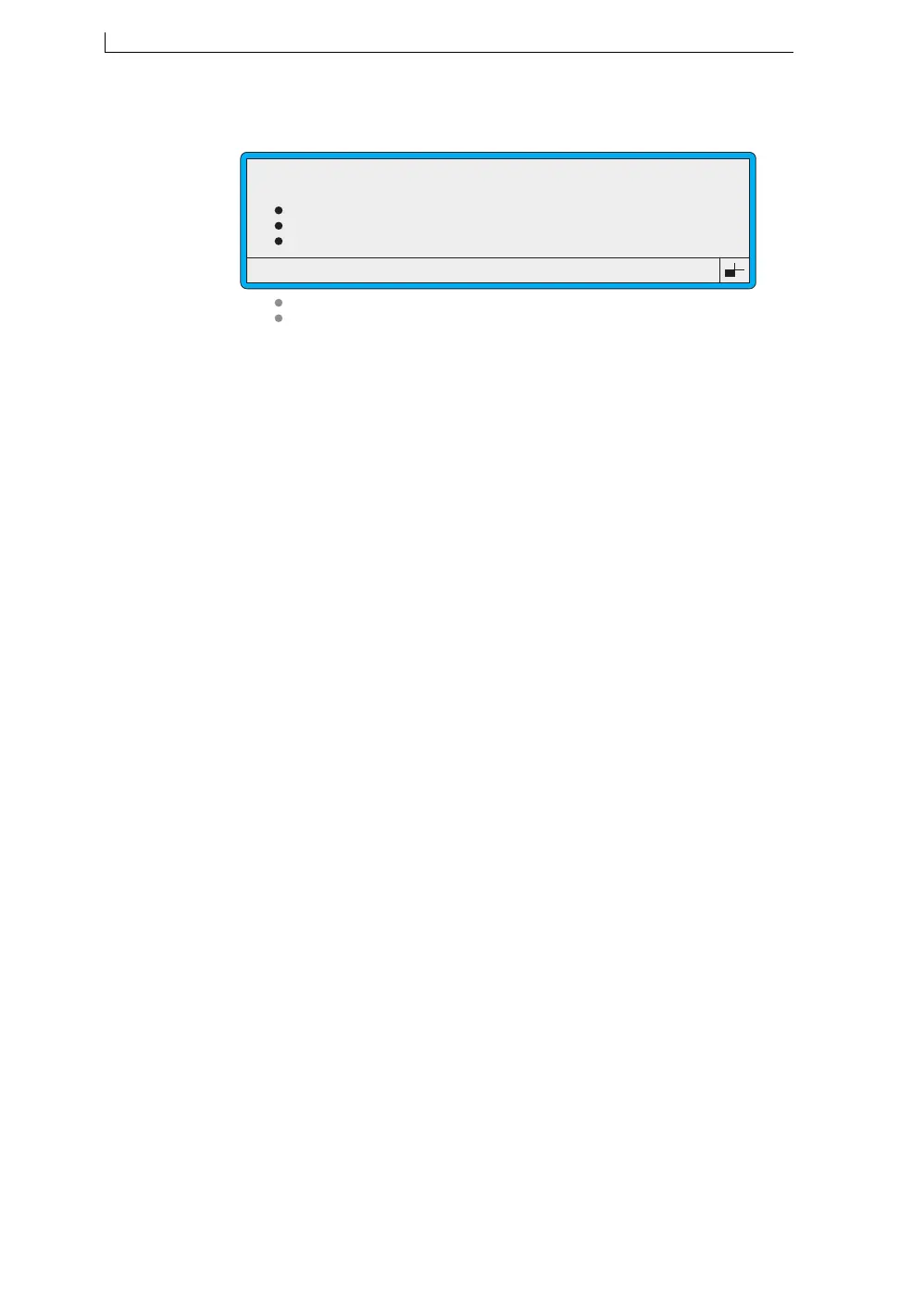
Figure B-10 Remote Setup Menu
Select this option… To do this…
Transfer Parameters Define the general parameters for the RS232
link.
Serial Parameters Define the communications parameters used
by the serial hardware to determine the format
and speed of the transferred data.
Flow Control Configure the flow control settings.
Message Delimiters Specify the characters used to delimit
transmitted and received data over the
interface.
Print Control Specify and enable/disable ASCII control
characters for print controls, such as ‘Print
Trigger’ and ‘Print Go’.
Print Mode Define various printing control setting.
>
Transfer Parameters
Serial Parameters
Flow Control
Message Delimiters
Print Control
Print Mode
49316
REMOTE SETUP
4900 Op Manual.book Page 186 Tuesday, September 9, 2003 12:32 PM



 To Next Page