Chapter 5: Changing the System Setup
Linx 4900 Operating Manual 108 MP65492–1
5.5 Changing the Installation
Settings
This section describes how to change the installation settings for the
printer. These include the time, date, printhead height, system language,
and display contrast.
5.5.1 To Set the Time
The Set Time option enables you to view and change the current time.
Printing must be stopped to change the time.
1. At the CURRENT MESSAGE screen, press the [F4] function key.
The SETUP menu is displayed.
2. Scroll through the menu options until the cursor rests at the Set Time
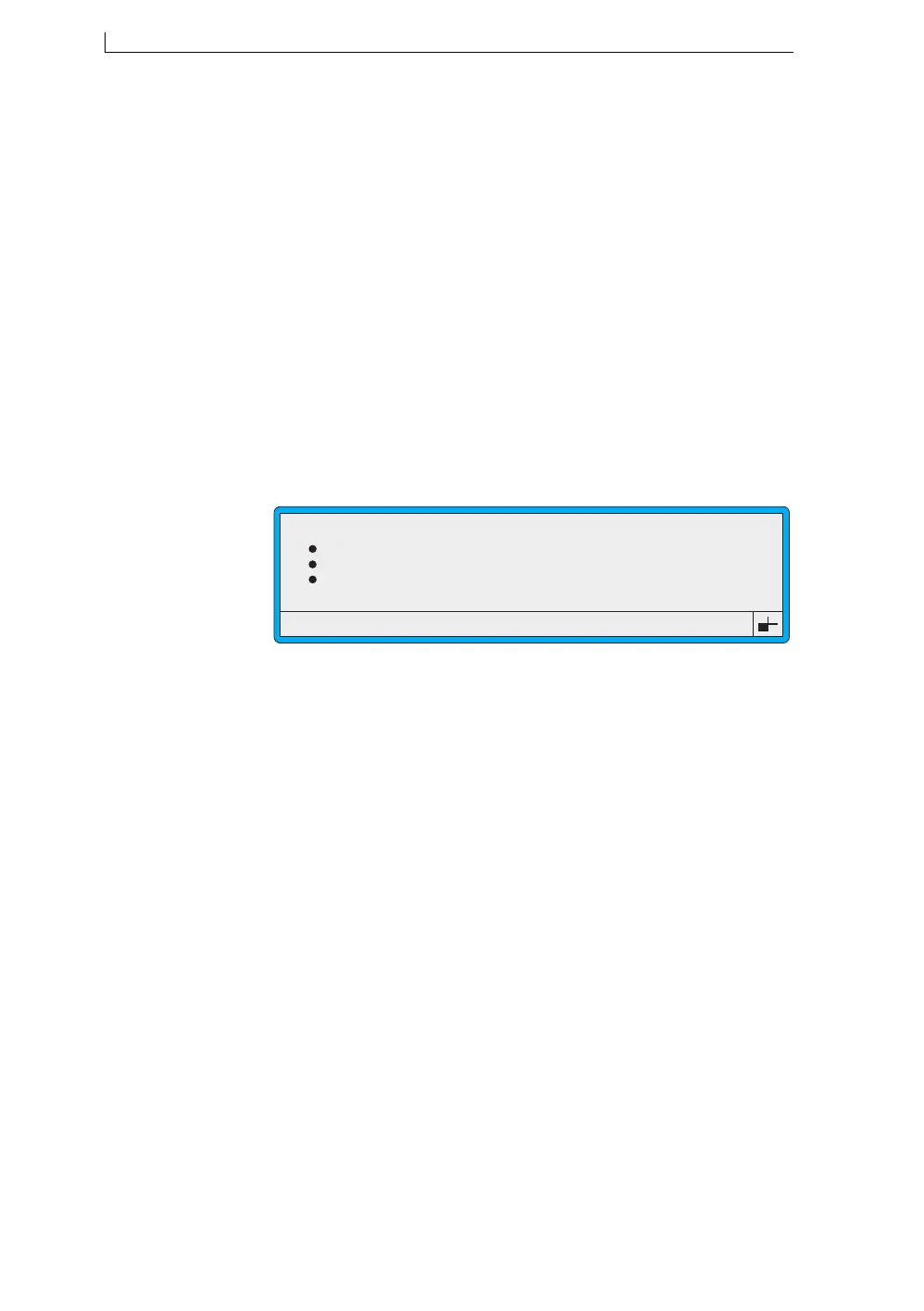
option, as shown below:
Figure 5-14 Setup Menu: Set Time Option
3. Press the [enter] key.
4. At the Set Time setting, enter the time, in a 24 hour format, by
overtyping.
5. Press the [enter] key to confirm your entry.
6. Press the [esc] key to exit.
Print Count
Reverse Message
Bold Ratio
Set Time
49069
SETUP
: 9
: Off
: 1
: 10:16
>
4900 Op Manual.book Page 108 Tuesday, September 9, 2003 12:32 PM



 To Next Page