Appendix D: System Event Messages
Linx 4900 Operating Manual 198 MP65492–1
D.3 Print Failures
When a Print Failure occurs, a Print Failure message is displayed in the
Status Line, and a jet shutdown sequence is initiated. The ‘fail’ LED on the
Printer Control Panel lights and the internal beeper is switched on.
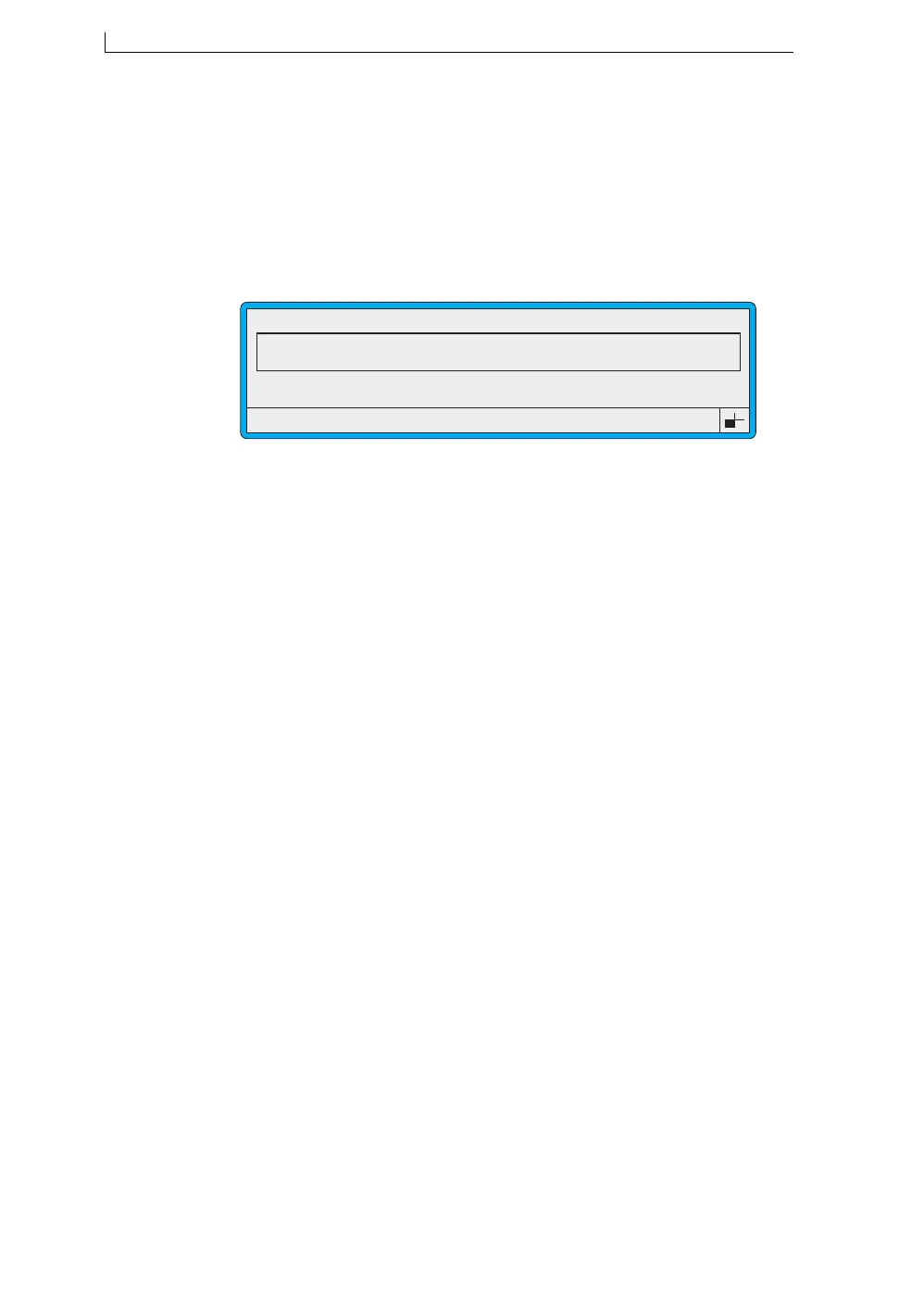
When the jet shutdown sequence has finished, the PRINT FAILURE
screen is displayed:
Figure D-2 Print Failure Screen
Press the [F1] function key to reset the printer.
NOTE: In some cases, although certain message editing funtions may still
be available, the printer must be switched off at the mains power
supply switch and then back on before printing can be continued.
However, most Print Failures initiate a normal jet shutdown
sequence, and the printer can be restarted in the normal manner
afterwards without the need to switch the mains power off and
back on.
49206
F1 : Reset Printer
PRINT FAILURE
Print Failure 2.00 Printhead Over Temperature
Print Failure 2.00 Printhead Over Temperature
4900 Op Manual.book Page 198 Tuesday, September 9, 2003 12:32 PM



 To Next Page