Chapter 3: Day-to-Day Operations
Linx 4900 Operating Manual 26 MP65492–1
3.1 Introducing the Current
Message Screen
The CURRENT MESSAGE screen is the starting point for all printer
operations, and during day-to-day operations the printer display typically
remains at this screen.
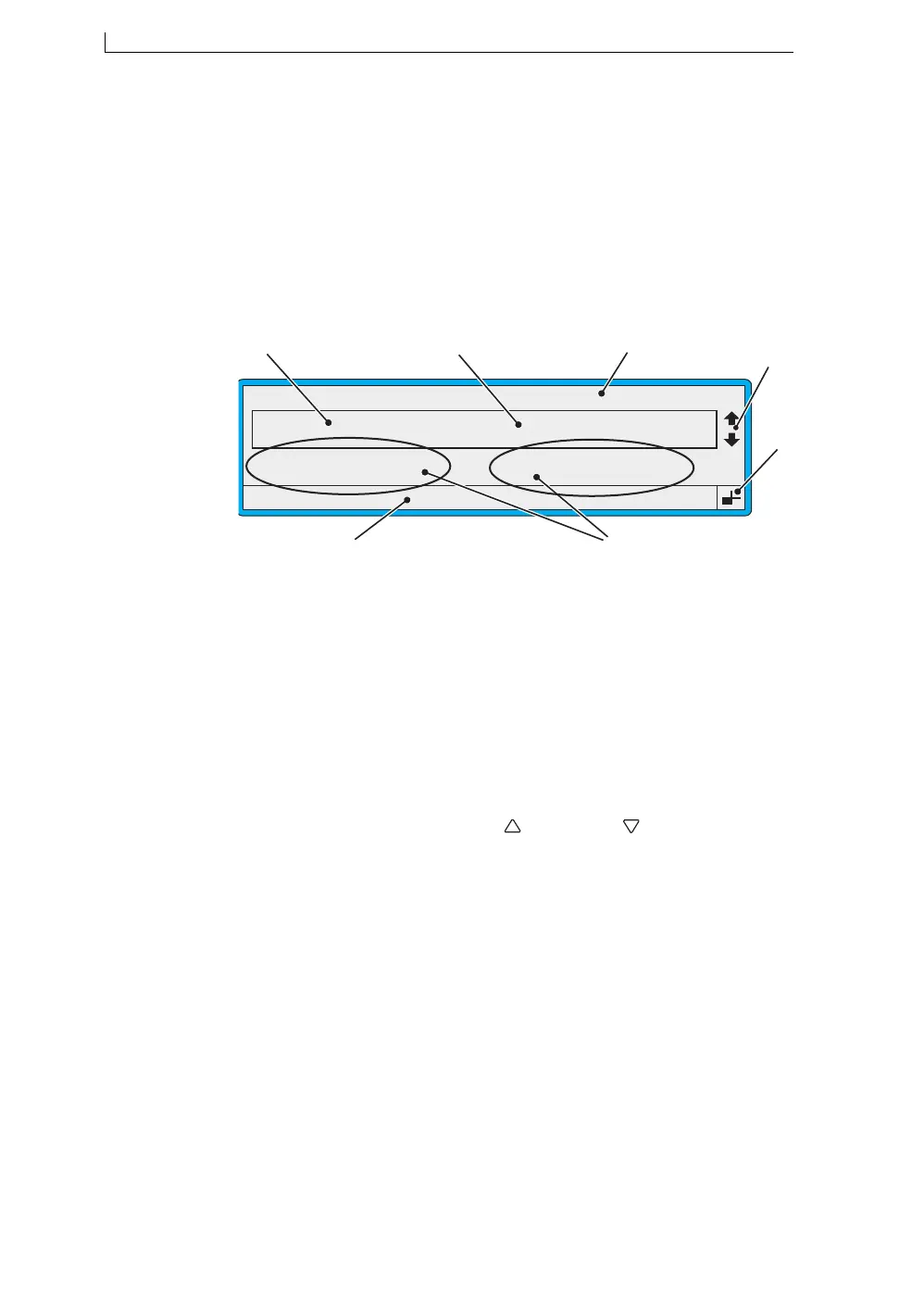
The following example shows the main features and indicators displayed
on the CURRENT MESSAGE screen:
Figure 3-1 Current Message Screen Indicators
Feature/Indicator... Description...
A Current Message Message currently selected for
printing.
B Message Display Area Area where the current message is
displayed.
C Current message name Name assigned to the current message.
D Message Selection Cursor
Indicators
Indicates that you can press the Up
[ ] and Down [ ] cursor keys to
scroll through the message list and
view the stored messages.
E Keyboard Status Indicator Symbol showing which character will
be displayed when a keyboard key is
pressed.
F Options Indicates the printer functions
available to you. To select an option,
you press the associated function
key—[F1], [F2, [F3] or [F4].
G Status Line Displays status messages, and printer
warning and fault messages, known as
‘event messages’.
49009
F1 : Change Message
F3 : New Message
F2 : Check Status
F4 : Change Setup
CURRENT MESSAGE : MESSAGE 1
LINX PRINTING
F
G
C
A
Error 3.04 Solvent Low
D
B
E
4900 Op Manual.book Page 26 Tuesday, September 9, 2003 12:32 PM



 To Next Page