Chapter 2: Getting Started
Linx 4900 Operating Manual 10 MP65492–1
2.1 Before You Start
CAUTION: You must read the ‘Safety’ section at the front of this
manual before attempting to use the 4900 printer. If you are in any
doubt, particularly where safety issues arise, please contact Linx or
your Linx approved distributor.
2.1.1 Installation
The 4900 printer system should already be unpacked, installed and set up
by a Linx approved Service Engineer. If the printer has been relocated or
changes to the production line are made, information on how to install and
set up the printer can be found in Appendix A, ‘Installation and Setup’.
2.1.2 Power Connection
The power supply should already be connected when you come to use the
printer.
WARNING: IF THE PRINTER IS NOT ALREADY
CONNECTED AND YOU ARE IN ANY DOUBT AS TO YOUR
ABILITY TO CONNECT POWER TO THE PRINTER,
CONTACT YOUR SUPERVISOR FOR GUIDANCE.
2.1.3 Mains Power Supply Switch
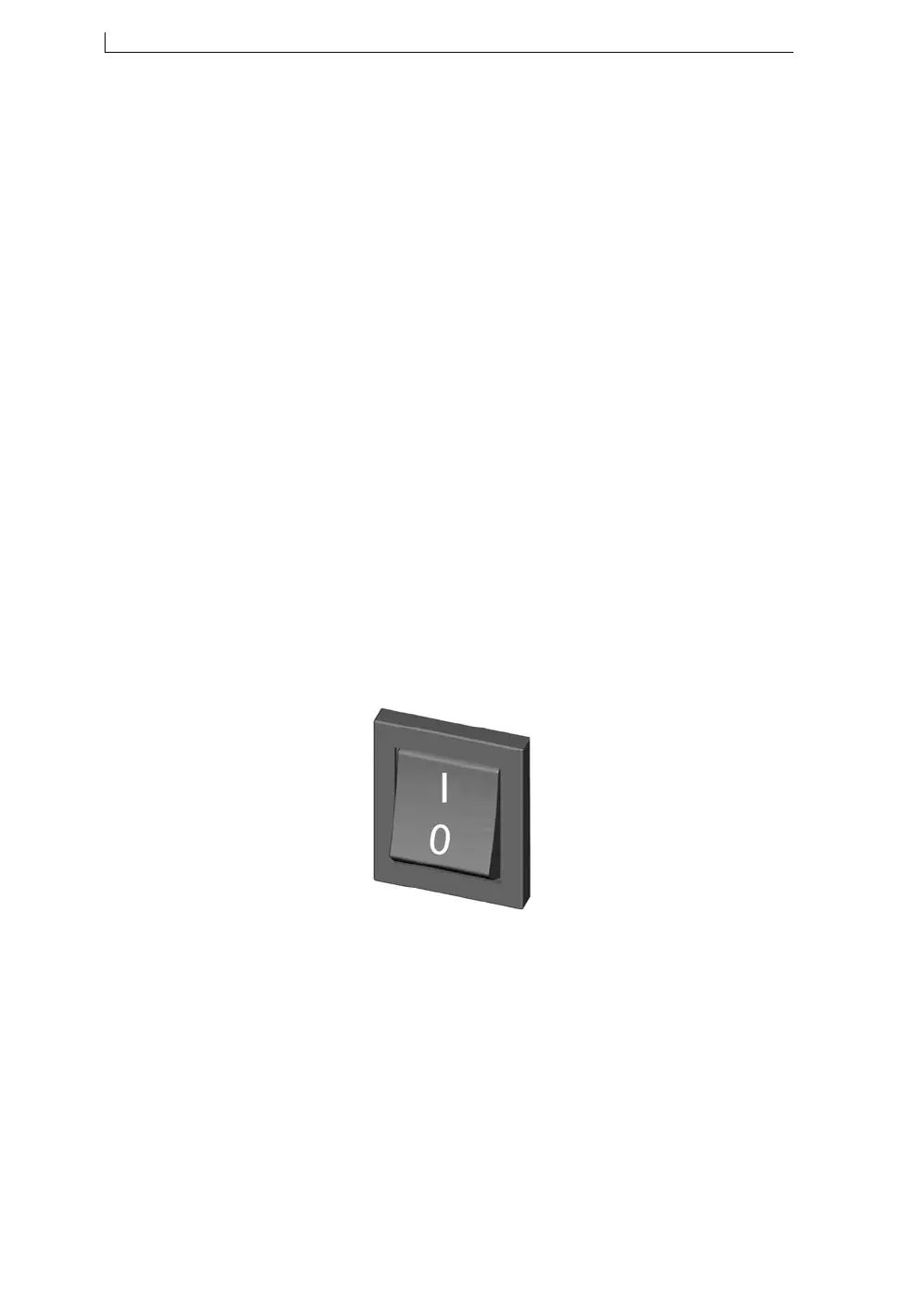
The mains power supply switch at the rear of the printer should already be
set to the On position ( I ) when you come to use the printer (see Figure 2-
1 below), so you will not normally need to touch this switch again.
Figure 2-1 Mains Power Supply Switch (On/Off Rocker Switch)
WARNING: WHILE THE MAINS POWER SUPPLY SWITCH
IS SET TO THE ON POSITION ( I ) , MAINS VOLTAGES ARE
STILL PRESENT WITHIN THE PRINTER CABINET.
49145
4900 Op Manual.book Page 10 Tuesday, September 9, 2003 12:32 PM



 To Next Page