Chapter 5: Changing the System Setup
Linx 4900 Operating Manual 92 MP65492–1
5.1 Accessing the Setup Menu
1. At the CURRENT MESSAGE screen, press the [F4] function key.
If the Password system is switched On, the PASSWORD screen is
displayed at this point, and you must enter a password to continue.
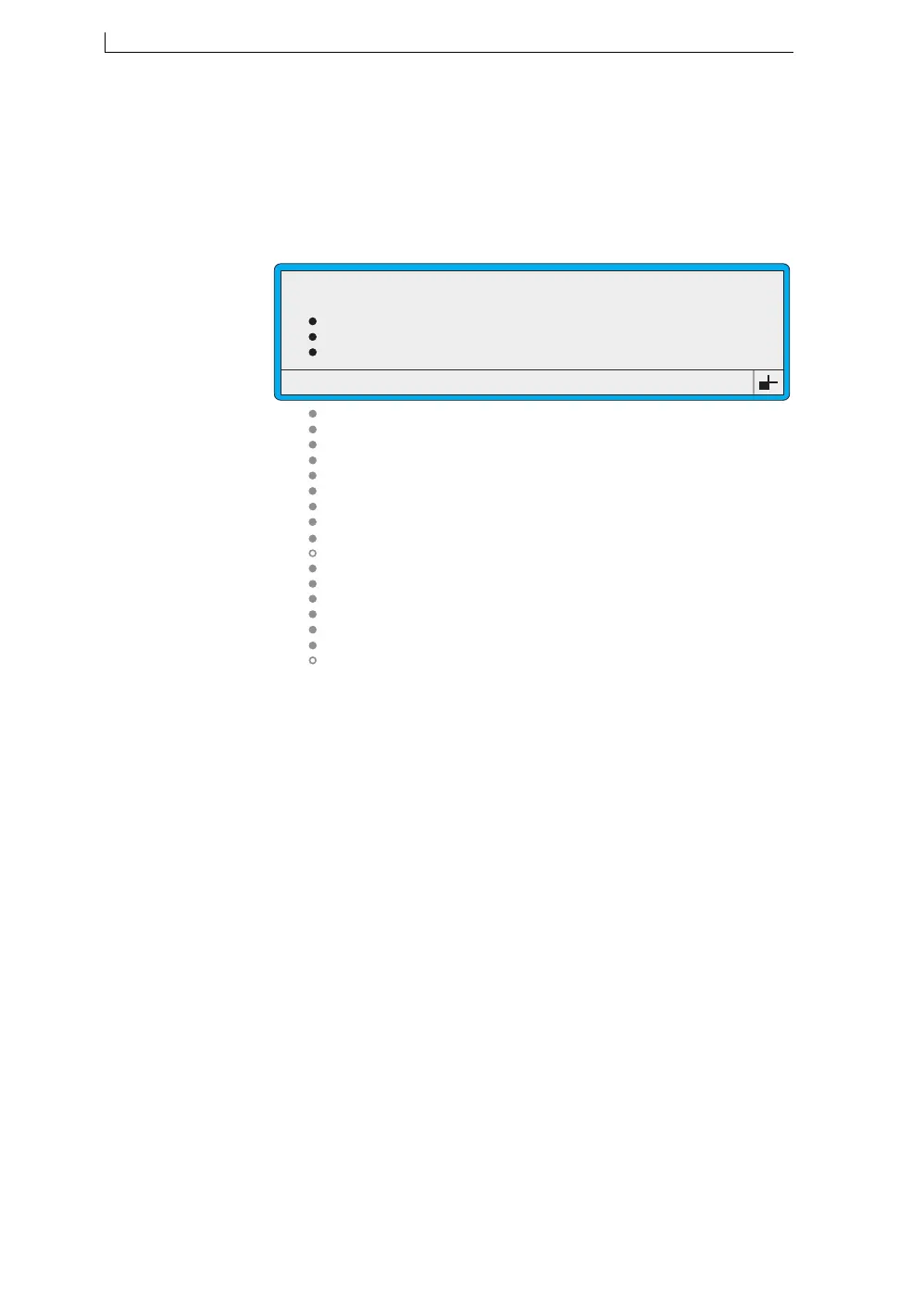
The SETUP menu is displayed:
Figure 5-1 Setup Menu
The example above shows the SETUP menu options that are displayed for
the User Level C password, when the printer status is “Jet Off”. See the
next section, ‘Option Availability’ on page 93 for further details.
Password
Print Height
Print Width
Print Delay
Print Count
Reverse Messsage
Bold Ratio
Set Time
Set Date
Julian Date Format
Primary Trigger
Shaft Encoder
Auto Power Down
Ink Type Selection
Head Height
Alarm
Change Password
Change Language
Remote Setup Menu
Diagnostic Menu
Solv Add Time
49061
SETUP
: Off
: Normal
: 0
: 16
: 9
: Off
: 1
: 10:16
: 15:08:03
: European
: Leading Edge
: On
: A
: 0.5m
: 30
>
4900 Op Manual.book Page 92 Tuesday, September 9, 2003 12:32 PM



 To Next Page