Chapter 3: Day-to-Day Operations
MP65492–1 41 Linx 4900 Operating Manual
3.5.1 To View Events in the List
You can view a record of the current system events via the EVENT LIST
menu. These events have occurred since the printer was last switched on.
Events are automatically deleted from the list when the power to the printer
is switched off, following shutdown, or when an event is resolved.
To view events in the list:
1. At the CURRENT MESSAGE screen, press the [F2] function key to
display the PRINT STATUS screen (see Figure 3-12 on page 38).
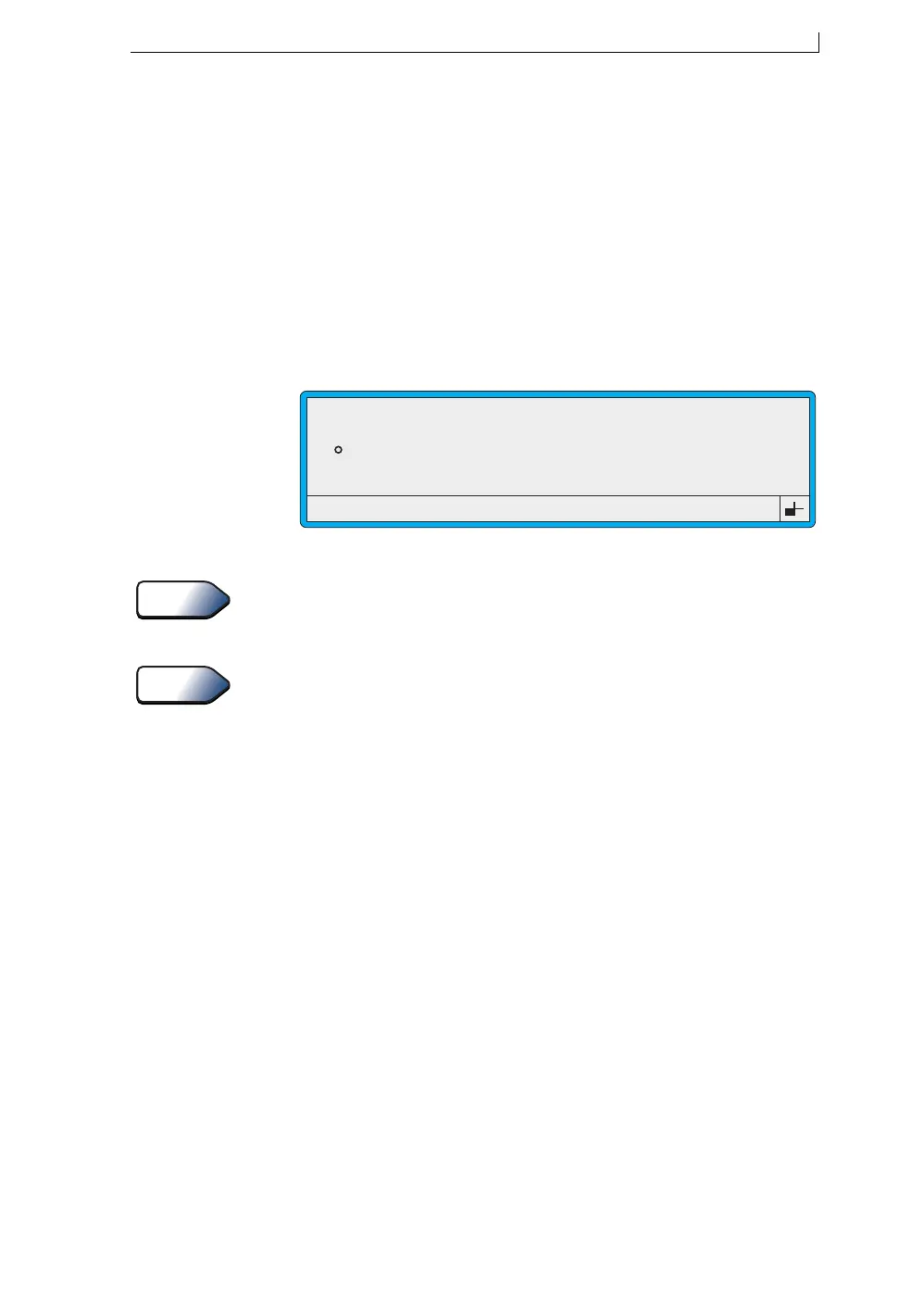
2. Press the [F1] function key. The EVENT LIST menu is displayed as
follows:
Figure 3-15 Event List Menu
Refer to Appendix D, ‘System Event Messages’ for a description of
the system event messages.
3. Press the [esc] key to exit.
You can use a shortcut key to go to the EVENT LIST menu. To do this,
press [L] at the CURRENT MESSAGE screen.
>
49315
EVENT LIST
3.12 Printhead Cover Off
3.04 Solvent Low
See Also
Tip
4900 Op Manual.book Page 41 Tuesday, September 9, 2003 12:32 PM



 To Next Page